
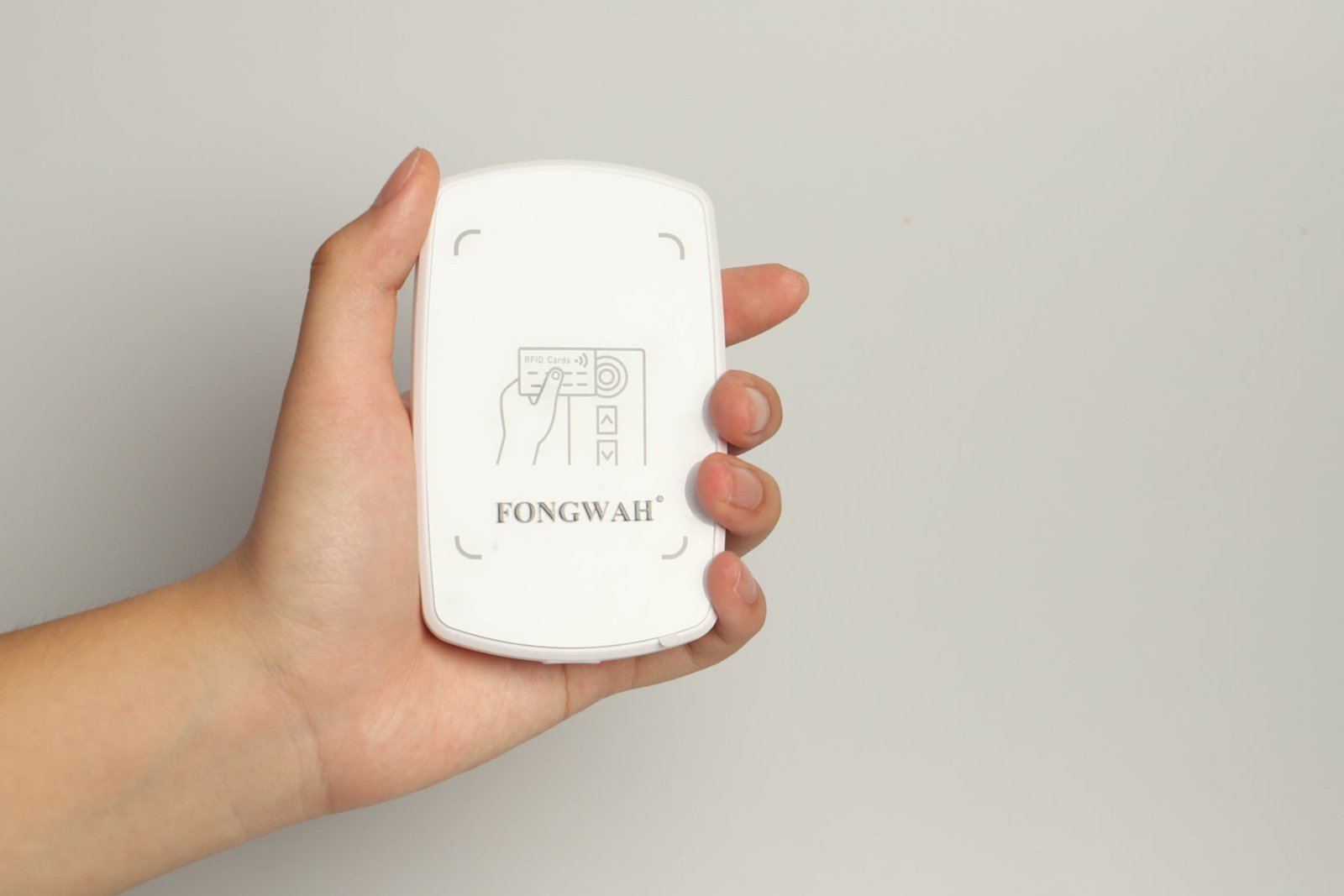
Why does data initialization decide whether your RFID rollout succeeds or fails?
A surprising number of RFID projects stall long before anyone scans a carton on the floor. The bottleneck appears at the very first step, when a blank tag is handed its identity.
Data initialization is the step where a unique, correct identifier is written into each tag's memory, and a mistake made here quietly travels into every downstream report, shipment, and audit.
Manual typing and ad-hoc handheld encoding turn that step into a source of "fat-finger" errors and duplicated EPCs. Once two items share the same identifier, the warehouse management system can no longer tell them apart, and the cost of fixing it after deployment is far higher than fixing it at the bench. Treating encoding as the foundation of system integrity, rather than an afterthought, is what separates a clean rollout from a permanent headache. A broader view of hardware selection is covered in the RFID reader buying guide.
What actually happens when a tag is encoded?
Writing looks almost identical to reading from the operator's seat, yet the physics are far less forgiving. The difference is easy to underestimate until a batch comes back with half-empty memory banks.
Encoding changes a tag's memory bank and needs roughly 10 to 50 times more RF contact time than a read, so a stable, controlled environment matters far more than most buyers expect.
A UHF tag built to the EPC Class 1 Gen 2 and ISO 18000-6C air interface carries several memory regions. The TID is locked at the factory and identifies the silicon. The EPC bank holds the serial you actually track. The User memory holds auxiliary data. The EPC memory bank holds up to 496 bits per the Gen 2 spec, with 96 bits as the default working length for a new asset ID. Reading only harvests what is already there. Writing rewrites the EPC or User bank, which draws noticeably more power and holds the tag in the field for the whole command, typically 10 to 50 milliseconds per word; if the link drops mid-write, you get a partial or corrupt record. The basics of how a tag stores and returns data are explained in how do RFID tags work, and the passive-tag specifics are in how do passive RFID tags work.
It is tempting to fold encoding into the tools already moving around the floor, since they are paid for and familiar. That convenience is exactly where most corrupt-tag incidents begin.
A handheld reader and a dock-door portal are built for mobility and burst reading, not for the sustained precision an encode demands, so both produce phantom writes, missed encodes, and operator fatigue.
A handheld relies on a person holding the antenna steady at arm's length. The hand moves, the distance drifts, and a write that needs a long stable contact often breaks halfway through, leaving a tag half-written. Worse, in a crowded aisle a high-power handheld can reach a stray tag on the shelf behind the pallet and write to it by accident, creating two items with one ID. Dock doors have the opposite problem: they are read points, not write points. A forklift crossing a portal gives the tag only milliseconds in the field, and the wide read zone makes cross-writes almost inevitable. "Auto-encoding portals" sound efficient but fail for the same reason a moving target is hard to sign. The reliable pattern is a stationary write point where the tag is brought to the reader, processed, and verified on the spot.
| Encoding method | Typical contact time | Read/write power | Suitability for init |
|---|---|---|---|
| Desktop encoder | Stable 1–2 s window | 0–20 dBm, 0–50 cm field | High (controlled) |
| Handheld | Variable, arm-length drift | Higher, wider beam | Low (unstable) |
| Dock-door portal | Milliseconds, moving load | Wide field, short window | Very low (no contact time) |
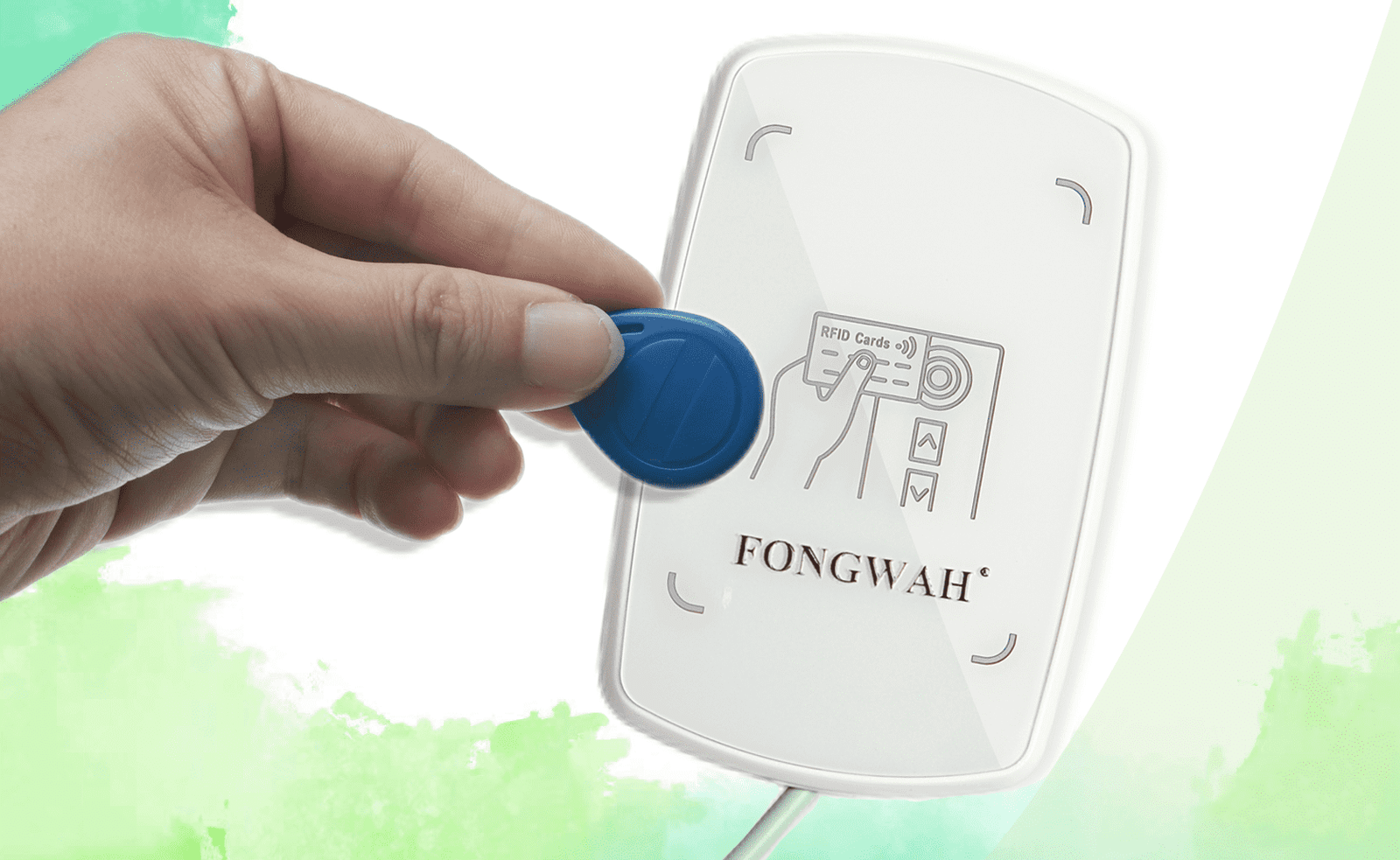
How does a desktop UHF encoder keep writes clean?
The fix is to stop chasing the tag and let the tag come to a fixed station. A bench encoder turns a chaotic RF moment into a repeatable, checkable step.
A desktop UHF encoder focuses RF energy into a tight 0 to 50 cm near-field zone, so only the tag resting on the pad is written and stray tags on the next pallet are never touched.
Most desktop units use a small ceramic antenna rather than a wide PCB trace, which is what lets them concentrate power instead of spraying it. Output is adjustable, often across a 0 to 20 dBm range, so an operator can dial the field down until it covers just the desk. The units are typically USB bus-powered, with no separate brick cluttering the workstation, and a stack of tags can be processed one at a time with an audible beep per good write. This is the right depth for a desktop station. The larger question of desktop versus embedded reader integration covers where the encoder lives inside a kiosk, and HID versus virtual COM modes digs into how the same device talks to a host PC.
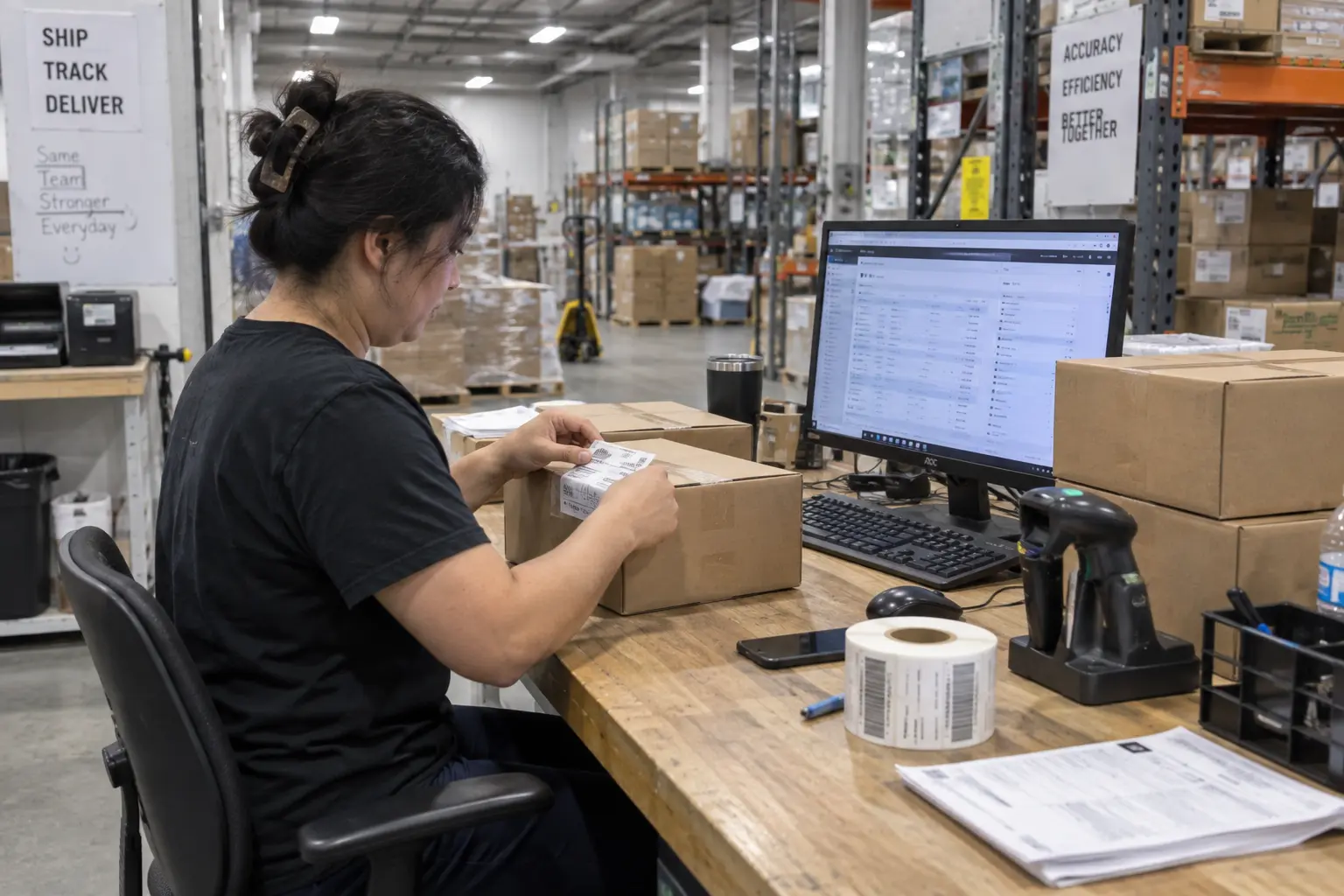
Keyboard emulation or SDK: which integration path fits your team?
Once the hardware sits on the bench, the next decision is how the encoder speaks to your software. Picking the wrong path here is what turns a one-day setup into a two-week scramble.
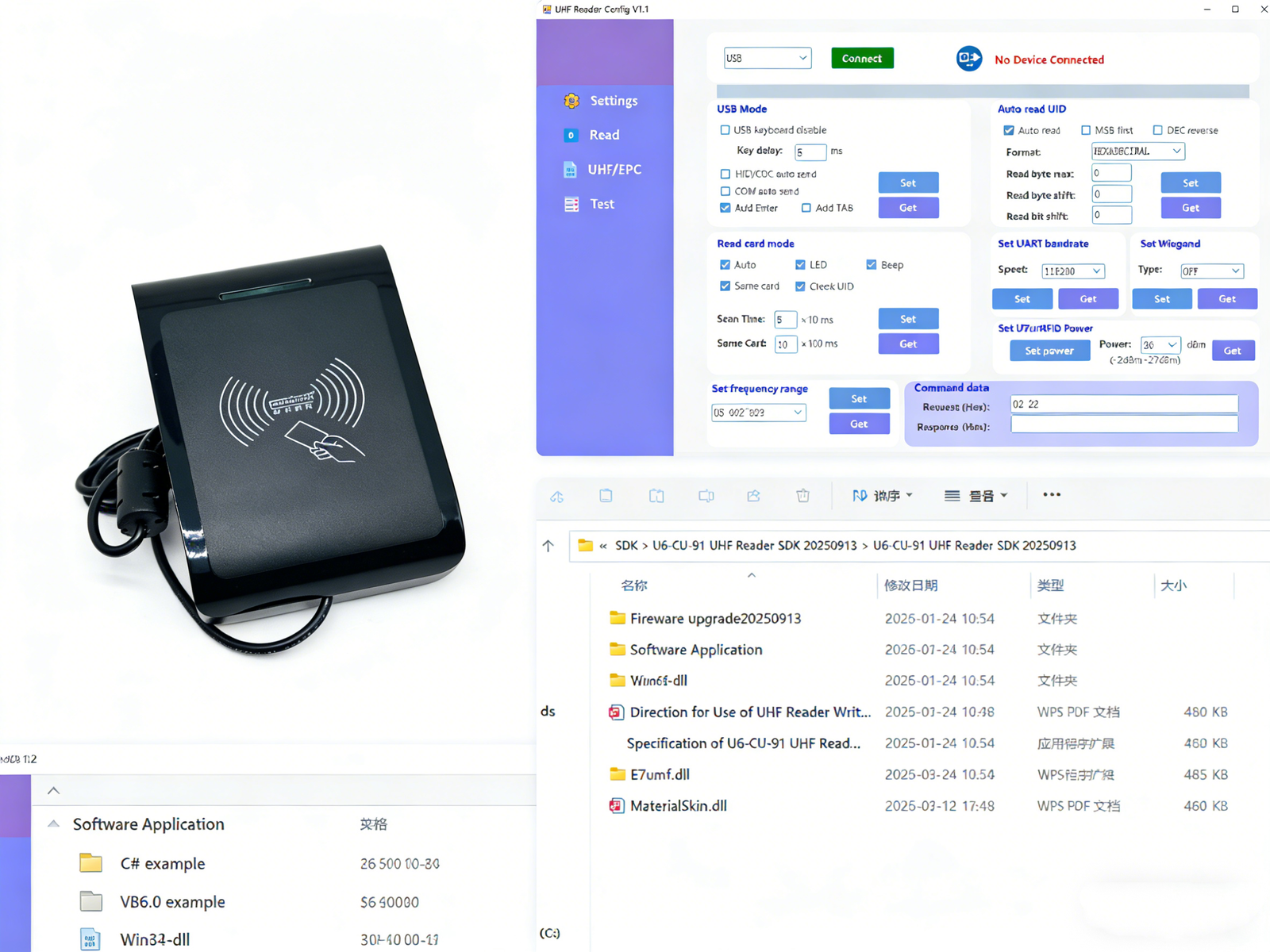
Keyboard emulation, also called HID mode, suits simple form-filling with zero code, while an SDK is required when you must check a database before writing, lock memory banks, or encrypt data.
HID mode makes the encoder behave like a barcode scanner. Plug in the USB, open a spreadsheet or a web login, scan a tag, and the identifier lands wherever the cursor sits. No driver, no build step. That is enough for check-in or issue stations that only need the number captured. The SDK path is for system integrators building real logic. A typical flow reads the tag's unique TID, queries a SQL or ERP table to match that TID to a product SKU, writes the SKU into the EPC bank, then locks the bank so nothing downstream can alter it. That sequence cannot run through keystrokes. Good SDKs ship C# and .NET examples you can paste, Java libraries, and raw serial command documentation for teams that prefer to speak the protocol directly. The air-interface layer is handled by the device, so the application only has to move data. The trade-offs between handheld and fixed readers also shape where encoding should sit in the operation.
The most expensive mis-write is the one nobody catches until the annual audit, when a duplicate ID has already poisoned months of records. Validation belongs at the bench, not in the report.
Pre-deployment validation means reading each tag back, confirming the EPC against your source record, and locking the bank only after a verified match, which turns a silent error into a rejected tag at the station.
A practical station runs a closed loop. After the write, the encoder reads the tag again and compares the returned EPC to the value the host expected. A mismatch, a duplicate of an already-issued serial, or a missing TID lookup all flag the tag for repaint instead of release. Locking the EPC bank after a good match prevents later equipment from accidentally overwriting it, which is the same failure mode that handheld encoding introduces at scale. Throughput is still strong: a focused desktop encoder handles small batches with a peak read rate around 30 tags per second, so verification adds little wall-clock time. For supply-chain use, confirm the unit runs the global 860 to 960 MHz UHF band and meets the EPC C1 Gen 2 and ISO 18000-6C protocols published by GS1. In the United States the band itself is governed under FCC 47 CFR Part 15. Building this into a wider program is outlined in how to build an enterprise RFID asset tracking system and the four core components of an industrial RFID system.
Frequently Asked Questions
Q: Can a desktop RFID encoder accidentally overwrite tags sitting nearby?
A: It can be set up so it cannot. A focused ceramic antenna and adjustable power keep the write field to a 0 to 50 cm zone, so only the tag on the pad is in range. Operators tune output down until cross-talk with the next pallet disappears.
Q: Do I need to write custom software to use a desktop encoder?
A: No. Keyboard emulation needs no code at all: the device acts like a scanner and drops the ID into any field with a cursor. Custom software is only needed when the workflow must check a database, lock memory, or encrypt before writing.
Q: What should I check in the SDK before deploying an encoder?
A: Look for sample code in your language, clear serial command documentation, and tools for memory-bank locking and read-back verification. Those three features are what let your team build a validated write loop instead of a blind one.
Q: Is a desktop UHF encoder compliant with global UHF band rules?
A: A conforming unit covers the 860 to 960 MHz band and the EPC C1 Gen 2 and ISO 18000-6C protocols. Regional limits still differ, so confirm the local channel plan, for example the U.S. rules under 47 CFR Part 15, before shipping to a new market.
Conclusion
Clean RFID data is not a feature you add later. It is written at the bench, verified before release, and protected by a locked memory bank. Get the initialization step right and everything downstream stays trustworthy. To spec an encoder that fits your workflow and host systems, contact Fongwah.