A self-checkout terminal that cannot read the card in the next lane is a support ticket waiting to happen. The form factor you choose at the design stage decides whether that ticket ever opens.
Choose a desktop reader for credential issuance at a desk and a bare-metal embedded module for the kiosk itself. The trade-off is enclosure and antenna control versus drop-in convenience, and the right pick protects read accuracy and per-unit margin.
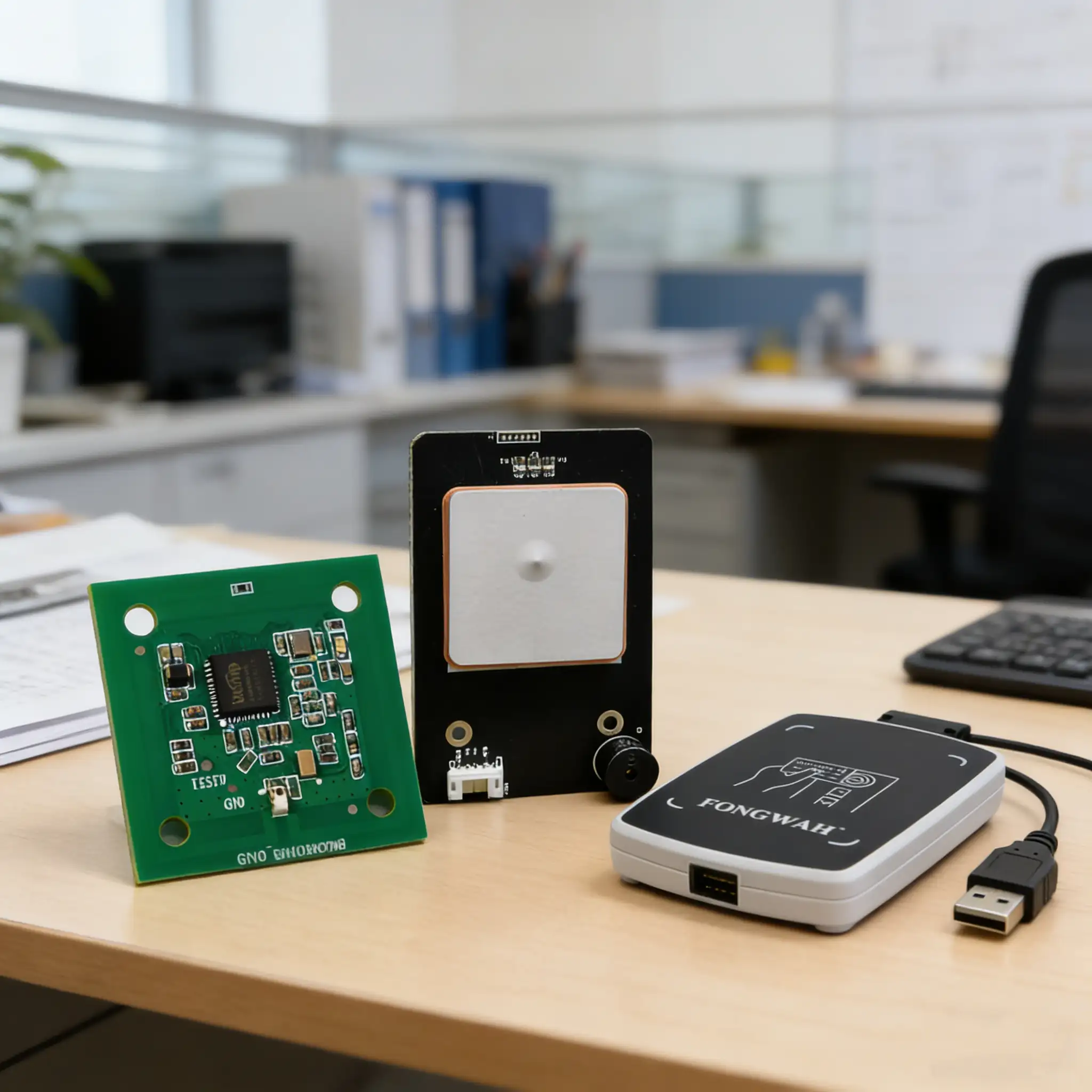
Kiosk integrators live or die by the gap between the enclosure drawing and the RF reality inside it. That gap is why this guide splits the two classes cleanly.
Desktop Readers for HR and Access Issuance
The HR desk is where credentials are born. A reader that only emulates a keyboard cannot write the secure payload your platform needs.
Use a desktop reader with a native SDK when you issue employee cards, because you must write keys and applets to the credential, not just read a public UID. A contact and contactless unit covers both smart-card and badge populations from one desk.
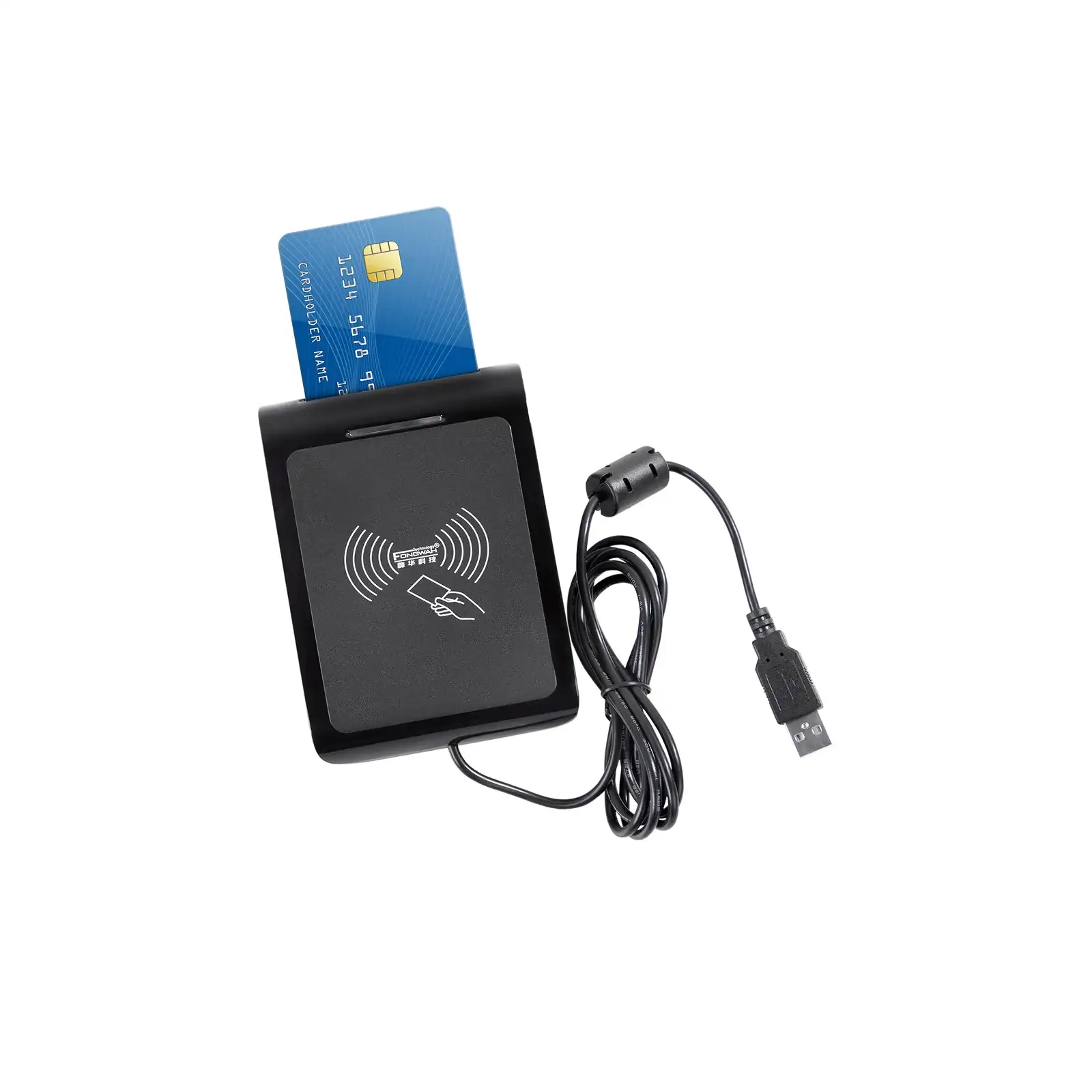
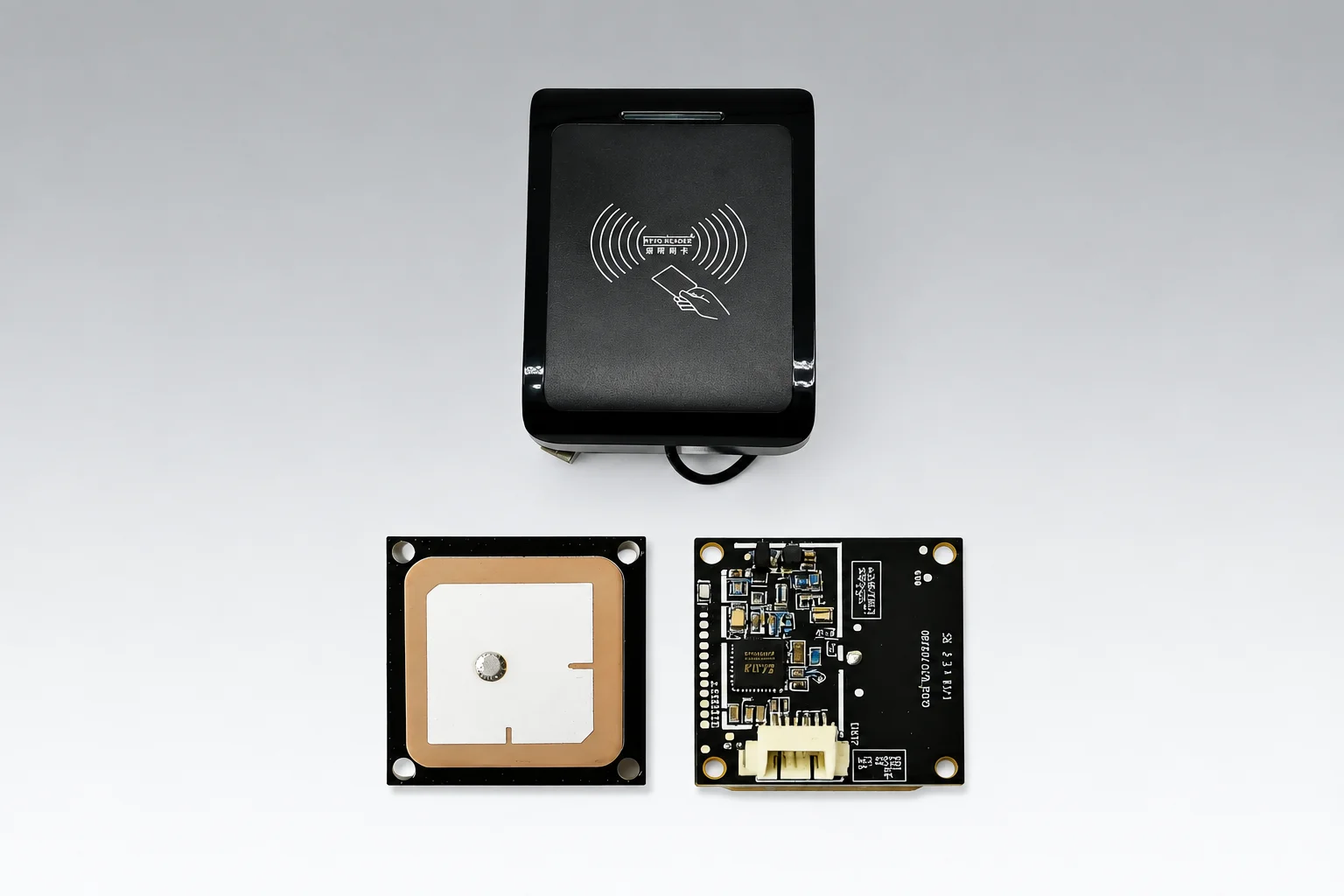
A 13.56 MHz desktop issuer is built for exactly this. It handles contactless ISO 14443A tags and contact ISO 7816 chips over one USB link, so your developer can call the native SDK from C# or Java, authenticate against the card's secure module, and write your proprietary payload directly. A generic keyboard wedge only dumps the public UID into a text field, which is not a credential. For the component view of what is inside such a unit, see the components of an RFID reader.
The HR use case is write-heavy: encode the badge, bind it to the employee record, print the envelope. The access use case is read-heavy at the door, but the door reader is usually a separate fixed unit. Keep issuance on the desktop and authentication at the portal, and the SDK work stays in one place.
Embedded Modules for the Kiosk Chassis
Bolting a plastic desktop box inside a metal kiosk invites RF disaster. The chassis becomes a resonator you never tuned.
Specify a bare-metal OEM module for embedded integration, because direct PCB mounting avoids the reflection and overheating a cased reader suffers inside metal. A 30x30mm module with an integrated ceramic antenna fits the chassis and contains the read field.
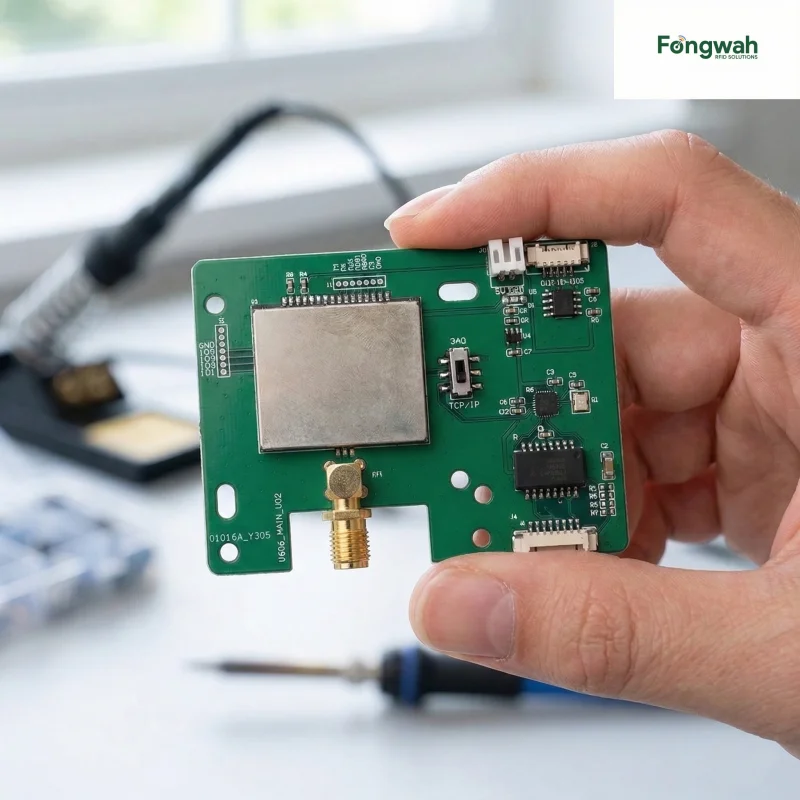
A UHF embedded module is engineered for tight spaces. Its 30x30mm board carries one ceramic antenna and pushes a controlled 0 to 20 dBm, netting a precise 50 cm read range at 30 reads per second. Because it sits on your carrier board, the antenna resonance is part of your mechanical design, not a black box taped to the wall. You read the tag at the presenter window without bleeding into the next lane.
Form factor is the real constraint. A desktop case is 100x100mm plus, with a USB cable and an ABS shell the user never sees. An embedded module is the engine only. You trade drop-in convenience for footprint, thermal behavior, and a lower bill of materials per unit, which matters when you build 5,000 terminals.
SDK and API Support on Windows and Linux
Your software stack is fixed before the hardware arrives. A reader whose SDK only runs on one OS forces a rewrite or a workaround.
Require a native SDK with bindings for both Windows and Linux, plus documented APIs for read, write, and transponder selection. Direct OEM support means the firmware question reaches an engineer, not a ticket queue, when a kiosk fleet behaves at scale.
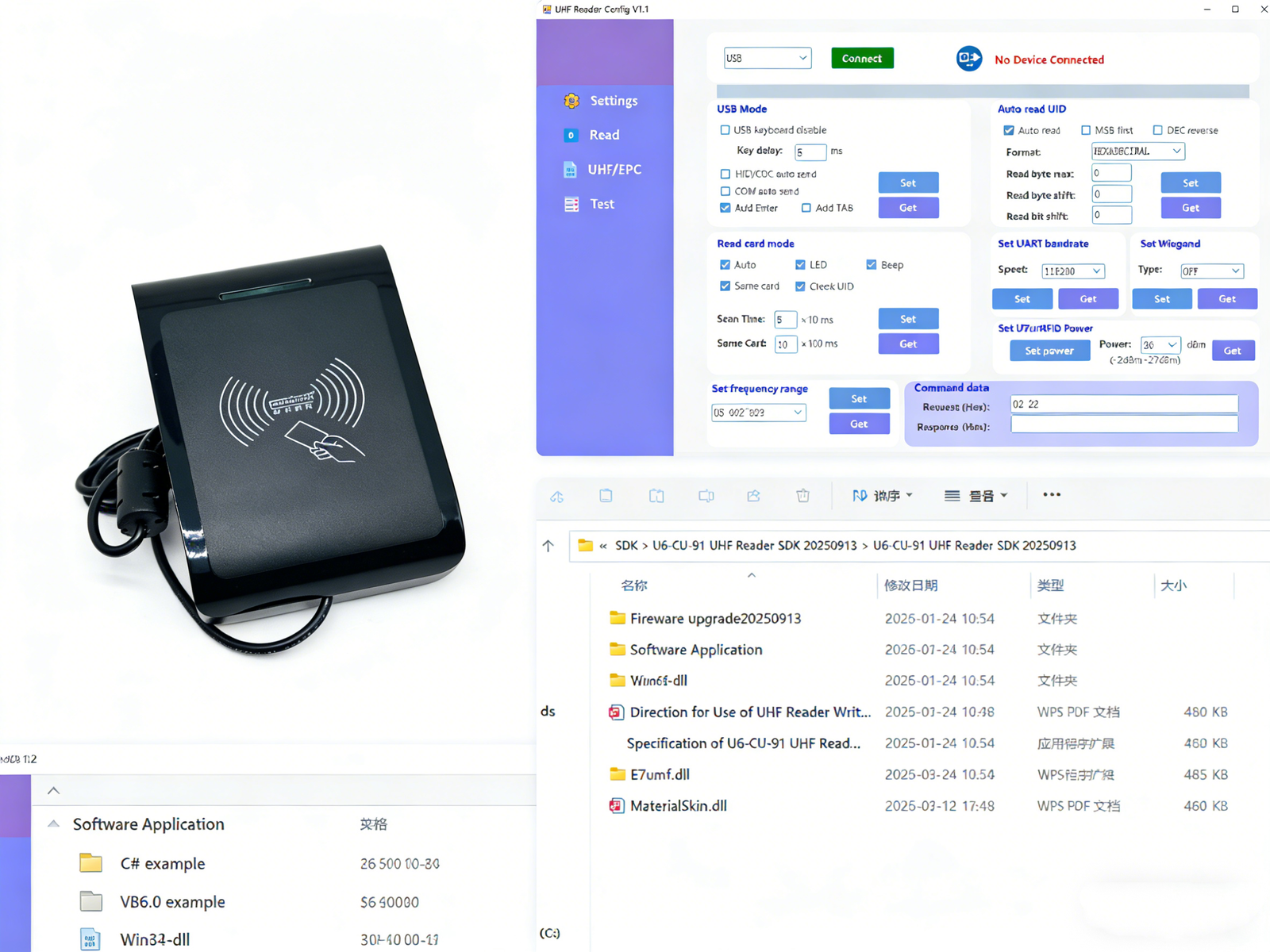
SDKs ship for C#, Java, and the common Linux toolchains, so the same credential logic runs on a Windows issuance PC and a Linux kiosk kernel. The API exposes low-level commands, not just UID emulation, which is what lets you build the cryptographic handshake inside your own application. For high-velocity line work where the same SDK thinking applies at scale, the system integrator's guide to industrial readers extends this to multi-port collection.
Form-Factor and Thermal Trade-Offs
Heat is the silent killer of enclosed readers. A plastic case traps transmit energy and cooks the radio.
Design for the thermal path before you choose the class. Embedded modules shed heat through the host PCB and chassis, while desktop units rely on their own enclosure, so match the class to where cooling already exists in your design.
A kiosk already has a thermal envelope from its screen and compute. Mounting the RFID engine on the same board lets the chassis act as the heat sink, which is why embedded modules suit always-on terminals. A desktop reader assumes open-desk airflow and will overheat sealed inside a cabinet. The enterprise asset tracking build guide shows the opposite end of the scale, where fixed portals and integrated readers handle yards and docks rather than presenter windows.
Decision Summary
Pick by where the read happens and who writes the data.
- Issuance desk, write keys to cards: desktop reader with native SDK.
- Kiosk presenter window, read at the window: embedded OEM module.
- Mixed card populations: contact plus contactless desktop unit.
- Fleet of 1,000 plus terminals: embedded module for margin and footprint.
The RFID reader buying guide frames issuance, embedded modules, and manufacturer support against your deployment model, so the class you choose fits the chassis and the budget.
The Per-Unit Cost Model
Margin is where kiosk programs live or die, and the class choice drives it directly. A desktop reader carries an enclosure, cable, and packaging the end user never sees.
Model the bill of materials per terminal, not the dev kit price. An embedded module removes the ABS case, the USB cable, and the distributor margin, so a 5,000-unit build can recover double-digit dollars per unit that the desktop approach spends on hardware you hide inside the chassis.
The saving is not only the part. A bolted-on desktop reader needs a mounting bracket, a routed USB cable, and a cutout in the chassis that breaks the RF seal. The embedded module drops onto your carrier board during manufacture, so the integration labor moves from field service to the factory floor, where it costs a fraction. On a 1,000 plus terminal fleet, that difference compounds into real engineering budget you can spend on software instead of crimping connectors. The trade is upfront design time with the SDK, which is why direct OEM support matters: the module is only cheap if your firmware team can actually bring it up. For low-volume pilots the desktop reader wins on speed to market, and that is the right call. Shift to embedded once the design is proven and the volume justifies the non-recurring engineering.
Conclusion
Match the class to the read point: desktop for issuance, embedded for the kiosk. Demand a native SDK on both OS targets and design the thermal path before you commit the enclosure.
If you are integrating desktop or embedded RFID readers into a kiosk, contact Fongwah for SDK documentation and integration support.
Q: When should I choose an embedded module over a desktop reader for a kiosk?
A: Choose an embedded module when the read happens at a presenter window inside a metal chassis. Direct PCB mounting avoids the reflection and overheating a cased reader suffers, and the smaller footprint lowers cost across a large terminal build.
Q: Do these readers ship SDKs for proprietary software integration?
A: Yes. Desktop and embedded hardware ships with a native SDK for C#, Java, and common Linux toolchains. Developers get low-level read, write, and transponder commands rather than simple UID emulation, so the cryptographic handshake runs inside your own app.
Q: What form-factor constraints matter for kiosk RFID integration?
A: The chassis size, the thermal path, and the read window range decide the class. A 30x30mm embedded module fits tight enclosures and uses the chassis as a heat sink, while a desktop case assumes open-desk airflow and overheats when sealed in a cabinet.
Q: Can one reader handle both HR issuance and access control?
A: Issuance belongs on a desktop reader that writes keys to the credential, and access authentication belongs at the door on a separate fixed unit. A contact plus contactless desktop unit like the S9 covers both card populations at the HR desk from one SDK.