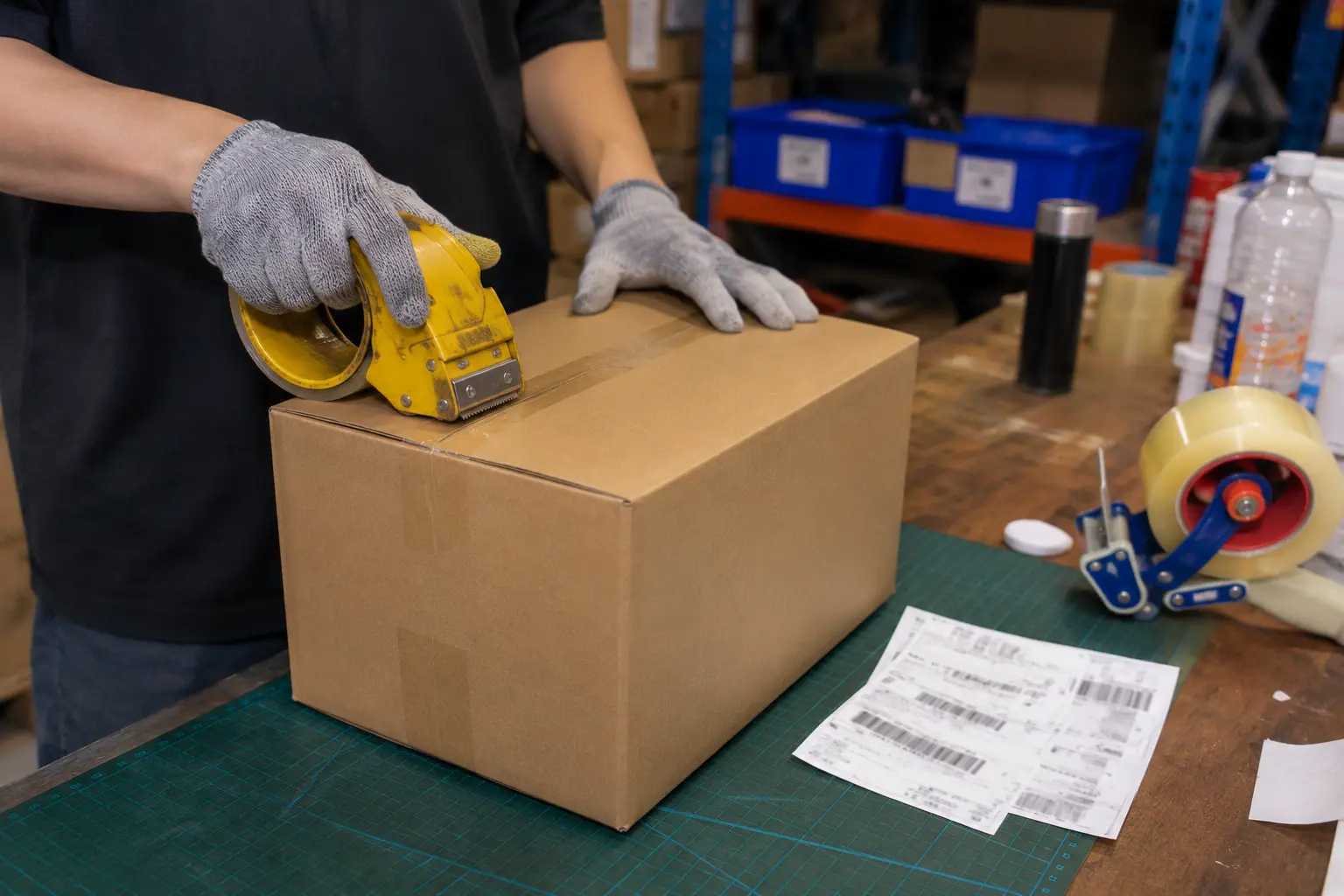
The packing station is where most RFID value is won or lost. Upstream automation can be flawless, but if the last step still depends on a clerk retyping a serial number, errors creep back in. A desktop UHF reader closes that gap, yet the way it connects to your WMS decides whether deployment takes five minutes or five months. The integration mode, not the radio, is what determines whether a bench goes live smoothly.
For desktop UHF at the pack station, the choice is between HID keyboard emulation that types tag data into any field with no driver, and Virtual COM that opens a two-way SDK channel for filtering, writing, and tight WMS handshakes. Both reach the same WMS, but they differ sharply in control, stability, and the kind of engineering your team must own.
Picking the mode is not a matter of which is newer. It is a matter of what your WMS will accept and what your operators need to do. The RFID reader buying guide frames the reader class, but the integration mode is a separate decision you make at the bench. Our deep dive into how a UHF reader system reads, writes, and integrates explains the software layer this mode plugs into.
What is HID keyboard emulation and how does it enter WMS data?
Your IT team may refuse to write custom code for one more peripheral, and that constraint is reasonable.
In HID mode the reader presents to the PC as a standard USB keyboard, so it types the tag EPC into whichever field is active, with no driver install and no application integration.
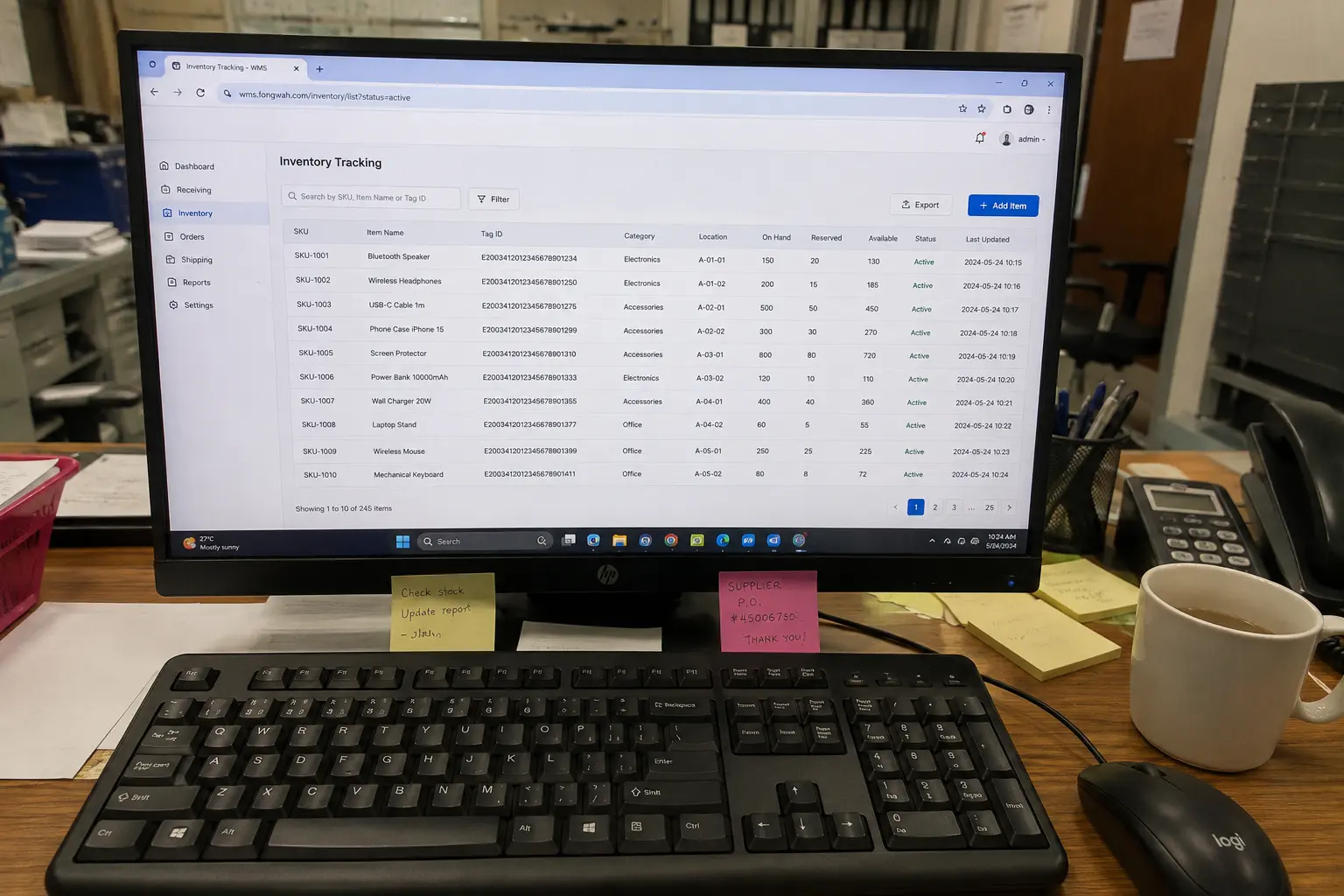
Open the WMS web page, click the tracking box, and wave the tag. The reader converts the EPC to keystrokes and appends an Enter. The host never knows it is talking to RFID. This is the fastest path to live, often under five minutes, and it works on locked-down terminals and Chromebooks where you cannot install a driver. It suits spreadsheet-based inventory, web SaaS, and barcode-gun replacement.
The trade is control. HID is one-way and blind. It types whatever it sees, and if two tags are in the field it types both. It cannot write to the User bank, lock a tag, or check a TID. For a simple verify-and-ship station that is usually enough. The guide to selecting the best RFID receiver for your warehouse covers where this lighter integration stops being sufficient.
Why does Virtual COM give integrators the control HID cannot?
A packing station sometimes needs more than a read. It may need to encode a date, lock a memory bank, or reject a tag that failed verification.
Virtual COM mode maps the reader to a serial port so your application drives it through the SDK, enabling two-way commands like selective reads, memory writes, and per-tag filtering that HID can never perform.

Once the driver is installed the computer sees a COM port, say COM3, and your software opens it like any serial device. Through the SDK you can read only the EPC bank, verify the unique TID for anti-counterfeit checks, or write a ship date into User memory. You can also filter: ignore stray tags from the next bench, or act only on a specific EPC prefix. That logic is what turns a reader into a controlled station rather than a noisy keyboard.
This two-way channel is the foundation of a real WMS handshake. It lets the station confirm a write before it tells the WMS the carton is ready, which is the same read-write-verify discipline described for UHF systems. The four core components of an industrial RFID system explain why that control matters at scale.
How do driver stability and port mapping affect uptime?
A reader that drops its COM port mid-shift is worse than no reader, because it fails silently and corrupts trust in the data.
Driver stability is the hidden cost of Virtual COM: a signed, version-matched driver and a fixed COM port mapping prevent the disconnects and port-hopping that otherwise surface as random missed scans.
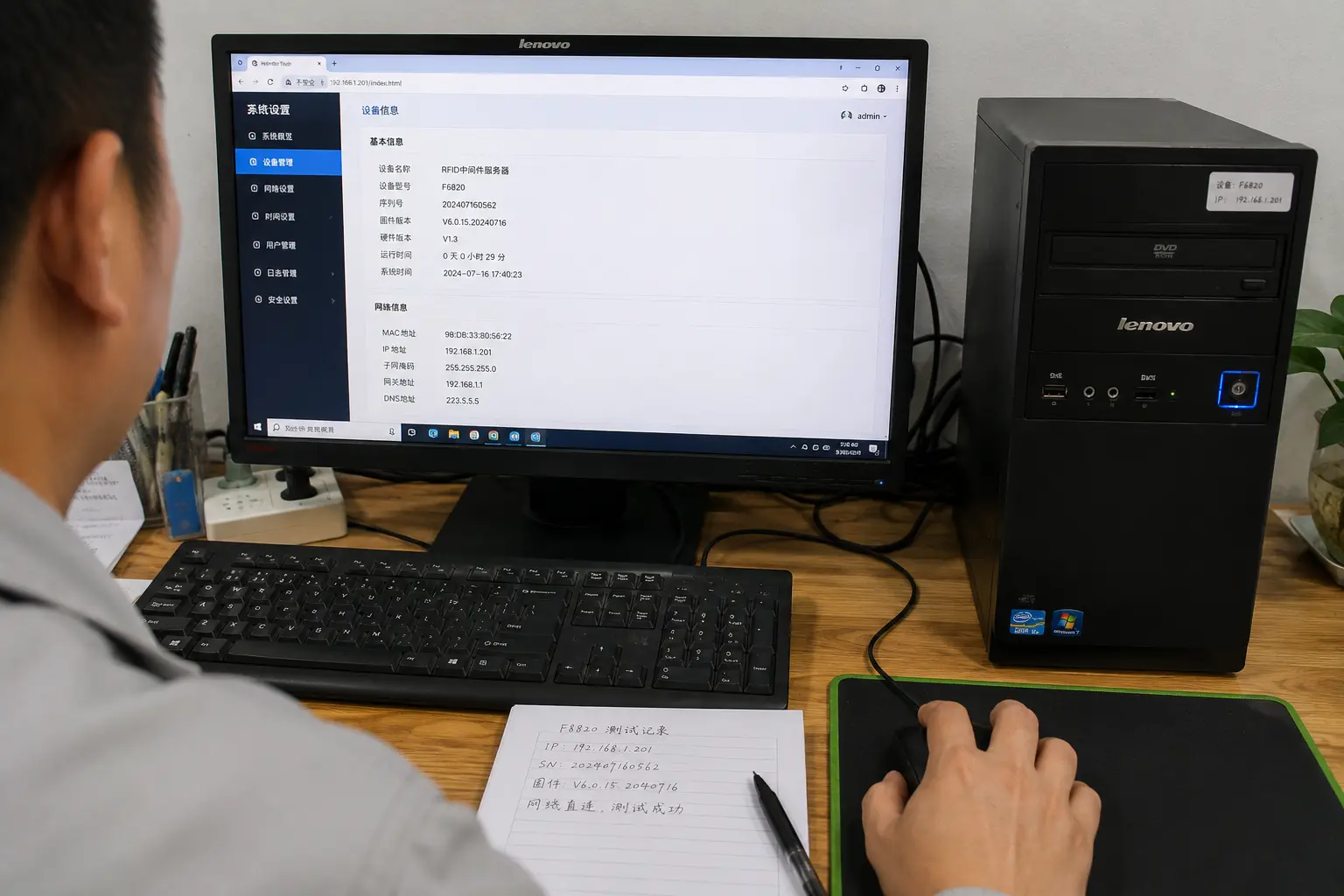
In HID there is no driver to break, which is a real uptime advantage for low-skill environments. In Virtual COM the driver is load-bearing. The failure modes are predictable. Windows may reassign the port after a reboot, so you must pin it in Device Manager or set the reader to a fixed COM number in firmware. An unsigned or mismatched driver can blue-screen or silently drop bytes. Signed drivers and example code in C#, Java, and C++ ship with the reader so your team starts from a known-good baseline rather than a forum download.
Port mapping also matters when several USB serial devices share one bench. Give the RFID reader a reserved COM number and document it in the WMS config. That single step prevents the classic "it worked yesterday" ticket, and it keeps the WMS handshake from timing out while it searches the wrong port.
What handshake latency and throughput can you expect at the pack station?
Buyers often ask whether HID is slower than Virtual COM. The answer depends on what you measure.
For a single tag at a bench, HID keystroke entry lands in roughly 20 to 50 milliseconds while a Virtual COM transaction with a write and verify round trip typically runs 80 to 200 milliseconds, fast enough that the operator never waits.
Throughput is not the bottleneck at a pack station. One carton at a time is the workflow, so per-tag latency is what the operator feels. HID wins on raw entry speed because it is just typing. Virtual COM costs more per tag because it opens a command, possibly writes, and reads back, but it stays well under human perception. Where Virtual COM wins is reliability of the event. The WMS receives a structured confirmation, not a typed string that a lagging web form might drop.
If you batch encode at a desktop, the SDK can pipeline writes so a station handles hundreds of tags per minute. That is a different workload from pack-out, and it is where selecting the right UHF reader writer matters more than the keyboard emulation question.
When should you pick HID and when should you pick Virtual COM?
The decision is not technical vanity. It is about who maintains the station and what the WMS requires.
Choose HID when the WMS is a web form or spreadsheet, operators are non-technical, and the task is verify-and-ship with no writing; choose Virtual COM when you need writes, filtering, TID checks, or a documented API into a custom WMS or ERP.
A distribution center running a cloud WMS in a browser gets live in an afternoon with HID and no IT involvement. A manufacturer feeding a custom MES that must record encode dates and lock tags has no choice but Virtual COM. Many sites run both: HID at the ship bench, Virtual COM at the encode bench. The reader hardware can be identical; only the firmware mode differs, and both firmware modes ship on the same hardware so you standardize the bench and vary the mode.
The industrial RFID system buyer guide ties this back to your overall architecture so the mode you pick fits the larger plan.
Conclusion
HID and Virtual COM are not rivals. They are two integration postures for the same desktop UHF reader, one optimized for speed and zero code, the other for control and deep WMS coupling. Match the mode to the bench and to the people who run it.
If you want help mapping HID or Virtual COM to your specific WMS or ERP, contact Fongwah to review your workstation setup.
Q: What is the difference between HID and Virtual COM for RFID?
A: HID makes the reader act as a USB keyboard that types the tag ID into any field, with no driver. Virtual COM maps it to a serial port so your SDK can send two-way commands. HID is faster to deploy, Virtual COM is far more capable.
Q: Is driver stability a real risk with Virtual COM?
A: Yes. The driver is load-bearing in Virtual COM mode. An unsigned or version-mismatched driver can drop bytes or disconnect, and Windows may reassign the port after reboot. Use signed drivers and pin a fixed COM number to avoid silent missed scans.
Q: How much latency does Virtual COM add at the pack station?
A: A Virtual COM transaction with a write and verify round trip typically runs 80 to 200 milliseconds, while HID keystroke entry is about 20 to 50 milliseconds. Both are below human perception for one carton at a time.
Q: Can one reader do both HID and Virtual COM?
A: The hardware can be the same. Only the firmware mode differs. Readers ship in both HID and Virtual COM variants so a site can standardize the bench and vary the mode between ship and encode stations.