Most RFID projects do not fail because the reader cannot see a tag. They fail because the read never becomes a trusted business event inside the systems that run the warehouse. A reader is only the first link in a chain that has to reach your WMS, your ERP, and the people who act on the data. the radio is the easy part. The architecture around it is where deployments are won or lost.
A UHF RFID reader system is a three-stage pipeline: it reads passive tag data over the air, it writes or updates that data when required, and it hands clean, verified records to host software through an SDK or middleware layer. Everything else, antennas, firmware, and enclosures, exists to protect that pipeline from dropping or corrupting information.
The assumption that buying a reader solves the tracking problem is the most expensive mistake new integrators make. The hardware captures a hexadecimal string. The value appears only when that string maps to "pallet 4471 left dock 4 at 14:02." Building that mapping is the subject of this article. For the broader purchasing picture, start with our RFID reader buying guide, then read on for the architecture that sits underneath it.
What actually happens when a UHF reader reads a tag?
A reader that "sees" a tag is doing more than detecting a number on a label.
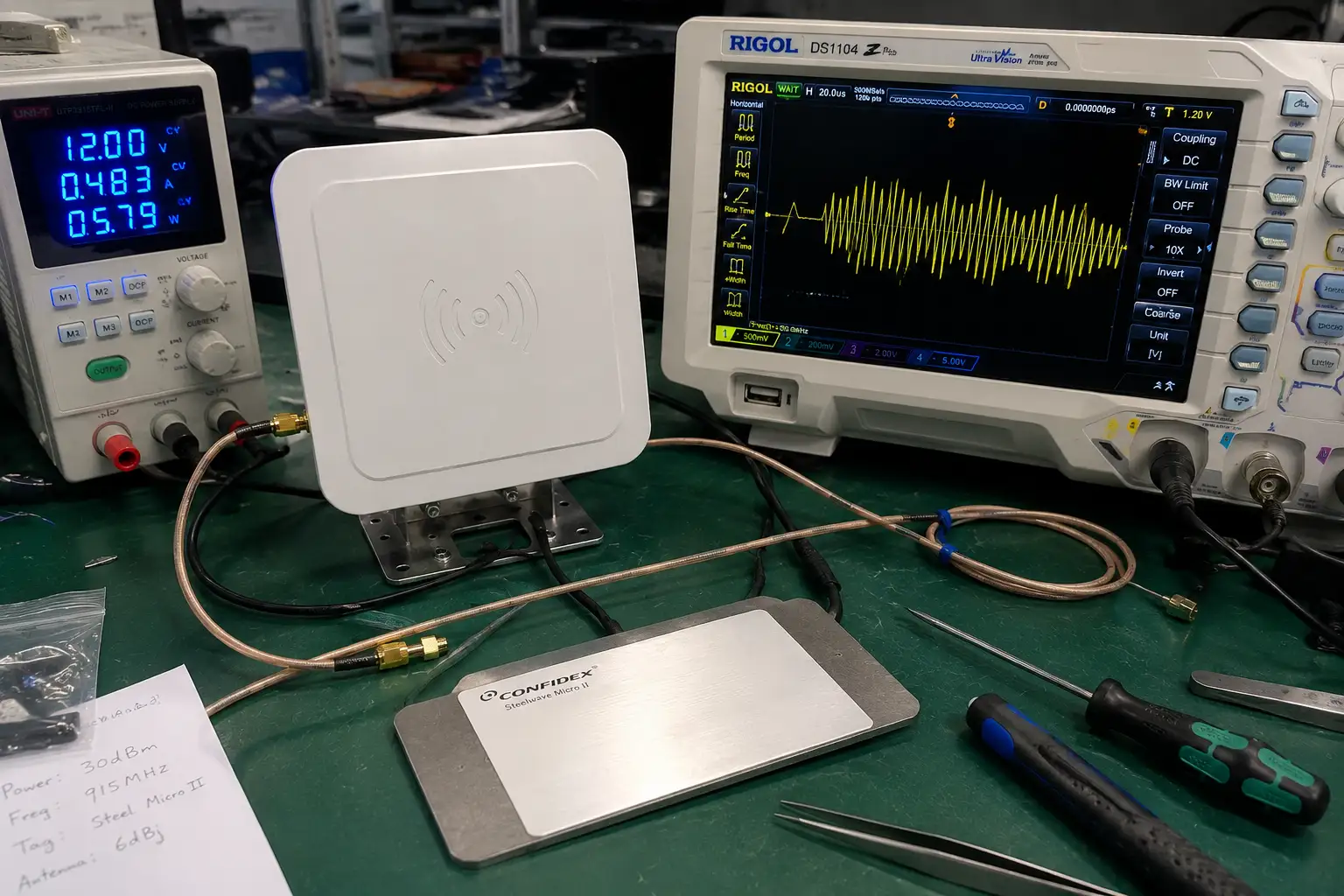
The reader emits a UHF carrier, the passive tag harvests that energy and backscatters its memory contents, and the baseband chip decodes the response into an EPC, TID, or User-bank value before any software ever runs.
Passive UHF tags have no battery. When the reader radiates at 865 to 928 MHz depending on region, the tag rectifies a small portion of that field to power its chip, then reflects modulated energy back. That reflection is the backscatter. The reader's receiver separates the weak return from its own transmission and the baseband processor assembles it into bytes. A Gen2 tag exposes four memory banks, and knowing them prevents confusion later. The EPC bank holds the electronic product code you usually match to a SKU. The TID bank is a factory-written, read-only identifier unique to the IC. The User bank is free read-write space for lot numbers or service dates. The Reserved bank stores the access and kill passwords.
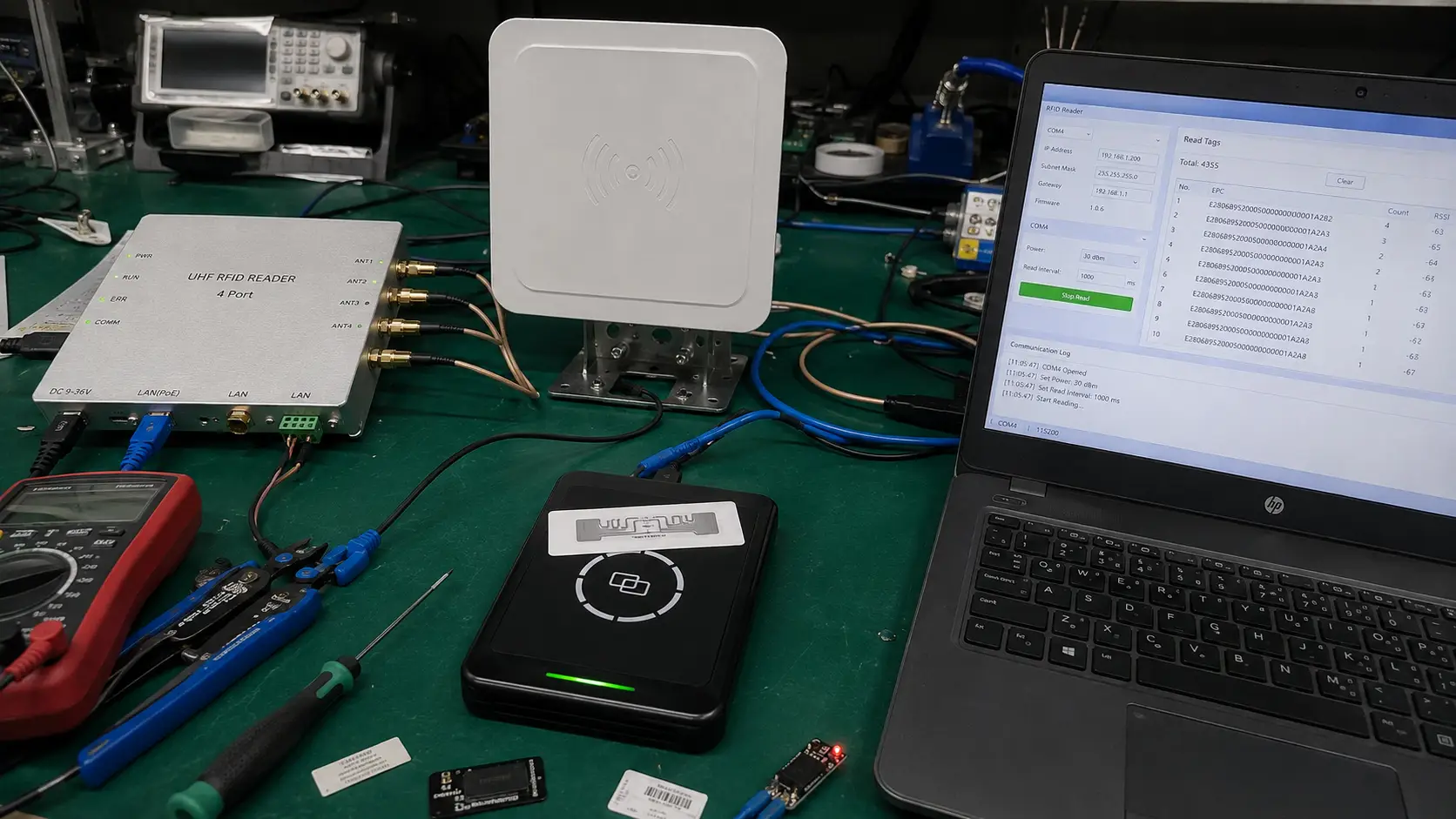
The components of an RFID reader determine how cleanly this decode happens. A reader with a weak local oscillator or a noisy receiver will still report reads, but it will drop tags at the edge of the field and you will not notice until inventory disagrees with the books. Typical UHF reader sensitivity sits around minus 70 to minus 80 dBm, and a tag only wakes once the field at its antenna crosses the chip's activation threshold. That threshold, not the reader's quoted range, is the real limit on a busy dock.
Why is the read-write-verify loop the real unit of work?
Reading a tag once is easy. Trusting the result is hard, and that trust is what your ERP actually needs.
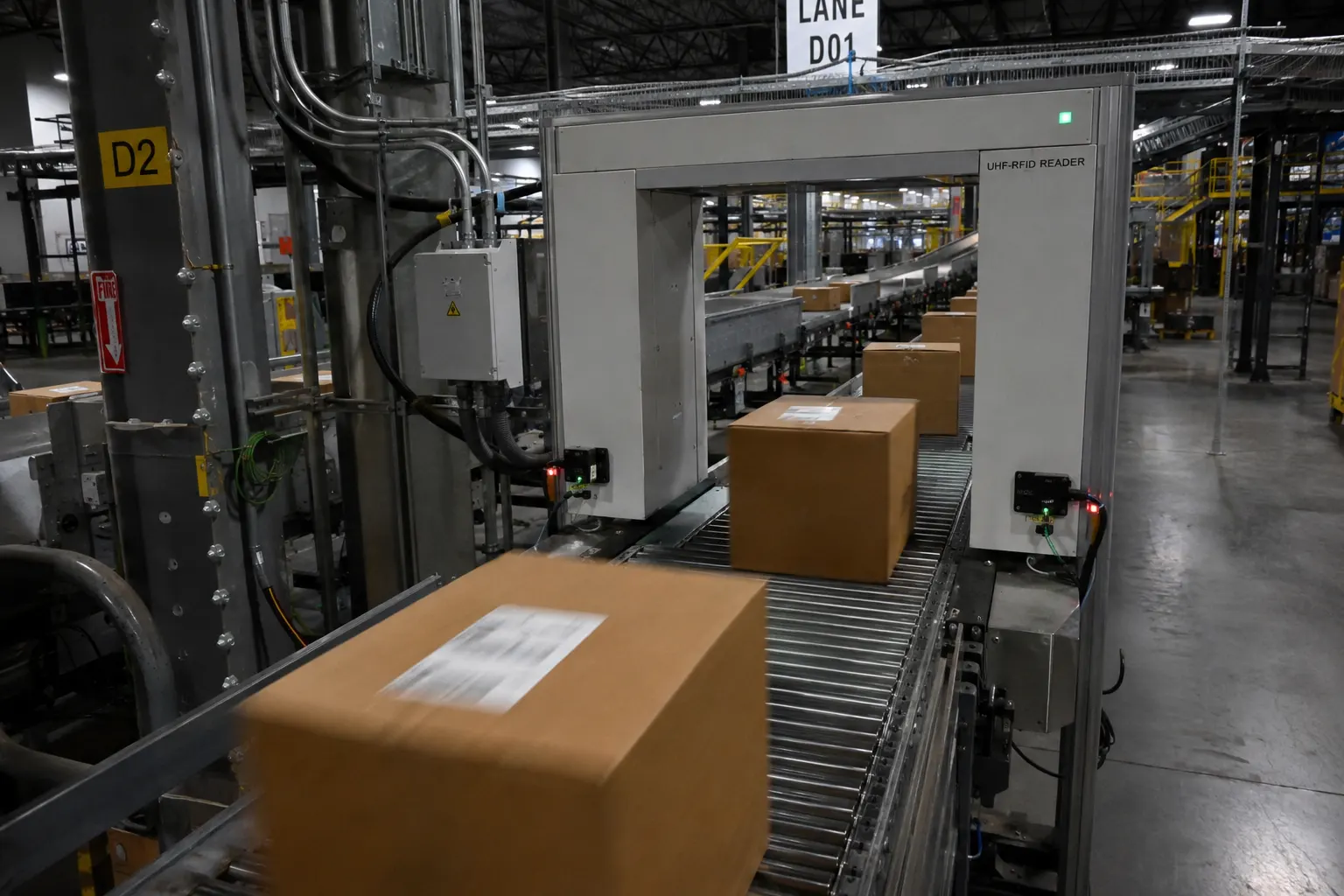
A single read is not a transaction; the dependable unit of work is the read-write-verify loop, where the system reads the tag, writes the intended change, then reads again to confirm the change took effect.
Consider a desktop encoding station that writes a ship date into the User bank before a carton leaves the line. The writer sends the write command and the protocol acknowledges it. That acknowledgement only means the command was accepted, not that the bit actually flipped in the chip. At marginal power, a tag can accept a command and still fail to persist it. The verify step closes that gap. The station reads the User bank back, compares it to the intended value, and only then releases the carton. If the compare fails, it retries or flags the item.
This loop is why desktop writers suit initial encoding better than handhelds at distance. Writing needs more stable energy than reading, and a stationary writer with a controlled near field gives you the verify margin a moving handheld cannot. The RFID data initialization workflow on a desktop reader walks through the same loop for batch encoding. When you move from one-off encoding to an industrial writer, the same principle scales, which is exactly what choosing the right UHF RFID reader writer is about.
Where does the middleware layer fit between reader and ERP?
Raw tag streams will overwhelm a business database if they arrive unfiltered, and a single pallet can generate fifty reads in one second.
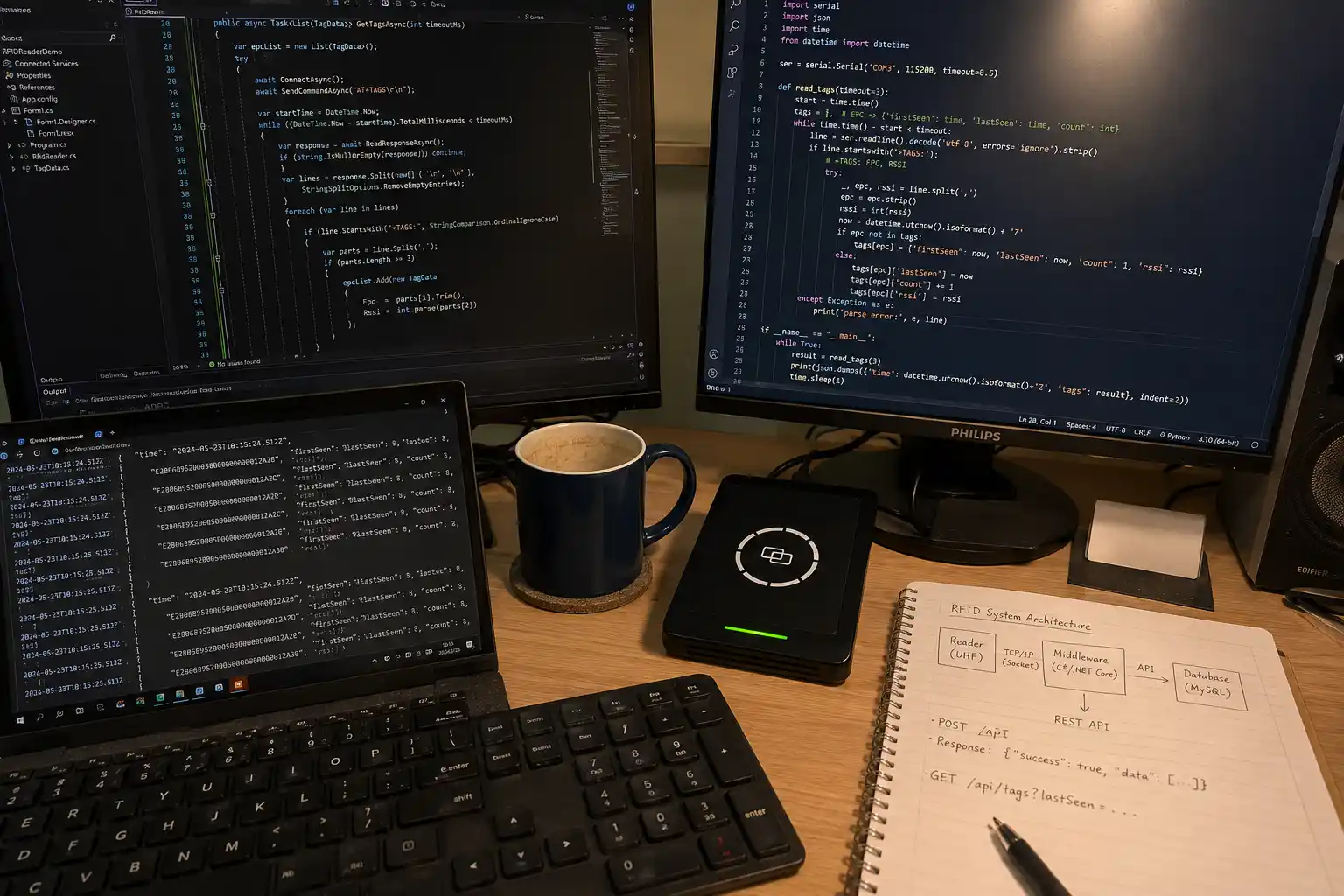
Middleware sits between the reader and your ERP or WMS, deduplicating rapid repeated reads, applying business rules, and translating tag events into the transaction format your host system expects.
A reader is dumb about meaning. It reports "E200001722110145" appeared on port 2 at 14:02:11.300. Middleware decides that this means "receive dock 2 confirmed carton SKU 4471." It also collapses the fifty redundant reads into one event with a timestamp, applies a dedup window so the same tag is not counted again for a set period, and buffers events if the WMS is briefly offline. None of this is possible with the demo software that ships for testing the hardware. That demo proves the reader works. It does not know your SKUs, your docks, or your workflows.
The middleware is also where security lives. If you lock a tag with an access password after encoding, the middleware holds that credential and applies it per transaction, so operators never see or mishandle it. Treating middleware as optional is the second common failure. It is the layer that turns radio events into business records, and without it your ERP receives noise. A well-tuned middleware instance routinely handles 200 tag events per second from a single portal while keeping the host database at one clean row per physical movement.
How do you connect RFID data into SAP or Oracle?
Large enterprises rarely build custom software from scratch, and they should not have to bolt RFID logic into core tables.
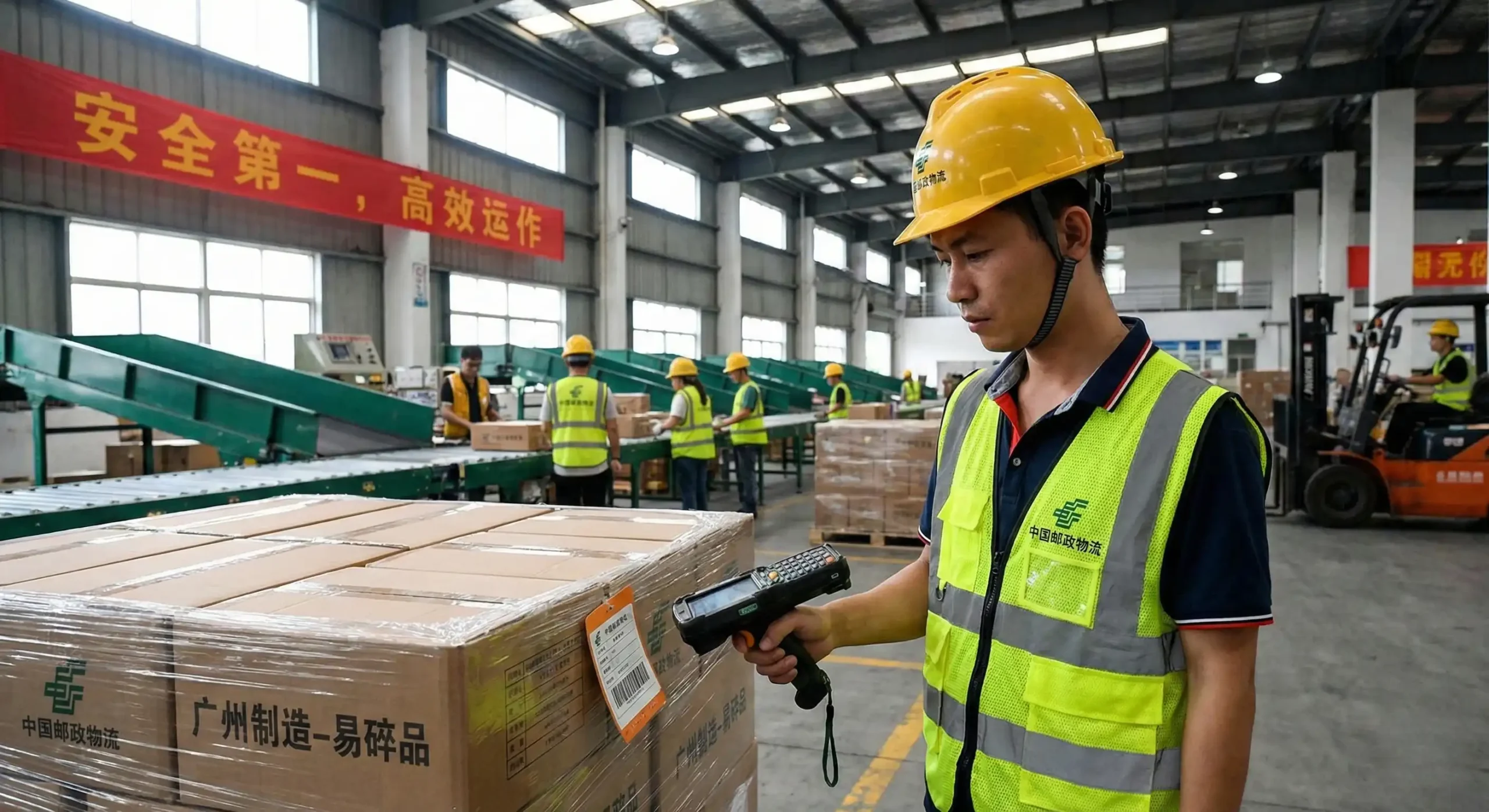
For SAP or Oracle environments, the proven pattern is to expose RFID events through a documented API or SDK and let the integration layer post them as IDoc, BAPI, or REST transactions rather than writing directly into database tables.
In a SAP plant, a dock-door reader does not update MARA or VEKP directly. A local edge service polls the reader over TCP, assembles a verified read event, and posts it as an IDoc or calls a BAPI through the SAP connector. The ERP stays the system of record while RFID becomes just another event source. Oracle shops often use a REST or message-queue handoff into an MES or WMS that already talks to the database. The point is the same. RFID feeds business transactions through an interface the ERP team already trusts, instead of a direct table write that bypasses validation and audit trails.
This pattern also simplifies change management. When the reader firmware updates, only the edge service changes. The SAP interface is untouched. In practice a dock-door confirmation posts to SAP within 200 milliseconds, fast enough that the goods-receipt transaction closes before the forklift driver steps away. The guide to selecting an industrial UHF reader writer covers the SDK side of this, because the SDK is what your edge service uses to talk to the reader in the first place.
Should processing happen at the edge or in the cloud?
Where the compute runs changes your latency, your cost, and your failure modes, and the wrong choice shows up as missed events during an outage.
Edge processing keeps read-decode-filter logic on the reader or a local gateway so the WMS only receives verified events, while cloud processing suits analytics and multi-site aggregation that do not need sub-second response.
At a dock door, you want the confirm event within a few hundred milliseconds so the WMS can gate the shipment. That demands edge processing, because a round trip to a cloud region adds network latency and breaks the moment the link drops. A local gateway can buffer thousands of events and forward them when the connection returns. Cloud processing earns its place for the bigger picture: comparing read rates across thirty sites, training exception models, or feeding a control tower dashboard. Those jobs tolerate seconds of delay and benefit from centralized data.
Most first deployments over-rely on the cloud because it feels modern, then discover that a dropped WAN link stops the floor. A balanced design puts verification and gating at the edge and reporting in the cloud.
Conclusion
A UHF RFID reader system is not a box that tracks inventory. It is a pipeline that reads tags, writes when needed, and delivers verified events to the systems that run your business. The read-write-verify loop, a real middleware layer, and a documented ERP or cloud handoff are what separate a demo from a deployment.
If you are scoping the read, write, and integration layer for your project, contact Fongwah.
Q: What is the read-write-verify loop?
A: It is the dependable unit of RFID work: read the tag, write the intended change to its memory, then read it back to confirm the change persisted. The verify step catches writes that the protocol accepted but the chip failed to store, which matters most at the edge of the field.
Q: Do I need middleware or can the SDK talk to the ERP directly?
A: For anything beyond a pilot, you need middleware. The SDK lets your code talk to the reader, but middleware deduplicates rapid reads, applies business rules, buffers offline events, and translates tag IDs into ERP transactions. The demo app that ships with the reader does none of this.
Q: How do I integrate RFID with SAP without risky table writes?
A: Expose verified read events through an edge service that posts them as IDoc or BAPI transactions via the SAP connector, or as REST messages to an MES. Keep the ERP as the system of record and treat RFID as one more event source rather than writing directly into core tables.
Q: Should RFID processing run at the edge or in the cloud?
A: Put verification and gating at the edge so dock and line events stay sub-second and survive WAN outages. Use the cloud for cross-site analytics and reporting, which tolerate delay and benefit from centralized data.