Most teams spec a UHF project around reading and forget that writing is the step that actually breaks. A reader that misses a tag on the line is annoying. A writer that corrupts a tag at issuance creates a dead asset that will never be found again. encoding discipline, not reader brand, separates a clean deployment from a support nightmare.
The guidance below focuses on the write path: memory banks, where encoding happens, power margins, and verification. If you only need to read, our guide to reading, writing, and integrating a UHF system covers the full loop. This article is for buyers who must issue and encode tags at volume.
What makes a UHF reader writer different from a plain reader?
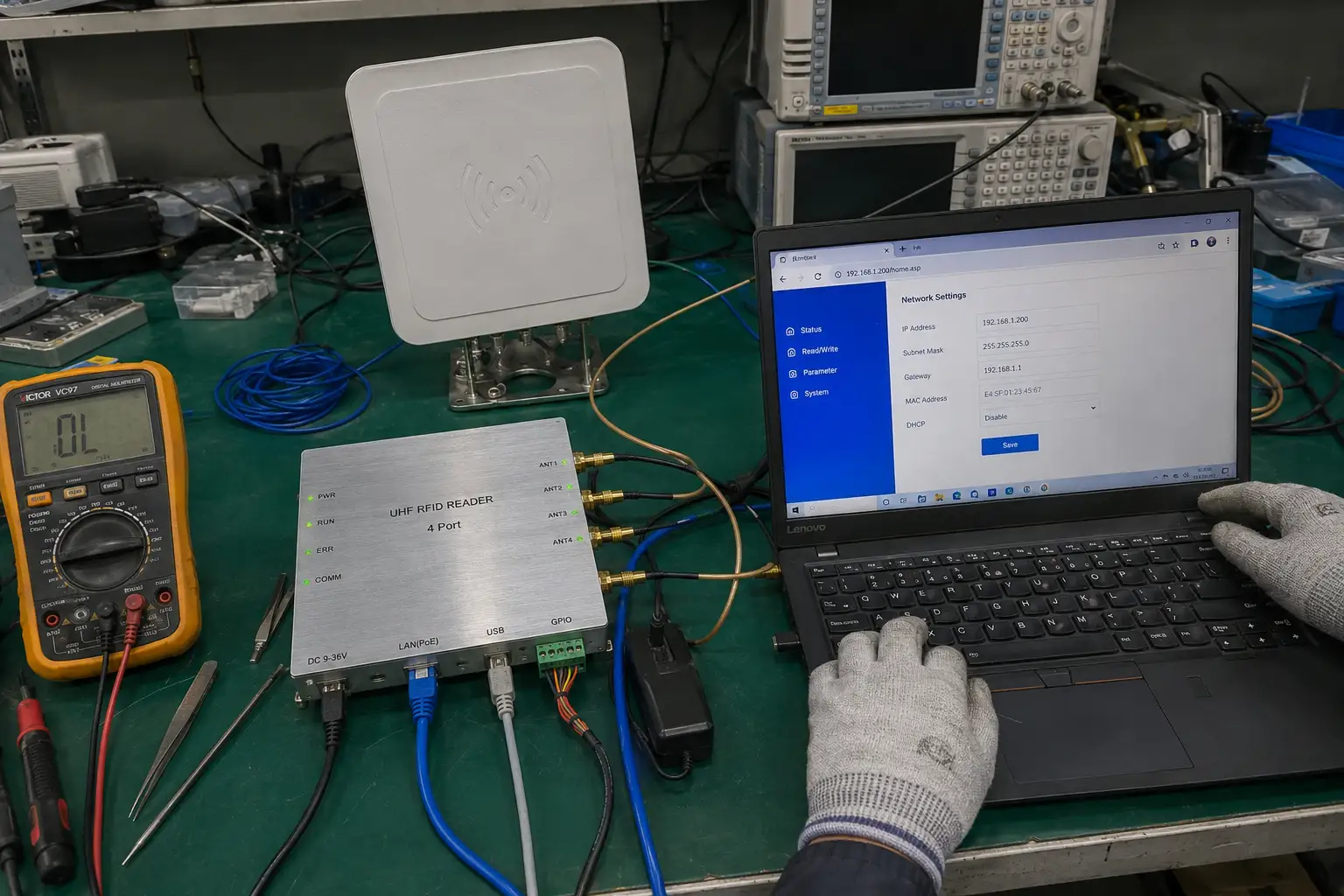
A reader only listens. A writer has to push energy into a tag, program its memory, and confirm the result, which is a harder radio problem than passive listening.
A UHF reader writer differs from a reader because it must both energize the tag and write to its memory banks, typically the EPC bank for the identifier, the User bank for application data, and the TID bank which is factory-locked and unique per chip. The EPC bank holds the serial number your WMS keys on, the User bank holds your own records, and the TID bank is the chip's unchangeable fingerprint used for authentication. A plain reader never touches these; a writer has to command each bank correctly.
Writing demands more from the radio than reading. During a write, the tag draws power from the reader field and simultaneously listens for write commands, so the link budget has to stay positive the entire time. That is why a writer needs cleaner RF and tighter timing than a reader of the same class. If you want to understand where the write circuitry lives, our article on RFID reader components explains the building blocks.
Desktop or inline: where should encoding happen?
Encoding location depends on whether tags are issued in batches at a station or printed and written on a moving line. The wrong location wastes labor and creates mixed-up data.
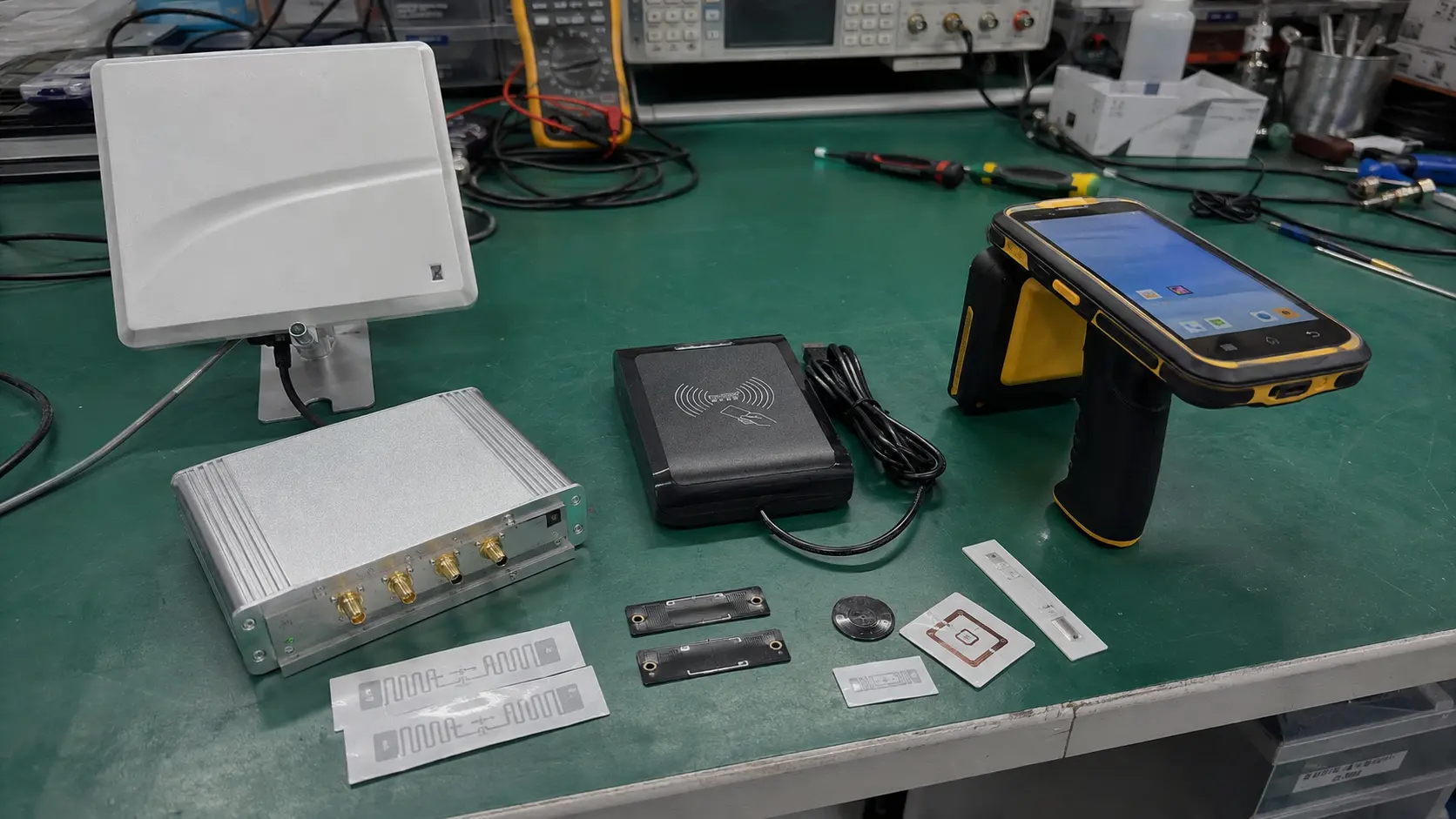
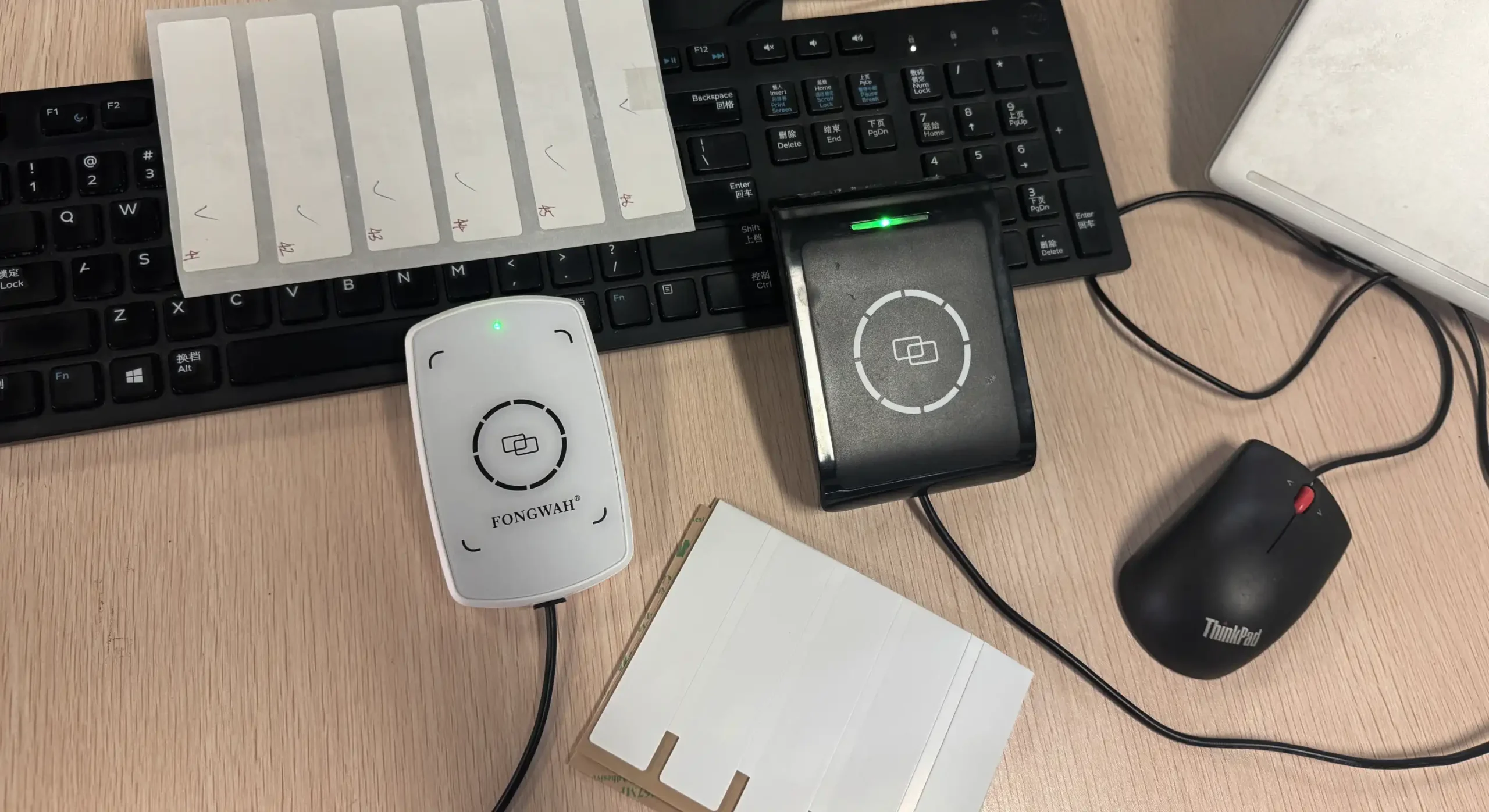
Desktop writers suit batch issuance at a bench where an operator places each tag, while inline encoder modules mount on a printer or conveyor to write tags at line speed without a person handling every one. A desktop unit draws power from the PC and focuses a tight field, so writing one label does not accidentally program the label sitting three feet away. An inline writer is built into the production flow and encodes as labels are printed or items pass.
Choose desktop when volumes are moderate and a human verifies each record, such as initializing asset tags in an office. Choose inline when thousands of carton labels must be encoded per shift and stopping the line to handle each tag is not an option. For the desktop path specifically, our RFID data initialization desktop reader guide walks through the issuance workflow.
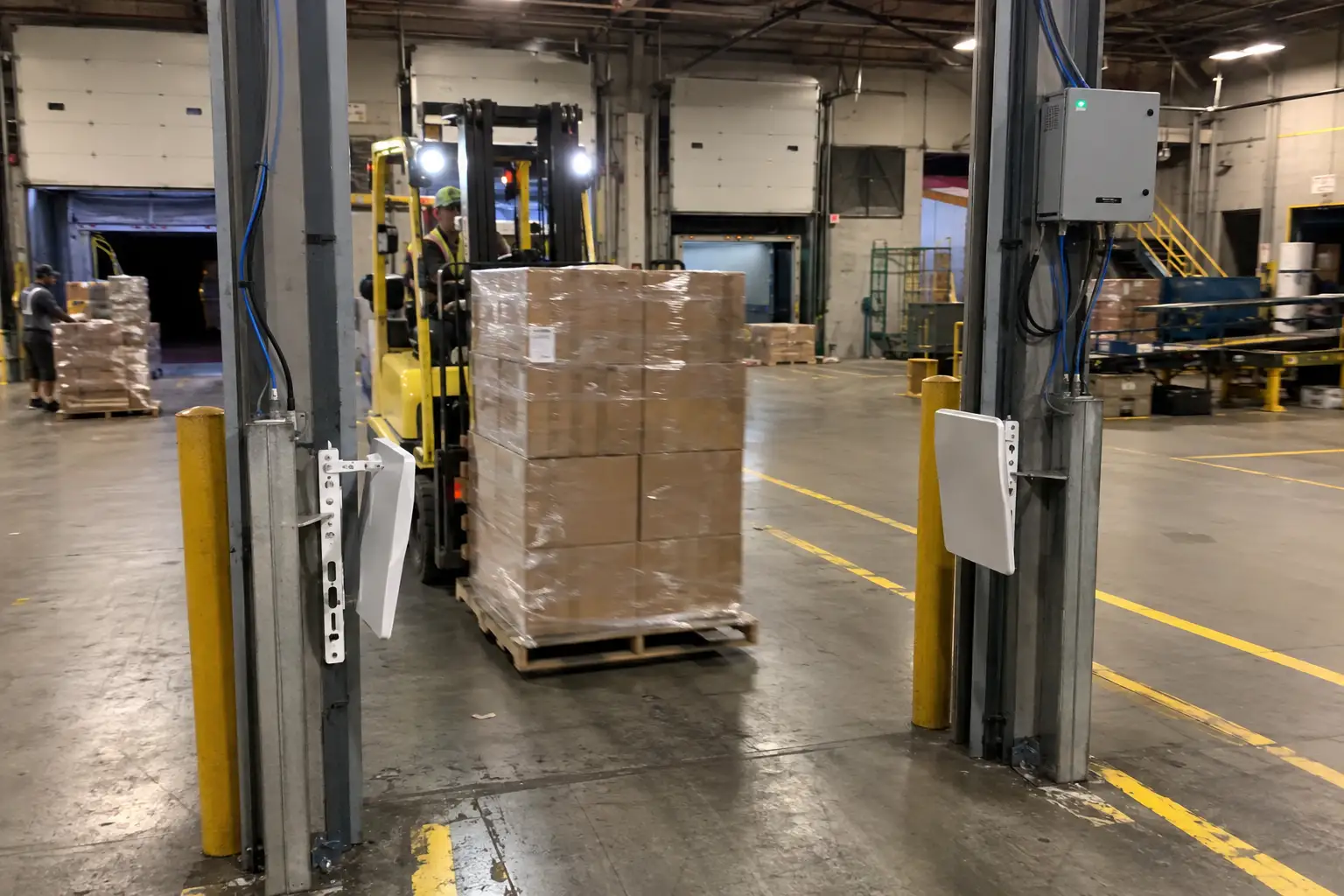
The crossover point is roughly where an operator can no longer keep up by hand. Past a few hundred tags per shift, inline encoding pays for itself in labor and consistency.
Why does a writer need a stable write power margin?
Write failures are rarely total. They are partial, producing tags that read sometimes and fail at the portal, which is worse than an obvious reject.
A writer needs a stable power margin above the minimum required because detuning from metal, liquid, or tag orientation can drop the link budget mid-write, and a margin absorbs that variation instead of corrupting the bank. When a tag sits near metal or a filled bottle, its tuning shifts and it needs more field strength to write. A writer running at the bare minimum has no headroom, so the same tag writes on Monday and fails on Tuesday.
Set the write power with margin, then validate across the worst-case tag placement you expect in the field. A good practice is to write at a power level a few dB above the observed threshold, not at the threshold itself. This is the single most overlooked setting in encoding stations we audit. It is also why a writer is not just a reader with extra firmware. The RF must stay disciplined under load.
What is the write-then-verify loop?
Issuing a tag and assuming it worked is how corrupted records enter a system. Verification closes the loop and catches failures before the tag ships.
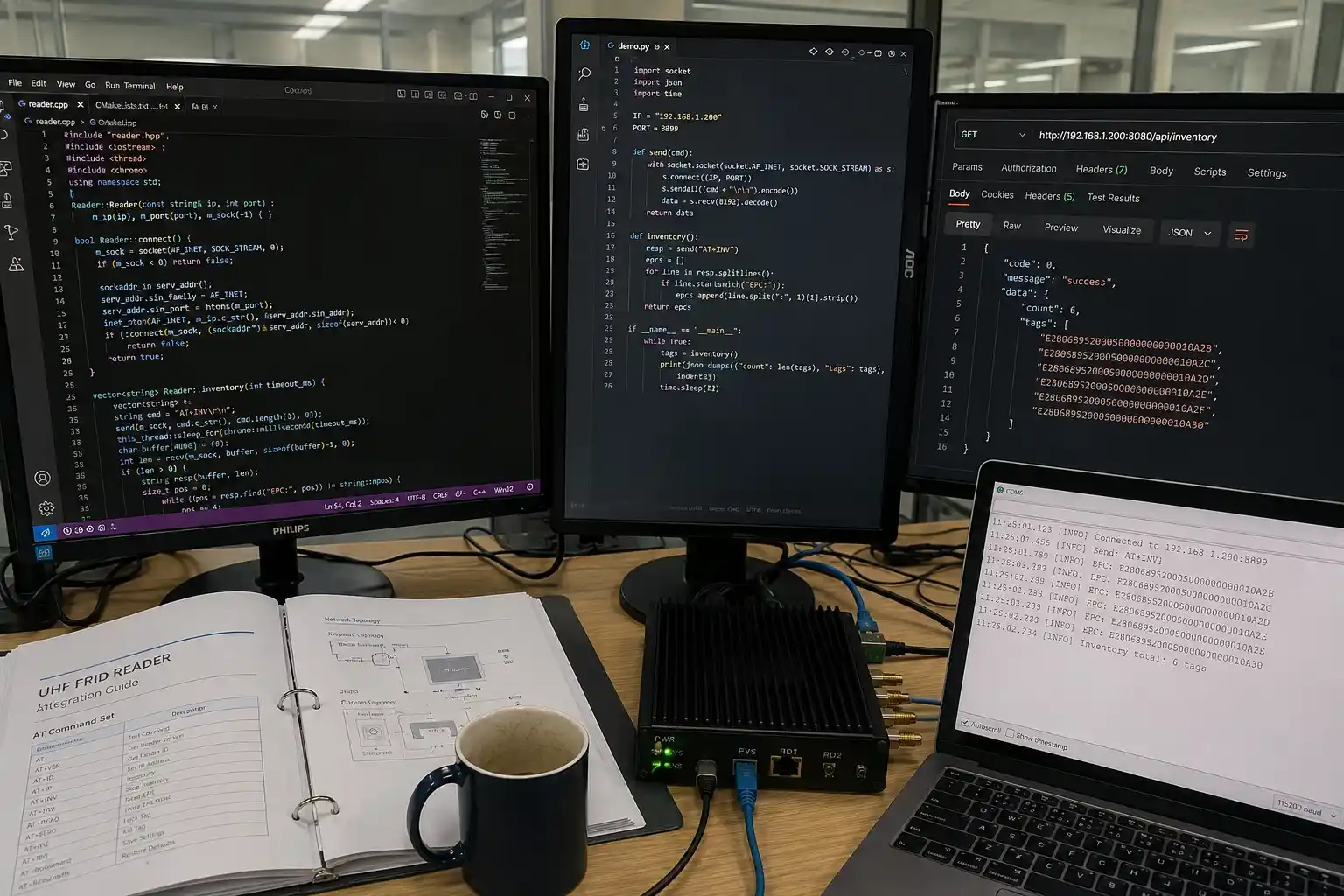
The write-then-verify loop writes the target data to a bank and then immediately reads it back to confirm a bit-for-bit match, quarantining any tag that fails instead of releasing it into inventory. The reader writes the EPC, reads it back, compares, and only then marks the tag good. If the readback differs, the tag is rejected or rewritten. This turns a silent corruption into a visible reject rate you can act on.
Build verification into the encoding station, not into a later audit. A tag that fails verification at issuance costs almost nothing to fix. The same tag found dead at a dock door costs a mis-shipment and a support call. The loop also protects against weak writes that pass once but drift, because you can require the readback at a slightly lower power to prove margin.
How fast can you encode, and what throughput do you need?
Throughput expectations prevent you from buying a writer that cannot keep up with your line. Match tags per minute to your process, not to a marketing number.
A desktop issuance station typically encodes tens of tags per minute under human handling, while an inline encoder can sustain hundreds of tags per minute on a printer or conveyor, so size the writer to your peak shift rate plus headroom. Desktop speed is bounded by the operator placing and removing each tag. Inline speed is bounded by the printer or line velocity and the writer's own command latency.
Work the numbers backward from your worst day. If you must issue 5,000 carton labels in an eight hour shift, that is roughly 10 tags per minute average, but plan for bursts well above that. An inline writer sized to 200 tags per minute handles the peak without backing up the printer. Under-spec and the encoder becomes the bottleneck that stops the whole line. This is exactly the kind of throughput trade we frame in the RFID reader buying guide.
How do you pick a tag that writes well?
A writer is only as good as the tag it programs. Tag choice affects write reliability as much as reader choice.
Choose tags rated for your write environment and chip family, because write sensitivity and bank size vary by chip, and a tag that reads fine may still write poorly near metal or at the edge of the field. Match the chip's memory map to what you intend to store, confirm the EPC bank length your system expects, and verify the User bank is large enough for your records. Our guide to choosing the right RFID tag covers chip and inlay selection in detail.
Do not assume any UHF tag writes the same. Test your candidate tags on the actual writer and in the actual placement before committing to a purchase order. A short write test on a sample batch saves a recall later.
Conclusion
Encoding is the step most buyers under-spec, yet it is where data quality is won or lost. Get the memory banks right, pick desktop or inline by volume, hold a power margin, and verify every write. Those four disciplines beat any brand claim. To map encoding requirements to the right writer class for your line, start with our RFID reader buying guide. If you want to validate your write workflow and tag choice, contact Fongwah.
Frequently Asked Questions
Q: When should I use a desktop writer instead of an inline encoder?
A: Use a desktop writer for batch issuance at a bench where an operator handles each tag, typically tens of tags per minute. Use an inline encoder when thousands of labels must be written per shift on a printer or conveyor without manual handling.
Q: Which memory bank should I write the EPC to?
A: Write the unique identifier to the EPC bank, which your WMS keys on. Use the User bank for your own application data, and treat the TID bank as read-only because the chip maker locks it as a unique fingerprint.
Q: Why do writes fail on metal or near liquid?
A: Metal and liquid detune the tag and shift its tuning, raising the field strength needed to write. A writer running at the bare minimum power has no margin, so the write corrupts or partially fails. Add a power margin and test at worst-case placement.
Q: What encoding throughput should I plan for?
A: A desktop station handles tens of tags per minute under human handling, while an inline encoder sustains hundreds per minute on a line. Size the writer to your peak shift rate plus headroom so encoding never becomes the bottleneck.