
RFID Reading Range Dropped Suddenly? A Troubleshooting Checklist to Find the Real Cause
A production line stops reading tags. A dock-door portal that handled pallets at 8 meters yesterday now fails beyond 2 meters. The instinct is to assume the reader died and file an RMA. In practice, a sudden collapse in RFID read range rarely means the hardware is broken. It usually means something around the system changed, or a setting was altered.
This guide is built as an ordered diagnostic checklist. Work through the steps in sequence. Each step either isolates the fault or rules it out, so you reach a confident verdict between environmental interference and genuine hardware failure before spending a cent on replacement.

When read range collapses overnight, which cause is more likely?
A system that read reliably for weeks and then fails abruptly almost never has a spontaneously dead reader. Electronics degrade gradually, not in a single shift.
A sudden drop in RFID read range is most often driven by a change in the environment, a configuration change, or a tag issue, not by hardware failure. Treat the reader as guilty only after the surrounding factors are cleared. Start the investigation by assuming something moved, not that the device broke.
The fastest way to confirm this is to ask one question: did the drop happen immediately after a specific event? A new machine rolled in, a firmware update ran, a power adapter was swapped, or a batch of tags arrived. If any of those ring a bell, jump to the matching step below. If nothing changed that anyone remembers, run the checklist top to bottom. The steps are ordered from most common and cheapest to fix, to least common and most expensive.
Step 1, Is a new metal or liquid source blocking the signal path?
Radio waves are invisible, so the most common culprits are the ones nobody noticed arrive. A metal cart parked beside an antenna can shield the entire field.
New metal objects, liquids, or other RF emitters placed near the reader or antenna are the leading cause of a sudden read-range drop. Walk the zone and look for anything that was not there when the system worked. Remove or relocate the object and re-test before touching the hardware.
Metal reflects and redirects RF energy, which creates blind spots and standing-wave cancellation. Liquids, especially water in pallets, bottles, or even high humidity, absorb energy at UHF frequencies. A forklift, a steel shelving unit, or a filled tote that was repositioned last night can explain a 50–70 percent range loss.
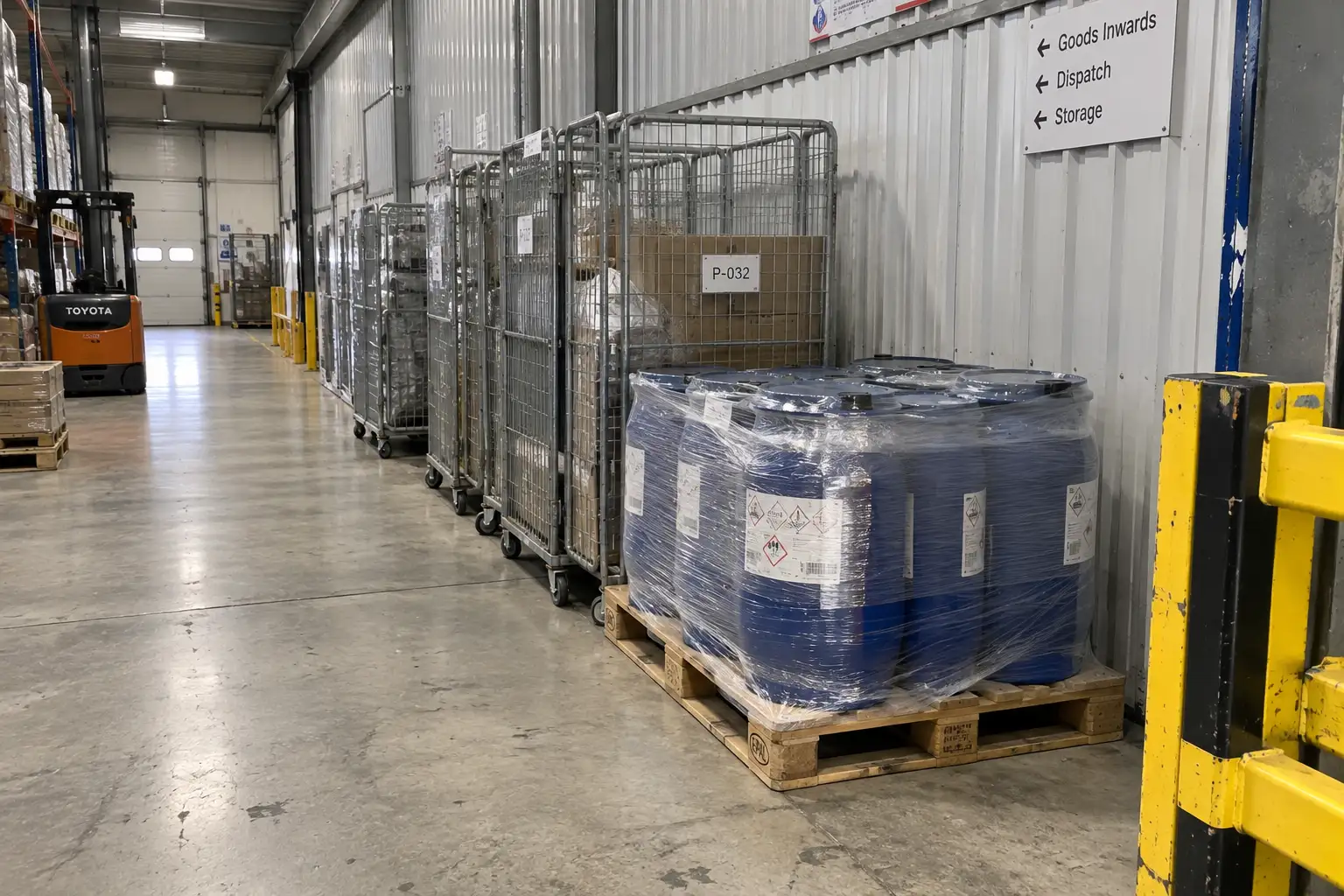
Also scan for new RF noise sources. A freshly installed Wi-Fi access point, a two-way radio base, or a variable-frequency drive (VFD) motor on nearby equipment can raise the noise floor enough to choke reads. Fluorescent fixtures with failing ballasts are another quiet offender. The antenna placement affects large deployments article covers how siting decisions change performance at scale, and the same principles apply to a single portal.
If clearing the area restores range, you have your answer. If it does not, move to Step 2.
Step 2, Could the power supply or antenna cabling be the bottleneck?
The reader may be fine, but it cannot transmit a strong field if it is starving for current. This is one of the most overlooked and cheapest fixes.
An under-spec or damaged power supply, or a loose and damaged antenna cable, can cut read range dramatically even though the reader appears to boot normally. Verify the supply matches OEM voltage and amperage, and check every connector. A reader running on a weak adapter may power on yet produce a fraction of its rated RF field.
A real-world pattern: a portal degrades slowly over weeks until it barely reads a tag at arm's length. The cause is often a swapped power adapter, where voltage is correct but amperage is too low. The device never trips a fault, it simply underperforms. Replacing it with the correct supply can return the full 8–10 meter range.
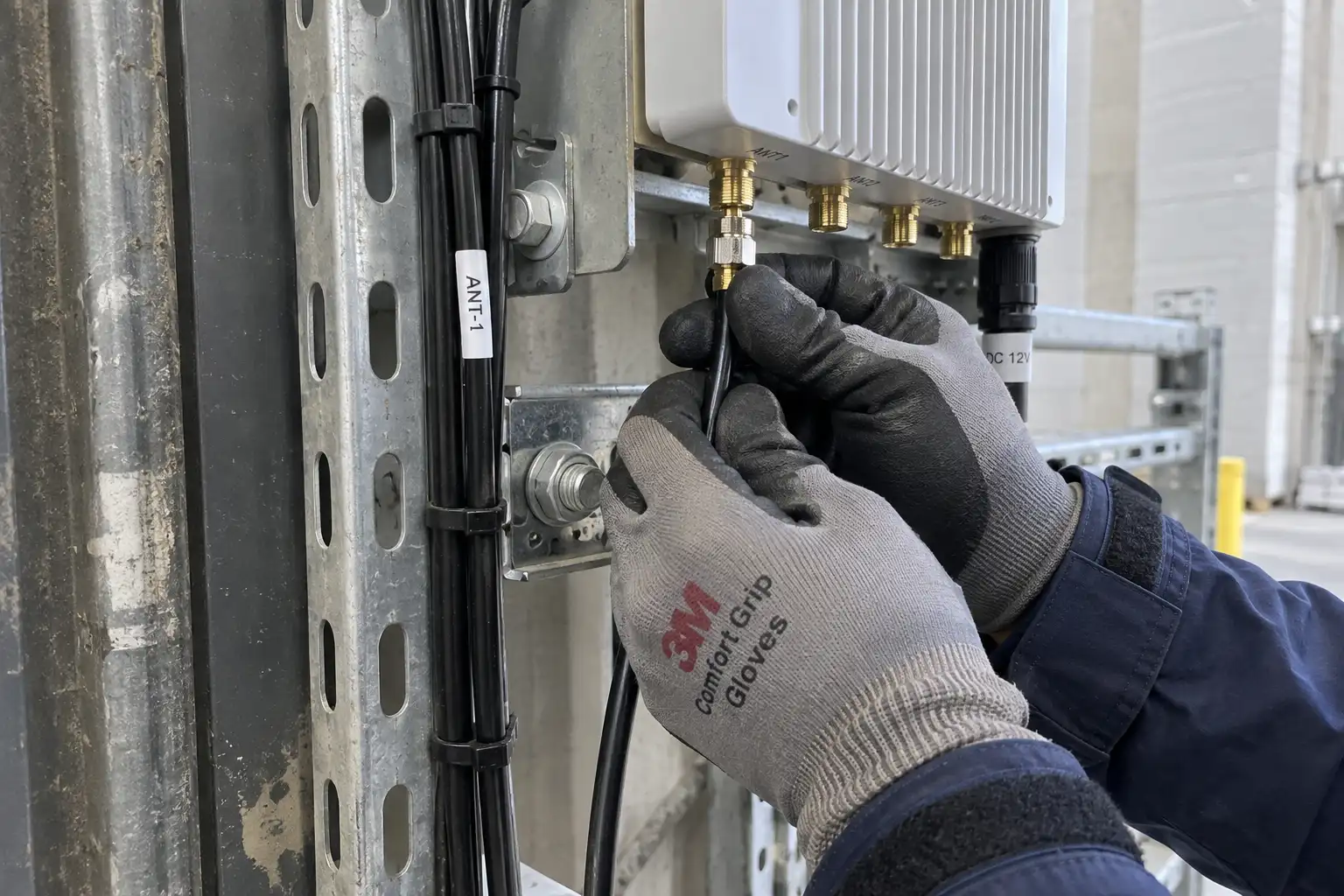
Check the antenna cable at both ends. A connector that was bumped, or a cable pinched by a closing door, behaves like a kink in a hose: signal leaks and range collapses. Look for visible damage and reseat every connection. Antennas are directional, so also confirm the unit has not been knocked off its aim. RF fields have a beam shape, and a few degrees of rotation can open a blind spot exactly where your tags travel.
Step 3, Has a reader setting or firmware change reduced transmit power?
If power and cabling check out, the fault may be a number someone changed without realizing it. Modern readers expose transmit power, channel, and session settings through software.
Accidental or post-update changes to transmit power, RF channel, or region profile are a frequent hidden cause of range loss. Log in, confirm the output level matches the original commissioning record, and confirm the region profile is correct. Transmit power in most bands is capped by regulation, such as FCC Part 15 in the United States (see ecfr.gov title 47 part 15) and ETSI rules in Europe, so the ceiling is fixed. What changes is whether your device is actually running at that ceiling.
A firmware update can reset a reader to factory defaults, dropping power from maximum to a conservative baseline. A technician experimenting with settings during a quiet shift can leave the unit on a low-power test profile. Restore the documented configuration and re-test. If range returns, the hardware was never the problem.
This is also where the RFID reader buying guide helps: readers with clear, exportable configuration profiles make it far easier to spot what drifted. And when you are scoping a new site, the right RFID technology choice determines whether UHF, HF, or LF is even suited to the environment you are fighting.
The smallest, cheapest component is also the easiest to blame incorrectly. Before condemning the reader, test with a known-good tag.
Tag damage, wrong polarization orientation, or using a standard label directly on metal or liquid will cause sudden read failures that look like a reader fault. Swap in a verified good tag, and confirm the tag type matches the surface. If the good tag reads where the suspect one fails, the issue lives in the tag, not the hardware.
Polarization matters. A linearly polarized antenna reads a tag best when the tag's plane aligns with the wave. Rotate the tag slowly in front of the antenna: if it reads in one orientation and not another, you have an orientation problem, not a dead reader. Standardize placement so tags face the antenna consistently.
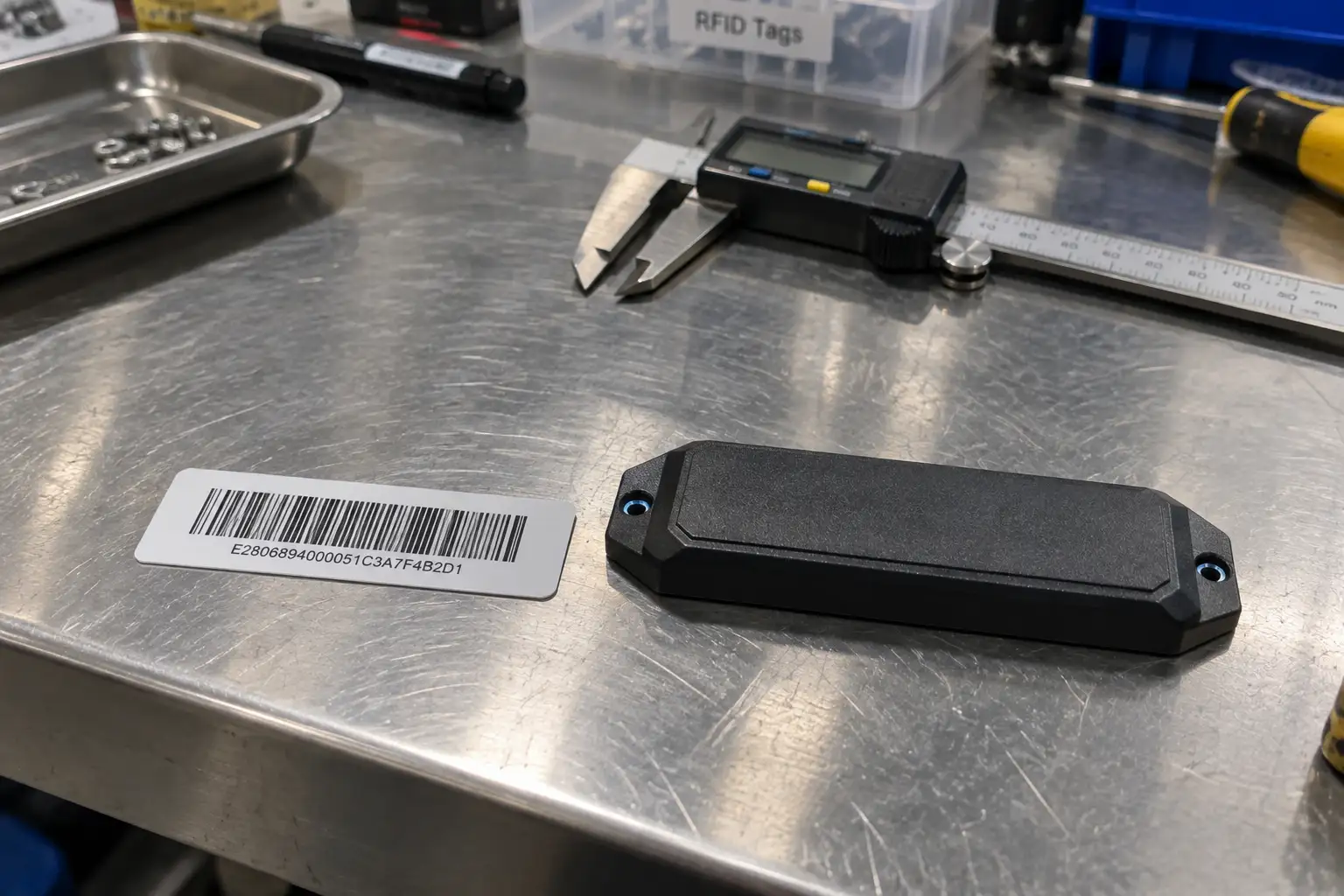
The most common tag mistake is putting a standard paper-thin label on a metal chassis or a liquid container. Metal detunes the inlay and the tag becomes effectively invisible. This is where passive vs active tags and the UHF vs HF comparison guides matter: the right tag for the material is non-negotiable. EPC Gen2 tag behavior is defined by standards bodies such as GS1, and using the wrong inlay for the surface violates the assumptions those standards are built on.
How do you tell environmental interference from a true hardware failure?
After the four steps, you can place the fault with this decision logic rather than guessing.
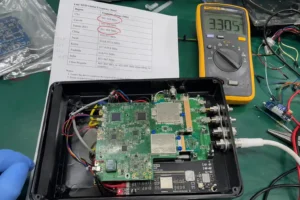
If range returns when you remove a nearby object, swap a power adapter, restore a setting, or change a tag, the hardware is sound. The fault was environmental, electrical, or applied. These account for the large majority of sudden drops. A true hardware failure shows different symptoms: the reader fails to enumerate antennas, throws consistent RF module errors, or shows no improvement after every external factor is controlled and a known-good antenna and cable are substituted.
| Symptom | Points to | Action |
|---|---|---|
| Range drops after new metal or liquid appears nearby | Environmental interference | Relocate the object, re-test |
| Slow degradation over weeks, weak field | Power supply issue | Replace with OEM-spec adapter |
| Failure after firmware or setting change | Configuration drift | Restore documented profile |
| Good tag reads, bad tag fails | Tag fault | Replace or re-orient tags |
| No change after all external fixes, module errors persist | Hardware failure | Replace or RMA the reader |
Working the checklist in this order saves time and money. Most teams that ship a reader back for repair discover the unit was never broken.
FAQ
Q: My RFID read range was fine yesterday and terrible today with no changes you can see. What should you check first? A: Start with the environment. Look for a metal object, a liquid pallet, or a new RF device placed near the antenna since yesterday. These invisible changes cause the majority of sudden drops and are free to fix.
Q: How can you tell if my reader is actually broken versus just underpowered? A: Confirm the power supply matches the OEM voltage and amperage, then log into the reader and verify transmit power and region profile match the original setup. If range returns after correcting either, the hardware is fine.
Q: Why would a brand-new batch of tags read worse than my samples? A: The new tags were likely a different type, such as a standard label placed on metal or liquid, which detunes the antenna. Test with a known-good tag and match the tag to the surface material.
Q: Can a firmware update really cut my read range? A: Yes. An update can reset a reader to factory defaults, lowering transmit power from the commissioned maximum. Restore your documented configuration and re-test before assuming hardware failure.
Conclusion
Sudden range loss is frustrating, but it is usually a fixable condition rather than a dead device. Work the checklist from environment to configuration to tags, and only consider hardware failure once every external factor is controlled. If you need help diagnosing a stubborn drop or selecting hardware that holds up in your environment, contact Fongwah.