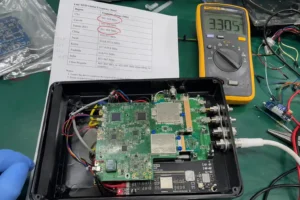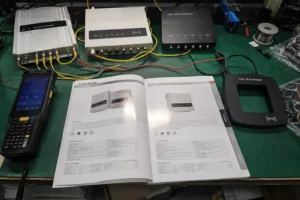

Before changing Wi-Fi channels or RFID reader settings, confirm that the two systems actually share the same spectrum.
This matters because "RFID" covers several different frequency families.
Most passive RAIN RFID systems used for inventory, warehouses, retail, and logistics operate in regional UHF bands around 860–960 MHz. A 2.4 GHz Wi-Fi network does not directly overlap those frequencies.
RFID systems operating around 2.45 GHz also exist, however, and those deployments can share spectrum with Wi-Fi, Bluetooth, and other devices in the 2.4 GHz ISM band.
The first troubleshooting step is therefore not to change channels. It is to identify the RFID frequency, confirm whether real spectrum overlap exists, and then determine whether the problem is radio interference or something else in the RFID read zone.
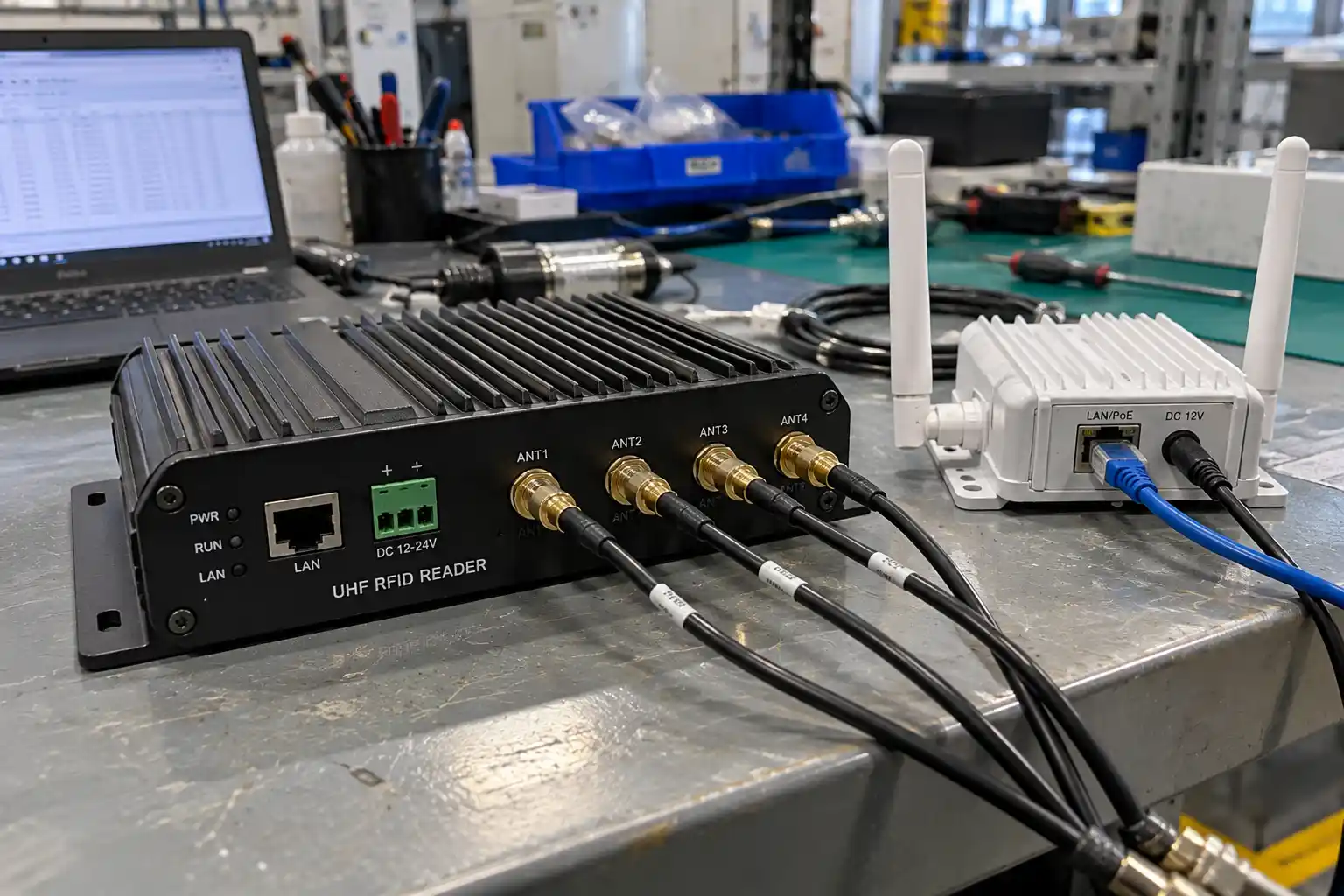
Does RAIN RFID Normally Interfere With 2.4 GHz Wi-Fi?
Not directly.
RAIN RFID uses passive UHF technology based on EPC Gen2 / ISO/IEC 18000-63 and operates in regional UHF allocations rather than the 2.4 GHz Wi-Fi band.
The exact UHF allocation depends on the country.
By contrast, ISO/IEC 18000-4 defines RFID air-interface technologies operating around 2.45 GHz. A deployment using that type of RFID shares radio space with 2.4 GHz Wi-Fi and deserves direct coexistence planning.
| Technology | Typical Frequency | Direct Spectrum Overlap With 2.4 GHz Wi-Fi? |
|---|---|---|
| RAIN / passive UHF RFID | Regional bands around 860–960 MHz | No |
| HF / NFC RFID | 13.56 MHz | No |
| LF RFID | Around 125–134 kHz | No |
| 2.45 GHz RFID | 2.4 GHz ISM band | Yes |
| 2.4 GHz Wi-Fi | 2.4 GHz ISM band | — |
For a broader explanation of passive UHF technology, see what RAIN RFID is.
If your RFID system is conventional RAIN UHF and the Wi-Fi network operates at 2.4 or 5 GHz, poor RFID performance should not automatically be blamed on Wi-Fi.
Metal, liquids, tag orientation, antenna placement, reader configuration, cabling, multipath, and overlapping RFID read zones may be more likely causes.
Step 1: Confirm That Radio Interference Is Actually the Problem
A missed RFID read and a slow Wi-Fi connection happening at the same time do not prove that one caused the other.
Interference should be diagnosed rather than assumed.
Useful evidence may include:
- failures that appear only when a particular transmitter becomes active
- degraded performance in one physical area but not another
- spectrum activity around the frequencies used by the affected system
- repeatable improvement when one radio system is temporarily disabled
- reader or network logs showing the problem at the same time
The test should isolate one variable at a time.
For example, if RFID reads remain poor after nearby Wi-Fi radios are temporarily disabled, changing the Wi-Fi channel is unlikely to solve the real problem.
Reader antennas should also be checked before blaming spectrum congestion. Antenna position, polarization, gain, mounting angle, and the surrounding environment can change the usable read zone substantially. See how RFID reader antennas affect large-scale deployment performance for the antenna-side design issues.
Step 2: Map the 2.4 GHz RF Environment
If the RFID system really does operate around 2.4 GHz, the next step is to understand what is already using the band.
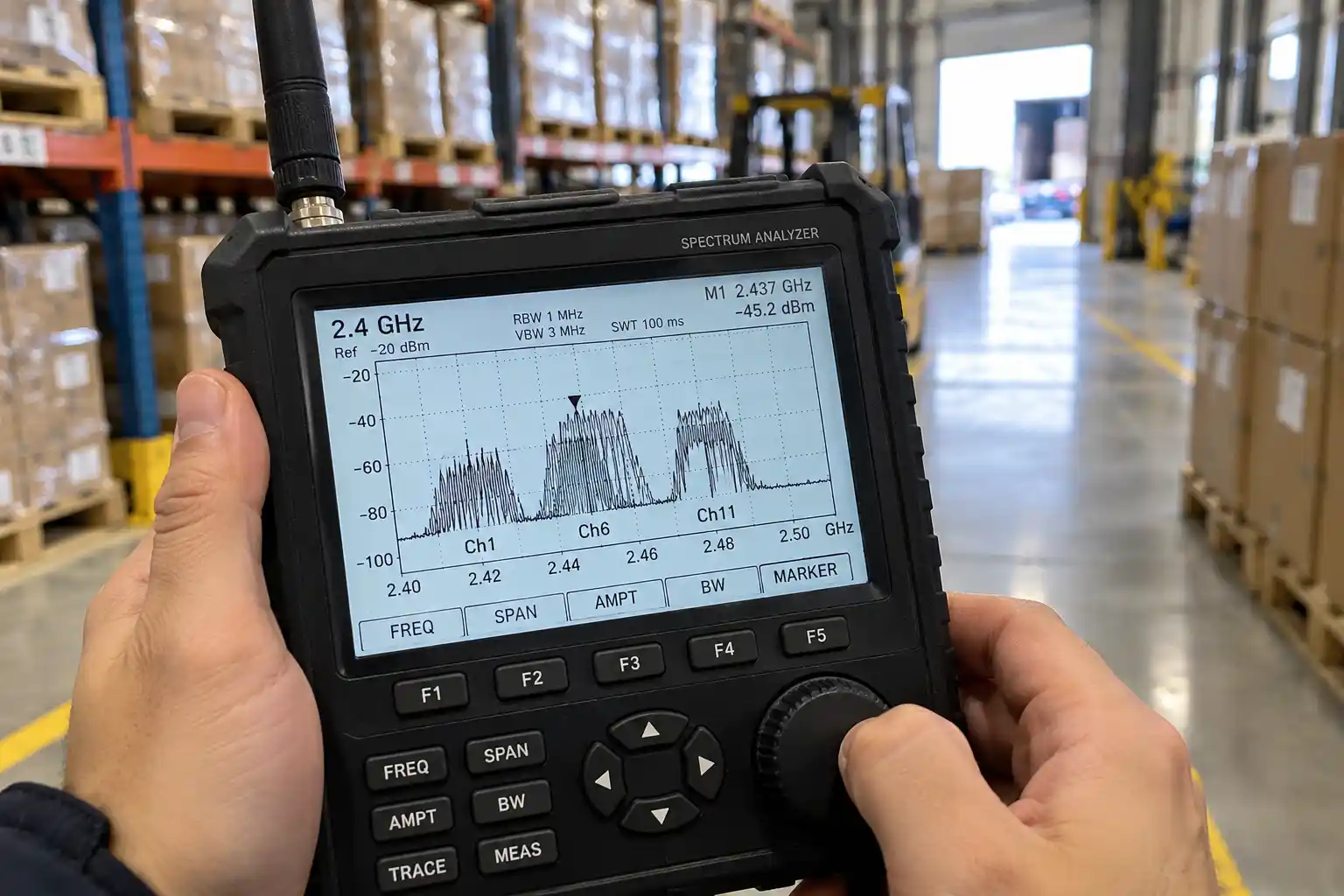
The 2.4 GHz ISM band is heavily used.
Depending on the site, it may contain:
- Wi-Fi access points and clients
- Bluetooth devices
- 2.4 GHz RFID
- industrial telemetry
- wireless peripherals
- other short-range radio systems
A spectrum analyzer or appropriate wireless diagnostic tools can show where energy is concentrated and whether the suspected interference is persistent, intermittent, or tied to a specific transmitter.
Wi-Fi controller data can also help identify channel utilization, neighboring access points, retries, and other signs of congestion.
The important distinction is between:
a crowded network
and:
direct RF interference with the RFID system.
They are related but not identical problems.
Step 3: Understand Wi-Fi Channel Planning Before Changing Anything
Modern 2.4 GHz Wi-Fi normally uses channel widths such as 20 MHz, with wider configurations possible on some equipment.
In the United States, channels 1, 6, and 11 are commonly used as a three-channel 20 MHz plan because they avoid overlapping one another.
That does not mean every site in every country should manually lock every access point to 1, 6, or 11.
Regional channel availability differs, and enterprise Wi-Fi systems may use radio-resource-management algorithms to select channels dynamically.
The Wi-Fi plan should therefore be coordinated with the IT team rather than changed solely to accommodate an RFID reader.
| Wi-Fi Decision | Practical Consideration |
|---|---|
| Channel selection | Follow the regulatory domain and the site's complete Wi-Fi plan |
| 20 MHz vs wider channel | Narrower 2.4 GHz channels usually leave more usable spectrum in congested environments |
| Static vs automatic channel selection | Depends on the Wi-Fi architecture; enterprise dynamic channel management can be beneficial |
| Access-point placement | Avoid unnecessary concentration of high-power transmitters beside critical RF equipment |
| 5 GHz / 6 GHz migration | Can reduce 2.4 GHz load when clients and infrastructure support those bands |
The objective is not simply to find an empty channel once.
It is to create a predictable RF environment that remains manageable as the site changes.
Step 4: Configure 2.4 GHz RFID Only Within the Device and Regulatory Limits
A 2.4 GHz RFID system may use frequency hopping, fixed channels, or another air-interface behavior depending on its technology and regional certification.
Some devices may expose channel masks or hopping parameters.
Others may not allow the installer to modify those settings because the radio has been certified for a particular operating behavior.
Therefore, a rule such as:
disable every RFID hop channel that overlaps Wi-Fi
should not be applied universally.
Instead:
Check the reader documentation, certified operating modes, and local spectrum regulations before changing channel or hopping behavior.
If the equipment provides a permitted coexistence or channel-selection function, use it according to the manufacturer's design and validate the result on site.
Do not create a custom hopping table simply because a Wi-Fi channel appears busy if that configuration is outside the device's approved operating mode.
Regional RFID requirements also differ substantially, particularly for passive UHF systems. If equipment is deployed internationally, see RFID frequency regulations by country.
Step 5: Use Power to Control the Read Zone, Not to Fight Interference
Increasing reader power is often the first reaction to missed reads.
It should not be.
Higher transmit power may expand the RFID coverage area, but it can also create unwanted reads, increase coupling into nearby equipment, and make an already complicated RF environment harder to control.
The better target is:
the lowest transmit power that provides reliable coverage of the required read zone under normal operating conditions.
That value has to be established through testing.
Likewise, simply reducing power is not guaranteed to solve interference. If the underlying problem is antenna placement, obstruction, receiver overload, or an unsuitable channel plan, power adjustment alone will not correct it.
For reader-side settings and hardware selection, see the RFID reader buying guide.
Step 6: Use Antenna Placement and Physical Separation
Physical layout can be just as important as frequency settings.
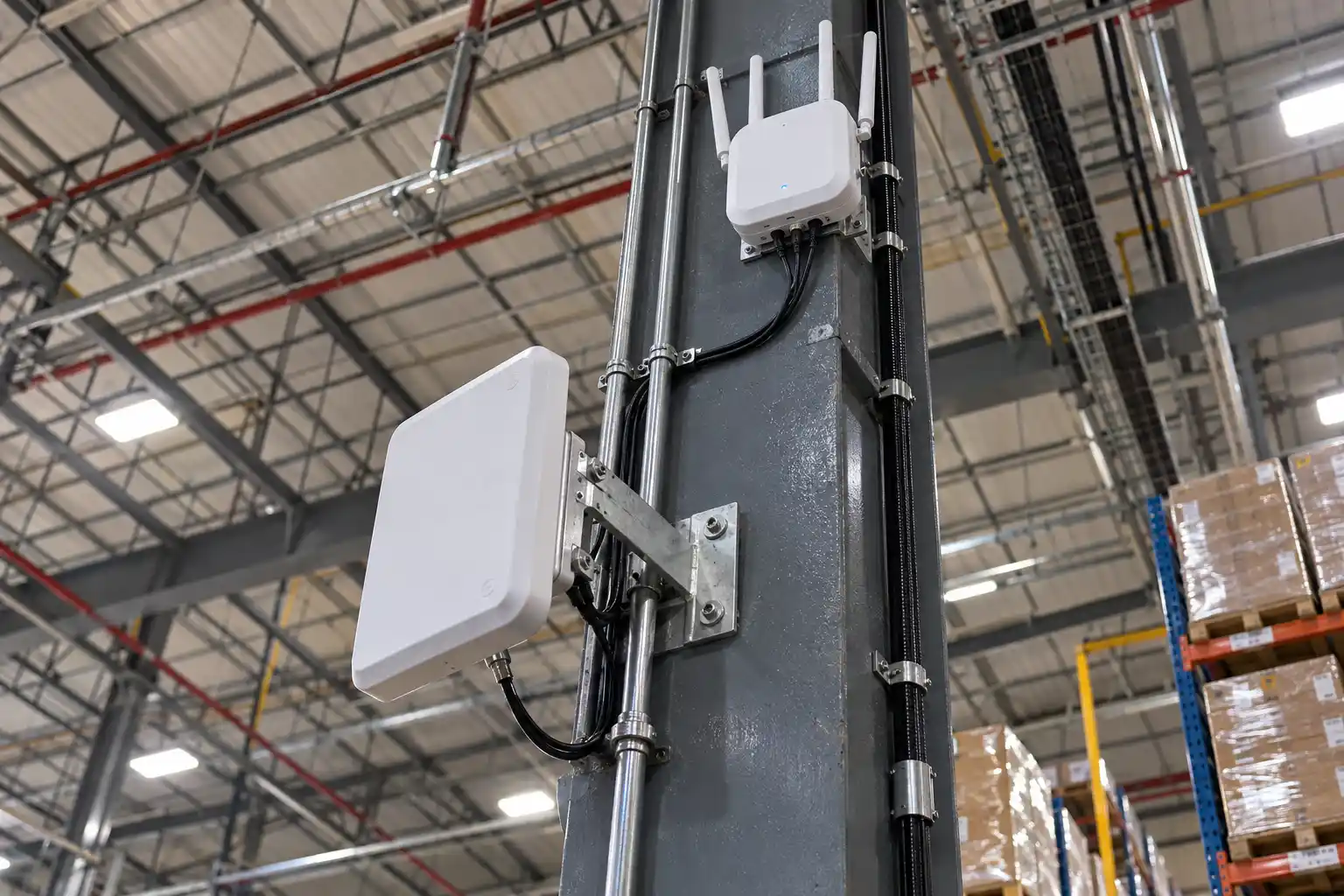
A high-power Wi-Fi access point installed immediately beside an RFID receiver or antenna system creates a different RF environment from the same access point mounted farther away and outside the critical read zone.
Directional antennas can also help keep transmitted energy focused where it is required.
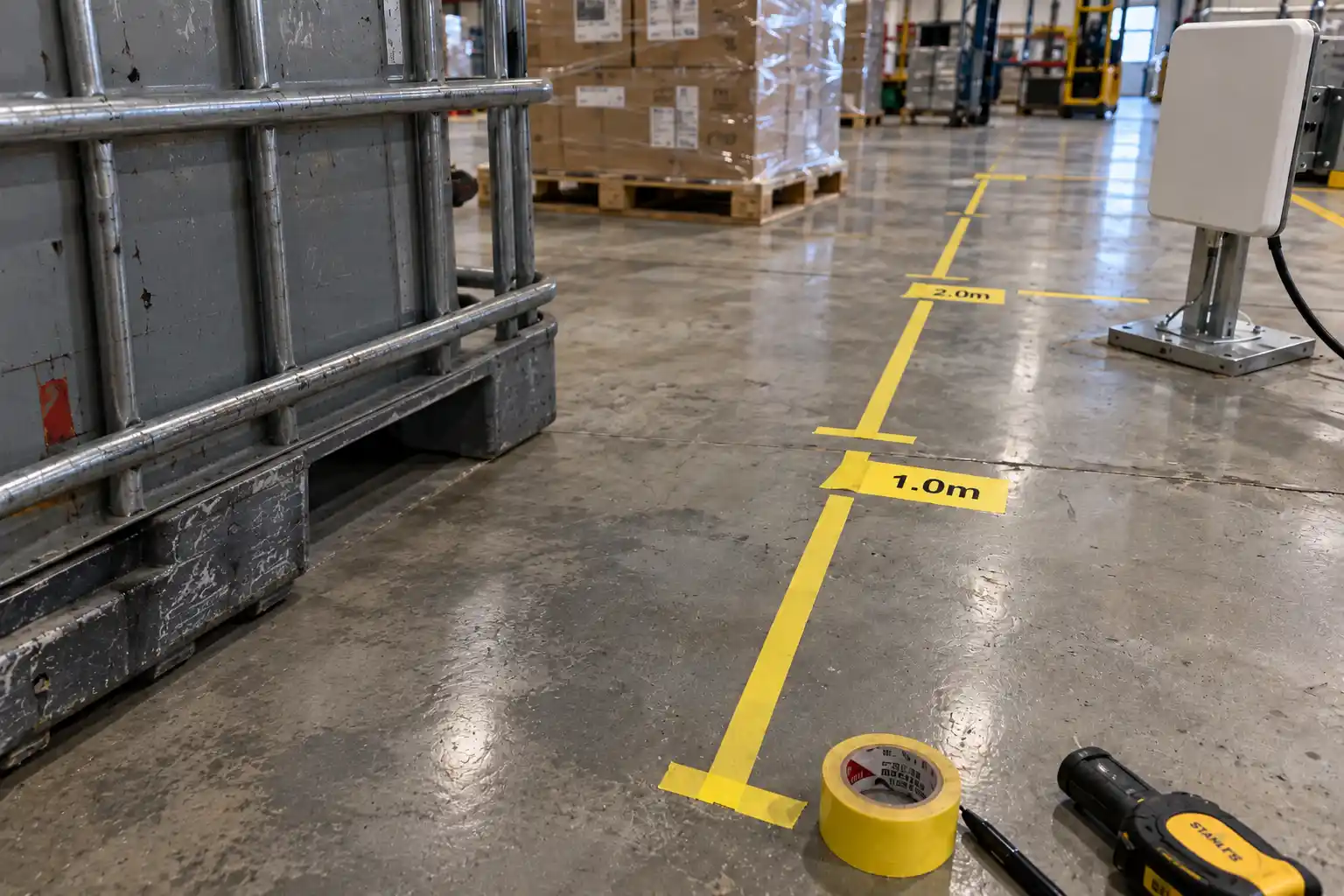
There is no universal minimum separation distance that guarantees coexistence.
The required distance depends on factors such as:
- transmitter power
- antenna gain and pattern
- receiver selectivity
- physical obstacles
- cable routing
- equipment enclosure
- required RFID read zone
- other radios in the area
The correct separation should therefore come from the site survey and system test rather than a fixed one-meter rule.
Step 7: Reduce Unnecessary 2.4 GHz Wi-Fi Traffic Where Practical
Many modern Wi-Fi environments also support 5 GHz and, on newer infrastructure, 6 GHz.
Moving compatible clients away from 2.4 GHz can reduce congestion in that band and leave more spectrum capacity for devices that actually require 2.4 GHz.
This does not mean turning off 2.4 GHz automatically.
Some industrial equipment, IoT devices, handheld terminals, and older clients may still depend on it.
A better approach is to let the IT team decide which clients truly need 2.4 GHz and which can move to another supported band.
A Practical RFID and Wi-Fi Troubleshooting Sequence
The most efficient process is to diagnose the system in order.
| Observation | Check First | Possible Action |
|---|---|---|
| Passive RAIN RFID misses reads near Wi-Fi | Confirm the RFID frequency | If RFID is around 860–960 MHz, investigate the RFID read zone before blaming 2.4 GHz Wi-Fi |
| 2.4 GHz RFID degrades when Wi-Fi traffic increases | Measure spectrum usage | Identify actual frequency overlap and congestion |
| Wi-Fi slows near an RFID installation | Confirm whether RFID actually transmits at 2.4 GHz | Review power, channel use, antenna placement, and duty cycle |
| RFID range is inconsistent | Inspect tag and antenna environment | Check orientation, metal, liquid, multipath, cabling, and power |
| Problems occur only in one doorway or workstation | Inspect physical layout | Reposition antennas or radios and retest |
| Performance changes after Wi-Fi channel changes | Compare logs and spectrum data | Coordinate RFID and Wi-Fi channel planning if the systems share 2.4 GHz |
This sequence prevents a common troubleshooting mistake:
changing radio settings before proving which radio is responsible.
What Should You Avoid?
Several fixes that sound simple can create new problems.
Do not assume that all RFID uses 2.4 GHz.
Do not set every RFID reader to maximum power.
Do not disable hopping channels without confirming that the device and local regulations allow that configuration.
Do not force every Wi-Fi access point to a static channel without understanding the site's Wi-Fi architecture.
And do not rely on one successful test while the warehouse, factory, or access-point layout continues to change.
RF coexistence should be treated as a system-design problem rather than a single configuration checkbox.
FAQ
Q: Does normal RAIN RFID interfere with 2.4 GHz Wi-Fi?
A: Normally not through direct frequency overlap. RAIN RFID uses passive UHF frequencies in regional bands around 860–960 MHz, while conventional 2.4 GHz Wi-Fi operates much higher in frequency. If a RAIN deployment has poor reads near a Wi-Fi network, first investigate RFID antenna placement, tag environment, reader settings, and other local RF conditions rather than assuming direct Wi-Fi interference.
Q: Does 2.4 GHz RFID exist?
A: Yes. RFID technologies operating around 2.45 GHz are defined by standards including ISO/IEC 18000-4. They are a different RFID family from the passive UHF RAIN systems commonly used in retail, logistics, and warehouse inventory. Because 2.4 GHz RFID shares the ISM band with Wi-Fi and other radios, coexistence planning can be important.
Q: Should Wi-Fi always be locked to channels 1, 6, or 11?
A: No. Channels 1, 6, and 11 are a common non-overlapping 20 MHz channel plan in the United States, but regulatory domains and Wi-Fi architectures differ. Enterprise systems may also use dynamic radio-resource management effectively. Channel changes should be coordinated with the network team and based on the actual site environment.
Q: Should I disable RFID hopping channels that overlap Wi-Fi?
A: Only if the RFID equipment supports that configuration and it remains within the product's certified operating mode and local radio regulations. Some systems do not allow arbitrary changes to the hopping plan. Review the reader documentation and regional requirements before changing frequency behavior.
Q: Will lowering RFID reader power eliminate Wi-Fi interference?
A: Not necessarily. Lower power can reduce the RFID RF footprint, but it may also reduce the intended read zone. The correct power setting is the minimum level that provides reliable application coverage. If the real problem is channel congestion, antenna placement, or receiver interference, power adjustment alone may not solve it.
Q: How far should a Wi-Fi access point be from an RFID reader?
A: There is no universal separation distance. The required spacing depends on radio power, antenna patterns, receiver design, physical layout, and the required read zone. Determine the distance through site testing rather than relying on a fixed one-meter rule.
Conclusion
RFID and Wi-Fi interference should not be treated as a generic problem affecting every RFID deployment.
The first question is always:
What frequency does the RFID system actually use?
If the system is conventional RAIN RFID around 860–960 MHz, 2.4 GHz Wi-Fi is not a direct co-channel competitor and the investigation should focus first on the RFID read zone and hardware environment.
If the RFID system itself operates around 2.4 GHz, then spectrum measurement, Wi-Fi channel planning, permitted RFID frequency settings, reader power, antenna placement, and physical separation should be evaluated together.
The best coexistence strategy is not to maximize power or blindly block channels.
It is to measure the RF environment, understand the regulatory limits, and tune both systems around the actual workflow.
For regional RFID band requirements, see RFID frequency regulations by country. For reader hardware and antenna decisions, continue with the RFID reader buying guide.
For help evaluating RFID reader hardware for a mixed wireless environment, Contact Fongwah.