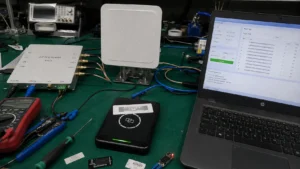

A good RFID reader can still produce poor results when the installation around it is wrong.
Many weak deployments are not caused by failed hardware. They come from antenna placement, excessive transmit power, unsuitable tag positioning, poorly defined read zones, or operating habits that slowly reduce first-pass read performance.
Using an RFID reader effectively means treating the reader as part of a controlled RF environment: survey the site before permanent mounting, tune power to the required zone, test tags on the real assets, define what the reader should and should not detect, and verify the setup regularly after installation.
The hardware matters, but the way it is installed and operated often determines whether the system remains reliable in daily use.
The RFID reader buying guide covers reader selection before purchase. If an installed system later loses range, the RFID reading range troubleshooting checklist helps separate hardware faults from environmental changes. For the RF behavior underneath both topics, see how RFID tags work.
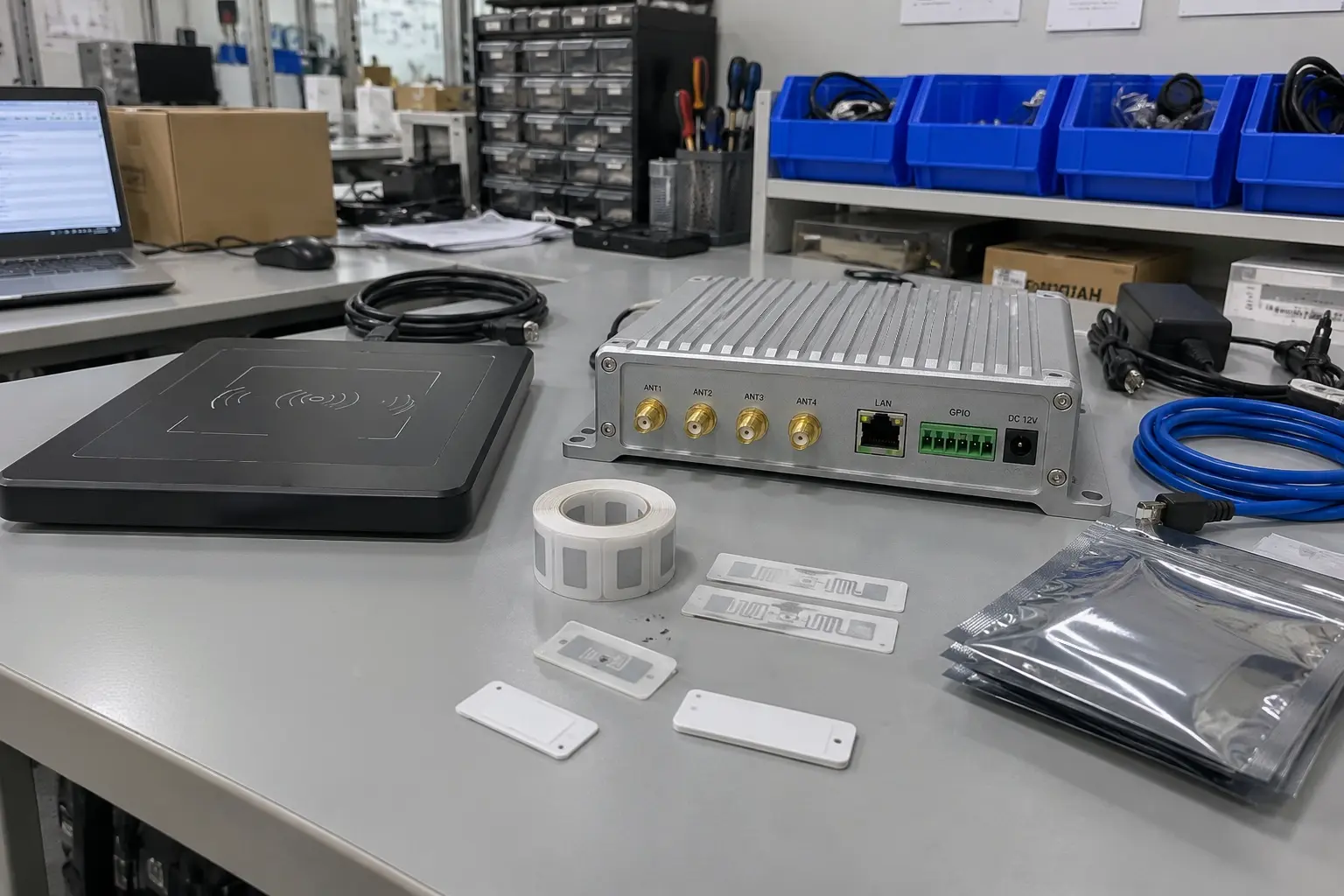
Why Should You Survey the Site Before Installing an RFID Reader?
Permanent mounting should come after the read environment is understood, not before.
A site survey helps identify where the intended tags can be read reliably, where metal or liquid changes the RF field, and where one read zone begins to overlap another.
This is especially important for fixed RFID readers because a reader that is mounted in the wrong position is difficult to correct later with software or additional RF power.
Start with the real application.
Use representative tags on the actual products, cartons, totes, tools, pallets, or assets whenever possible. Test them in the positions and orientations they will have during normal operation.
Then look for three things:
- areas where intended tags are missed
- areas where unintended tags are detected
- environmental features that may change the RF field
Metal racking, machinery, structural beams, liquid containers, walls, nearby antennas, and even the direction in which goods move through the zone can affect the result.
The objective is not to create a building-wide map of maximum range. It is to understand where the required read zone can be created reliably.
For a dock door, for example, the useful question is not "How far can this reader read?"
It is:
Can every required pallet tag be detected while pallets are moving through this doorway without also reading inventory waiting beside the next door?
That distinction should guide antenna mounting, orientation, and power settings.
The decision between fixed and handheld RFID readers for labor savings should also reflect the actual workflow discovered during this stage.
How Should RFID Reader Transmit Power Be Tuned?
Increasing transmit power is one of the easiest settings to change, which is why it is also one of the easiest settings to misuse.
When a tag is missed, the first reaction is often to increase power.
Sometimes that helps. Sometimes it simply makes the read zone larger and creates a different problem.
The practical goal is to use enough RF power to cover the intended zone consistently without unnecessarily extending that zone into neighboring areas.
A desktop encoding station, smart cabinet, packing bench, conveyor, and dock portal do not need the same RF footprint.
The correct setting therefore depends on the application rather than on the reader's maximum output specification.
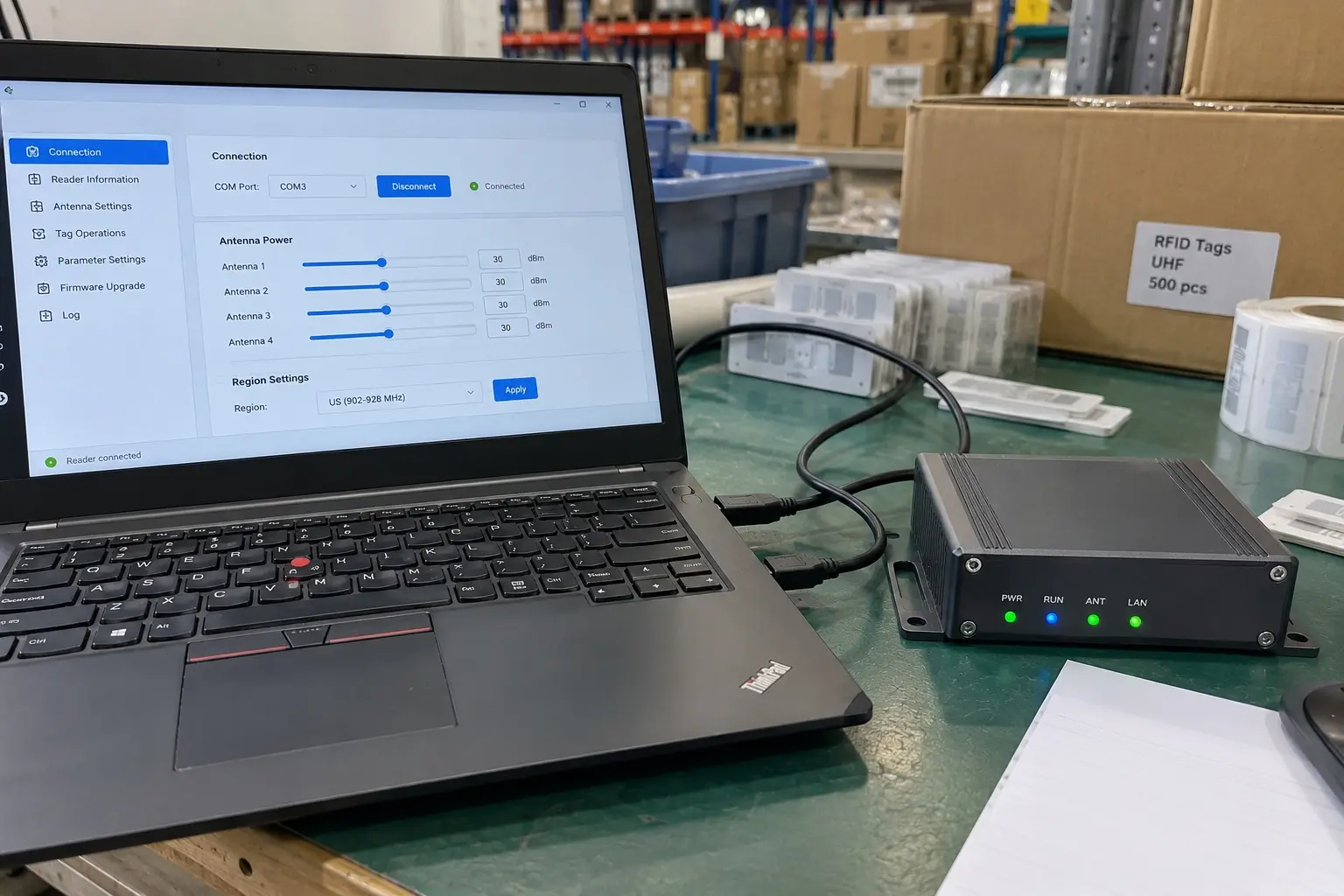
A useful tuning process is:
- Start below maximum power.
- Test representative tags at the most difficult point inside the intended zone.
- Increase power gradually until those tags read reliably.
- Test nearby areas that should remain outside the zone.
- Recheck performance with normal product movement and tag orientation.
If the far edge of the required zone still performs poorly even after reasonable power adjustment, investigate antenna position, antenna gain, polarization, tag placement, cable loss, or the surrounding materials before simply increasing power again.
Higher output cannot compensate for every RF problem.
It may also cause tags on neighboring racks, benches, conveyors, or doors to become visible to the reader.
In dense multi-reader deployments, poorly controlled RF zones can also contribute to interference and make troubleshooting more difficult.
Remember the Regional RF Limits
UHF RFID operates within the wider 860–960 MHz range, but the permitted sub-band and effective radiated power depend on the country or region.
The reader should therefore be configured for the regulatory region where it is installed.
Maximum permitted power is a ceiling, not a recommended operating setting.
The purpose of tuning is to create a reliable read zone, not to make every installation transmit as strongly as possible.
Where Should RFID Tags Be Positioned for Reliable Reads?
A reader cannot compensate indefinitely for a tag that is mounted in an unsuitable position.
Tag performance depends on both the RFID tag design and what surrounds it.
Metal is one of the most common challenges because conductive surfaces can detune a conventional UHF tag antenna and strongly change the surrounding RF field.
For assets made from steel, aluminum, or other conductive materials, use a tag specifically designed for on-metal mounting.
These tags may use engineered spacing, ferrite, ceramic materials, or another antenna construction that allows the tag to operate close to a conductive surface.
Liquids create a different problem.
Water-rich products can absorb UHF energy and change the effective read zone, particularly when the liquid sits between the antenna and the RFID tag.
Tag position therefore needs to be tested on the actual packaged product rather than only on an empty carton or loose sample tag.
Tag Orientation Matters Too
The orientation of the tag antenna relative to the reader antenna can significantly change read performance.
This matters most when linear polarization is used or when products pass through the read zone in a predictable direction.
When orientation varies considerably, antenna selection and tag placement should be designed with that variation in mind.
RFID does not require visual line of sight in the way a barcode scanner does, but keeping the RF path as clear and repeatable as practical generally makes the system easier to control.
Stacked Products Need Real Testing
Closely packed tagged items can interact with one another.
The effect depends on:
- tag antenna design
- spacing between tags
- product material
- tag orientation
- antenna position
- frequency
- number of tagged items in the field
Instead of relying on a universal percentage for "range loss," test the actual packing configuration.
The practical response to common surfaces looks more like this:
| Asset or environment | Typical RF concern | Practical response |
|---|---|---|
| Cardboard, paper, dry plastic | Usually RF-friendly, but orientation still matters | Test the final label position and normal product orientation |
| Closely stacked cartons or items | Tag shadowing, coupling, changing orientation | Test full stacks at normal packing density |
| Steel or aluminum | Conventional tags can detune severely | Use an on-metal tag and test on the actual asset |
| Water-rich products or liquids | UHF energy can be absorbed or redirected | Move the tag away from the liquid path where possible and test several positions |
| High-temperature, outdoor, chemical, or wash-down areas | Physical tag construction may fail even if RF performance is acceptable | Select a tag designed for the environmental exposure |
The underlying physics is explained in more detail in how RFID tags work.
How Do You Design a Controlled RFID Read Zone?
A reliable RFID deployment is usually designed around where a tag should be detected, not around the maximum range listed on the reader data sheet.
Start by defining the physical volume that matters.
For example:
- a dock door needs to identify goods crossing the doorway
- a conveyor station needs to identify items passing one point on the line
- a packing bench should detect the product being processed without reading the next workstation
- a smart cabinet should read items inside the cabinet without constantly detecting stock outside it
Once that boundary is clear, the antenna system can be designed around it.
Consider antenna count, gain, polarization, mounting height, angle, cable length, tag orientation, and reader output as one system.
A dock portal may require several antennas because pallets contain tags at different heights and orientations.
A desktop workstation may need only one compact antenna because the required read volume is small.
The correct design is the one that covers the target volume reliably while minimizing reads outside it.
Test What the Reader Should Ignore
One of the most useful commissioning tests is often forgotten.
Do not only test the tags the reader should detect.
Also place tagged objects immediately outside the intended zone and verify that they are not repeatedly entering the inventory.
This is especially important when two dock doors, packing benches, conveyors, or storage zones are close together.
A fixed reader that captures every intended tag but also reports inventory from the adjacent area is not operating correctly.
This is why the physical read-zone design is central to whether a fixed RFID reader actually saves labor.
Which Operator Habits Can Reduce RFID Read Performance?
After installation, the system may be technically correct but still perform inconsistently because the real workflow differs from the one used during commissioning.
This is common with handheld readers and manual RFID workstations.
For example, an operator may:
- scan from the edge of the intended read zone
- hold the handheld reader at a very different angle from the tested position
- place several tagged objects tightly together
- move products through the zone too quickly or inconsistently
- place metal tools or containers beside a desktop antenna
- increase reader power instead of reporting a recurring placement problem

Training should therefore explain more than which button to press.
Operators should understand the basic working area of the reader, where the product or tag should be presented, and what to do when normal performance changes.
For a handheld application, this may mean teaching the operator to approach the expected tag location consistently instead of sweeping the reader randomly around the asset.
At a fixed workstation, it may mean keeping unprocessed tagged goods outside the active read zone.
Most importantly, operators should not be expected to compensate manually for a system that is slowly drifting out of specification.
Repeated missed reads should trigger investigation.
What Should Be Checked When RFID Performance Starts to Drift?
RFID installations should be checked periodically because the environment around them does not remain perfectly static.
An antenna can move slightly after an impact. A coaxial connector can loosen. New metal shelving can be installed nearby. Products can change packaging. A reader configuration can be altered during maintenance.
Any of these changes may affect the read zone even though the RFID reader itself has not failed.
A simple routine check can include:
- confirming that the reader is online
- checking antenna and RF cable connections
- verifying that antennas have not shifted position
- reading a known reference tag in the expected zone
- confirming that nearby out-of-zone tags are not being detected
- reviewing recent configuration or power changes
- checking whether products, packaging, shelving, or machinery around the zone have changed
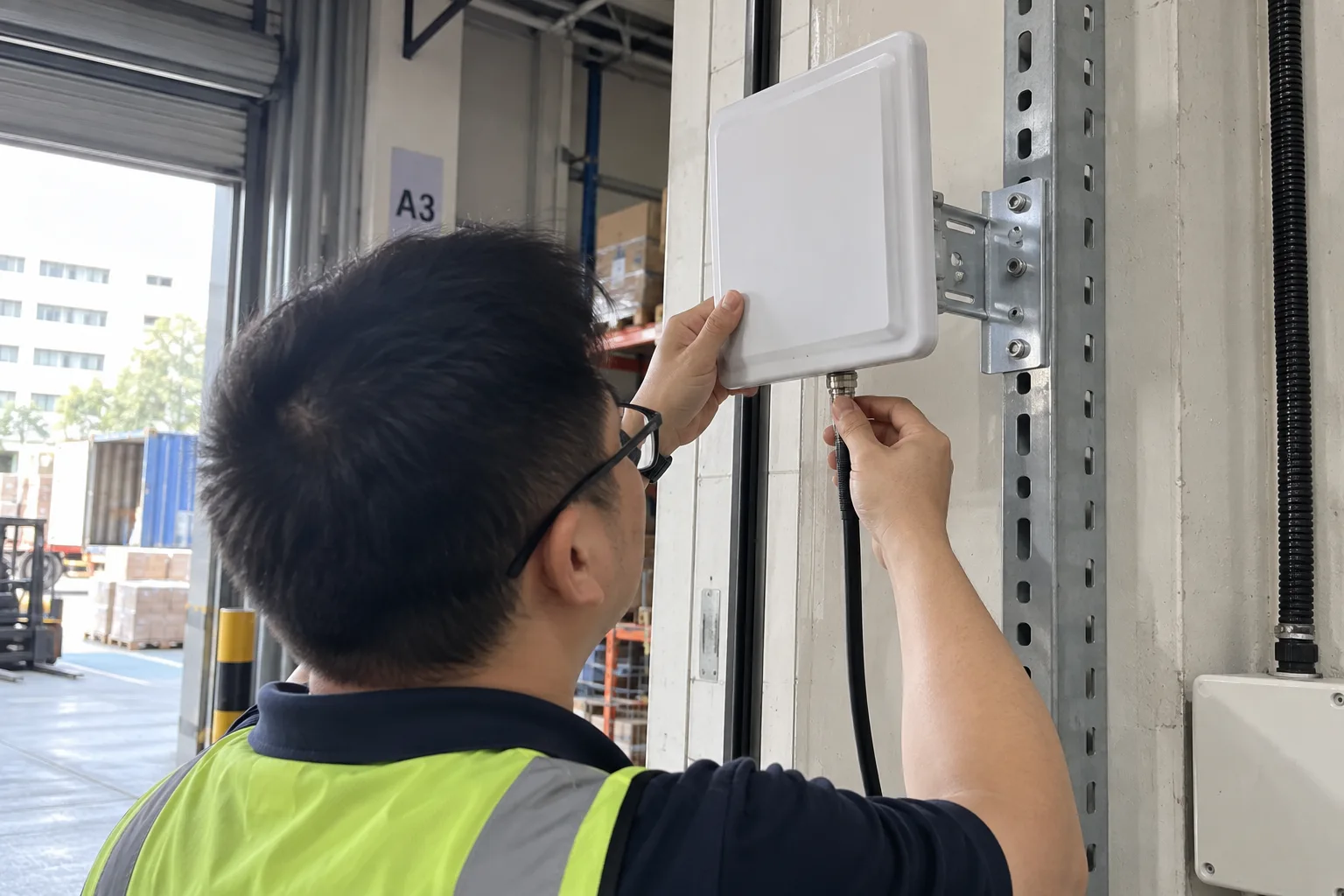
This kind of verification gives technicians a baseline.
If a previously reliable reference tag suddenly becomes difficult to read, the team can investigate what changed instead of immediately replacing the reader.
For a step-by-step diagnosis, use the RFID reading range troubleshooting checklist.
FAQ
What Are the Main Steps in an RFID Site Survey?
Start with representative RFID tags and the real assets or products whenever possible.
Define the intended read zone, test likely antenna positions, identify places where intended tags are missed, and check whether nearby tags outside the zone are being detected.
Also note environmental factors such as metal, liquids, machinery, walls, and nearby RFID installations before permanent mounting begins.
Should RFID Reader Transmit Power Be Set to Maximum?
Normally, no.
Transmit power should be high enough to make the required read zone reliable but not unnecessarily extend that zone into neighboring areas.
If increasing power does not solve a missed-read problem, investigate antenna placement, tag position, polarization, cable loss, or the surrounding materials.
Where Should RFID Tags Be Placed for Reliable Reads?
The correct position depends on the asset and tag design.
Avoid mounting ordinary UHF labels directly on metal unless they are designed for it, test carefully around liquids, and consider tag orientation relative to the reader antenna.
For stacked or densely packed products, always test the real packing arrangement because neighboring tags and materials can change RF performance.
Does RFID Require Line of Sight?
No.
RFID does not require optical line of sight like a barcode scanner.
However, materials between the antenna and tag can still absorb, reflect, or alter RF energy, so the physical path and surrounding environment remain important.
What Operator Errors Commonly Reduce RFID Read Rate?
Common problems include presenting tags outside the tested read zone, changing tag orientation significantly, stacking tagged items in an untested way, placing metal objects close to the antenna, or increasing transmit power to compensate for another installation problem.
Consistent operating procedures help keep the real workflow close to the conditions under which the system was originally tuned.
What Should Be Checked First If RFID Range Suddenly Drops?
Start with recent changes.
Check antenna position, RF cable connections, reader power settings, surrounding metal or products, tag type and placement, and whether the physical environment has changed.
A known reference tag is useful for separating a system-wide change from a problem with one individual tag.
Conclusion
Effective RFID reader use is not simply a matter of buying the right hardware and turning the transmit power up.
Reliable performance comes from controlling the complete read environment.
Survey the site before permanent mounting. Define what the reader should and should not detect. Tune transmit power to that zone. Test tags on the actual assets. Train operators around the real read area, and periodically confirm that the physical installation has not changed.
When those practices are in place, the reader becomes much easier to tune, troubleshoot, and scale.
If you need help matching an RFID reader, antenna layout, tag type, and workflow to a specific environment, contact Fongwah to discuss the application before deployment.