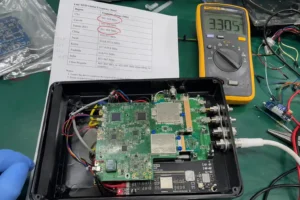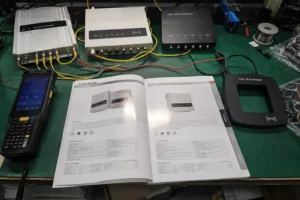
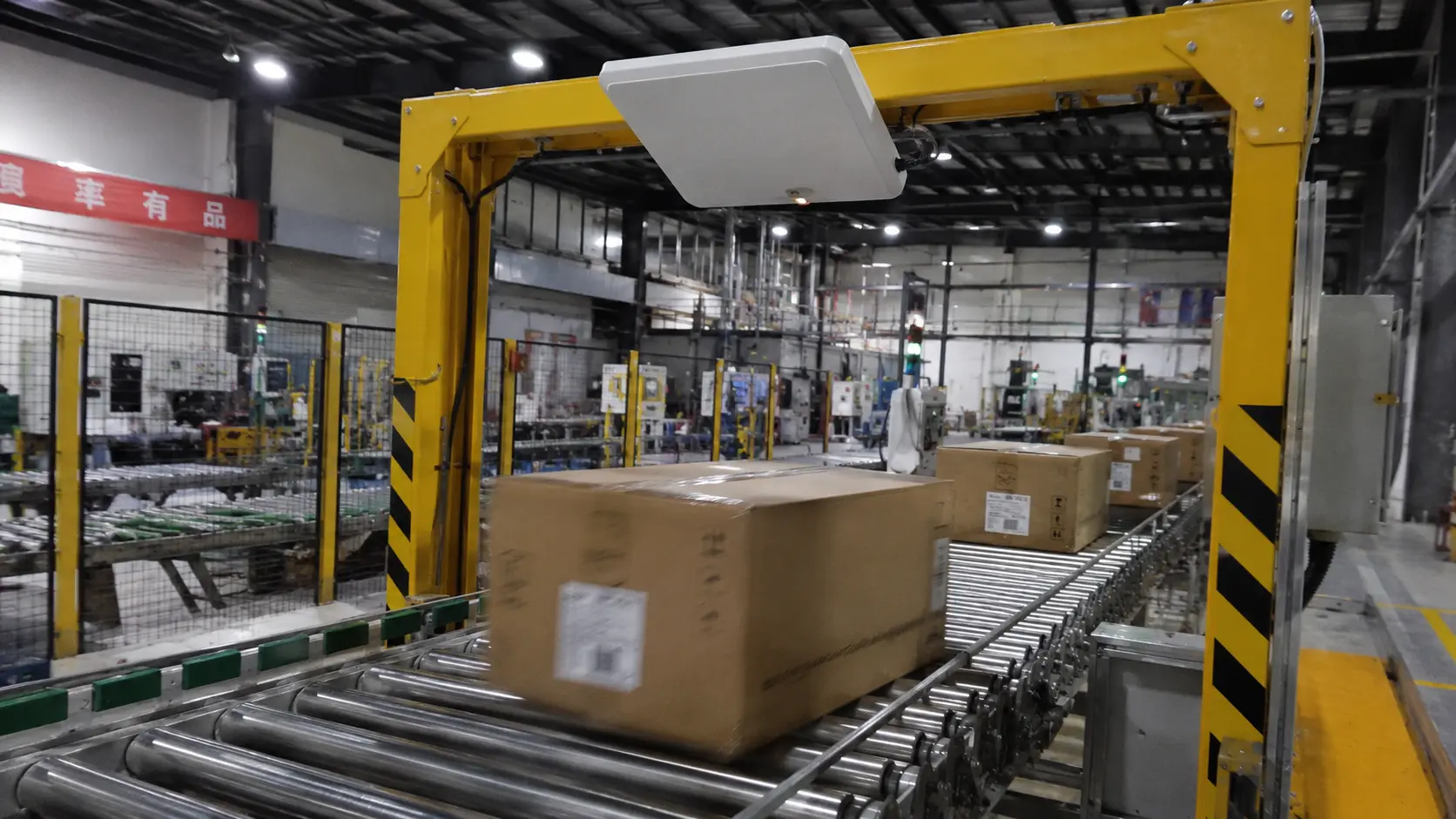
An RFID reader identifies items by sending out radio waves and picking up the replies from nearby tags. No line of sight, no careful aiming, and it can pull in dozens of tags in a single pass. On a warehouse floor, that last point is the whole game: a full carton of stock counts itself in seconds, while a barcode scanner makes you handle and scan each item one at a time.
Before the reader, though, it helps to know what RFID technology is and how RFID tags work, the larger system this device belongs to.
How Does an RFID Reader Work?
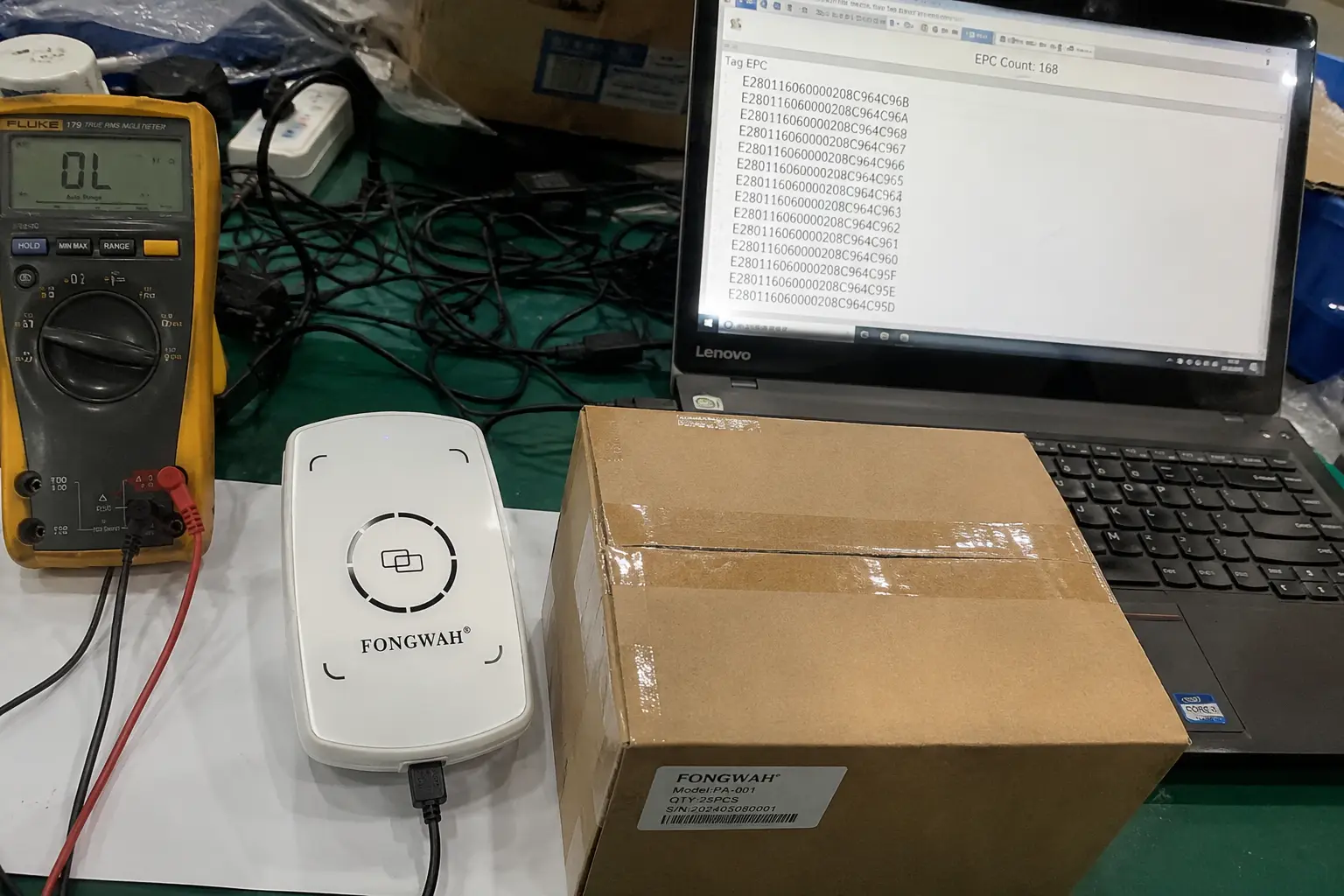
An RFID reader works by emitting a radio field that wakes nearby tags, reads their stored IDs, and forwards the list to your software. The reader puts out a low-power RF field. Any compatible tag caught in that field wakes up, and a passive tag borrows the energy it needs straight from the reader's signal to fire back its stored ID. The reader gathers those IDs and hands your inventory software a clean list. Inside the reader, an antenna, transceiver, and controller handle the exchange; the controller then passes the ID list to your host software over USB or Ethernet.
Most warehouse systems run in the UHF band covered by ISO/IEC 18000-63 (the ISO expression of EPC Gen2 / GS1 UHF Gen2), which is built for reading many tags at range. If you want the energy-transfer half first, see how an RFID reader powers a passive tag.
The Signal Exchange in Plain Terms
Drop the "aim a beam" mental model. The reader is a broadcaster, and the tags are listeners that answer with a number. It doesn't need to know where each tag sits, only that it's somewhere inside the read zone. Because the link is radio, not light, a tag tucked inside a carton or behind plastic still talks back. UHF readers typically read several metres, roughly 3–10 m, through packaging, though range drops near metal or liquid.
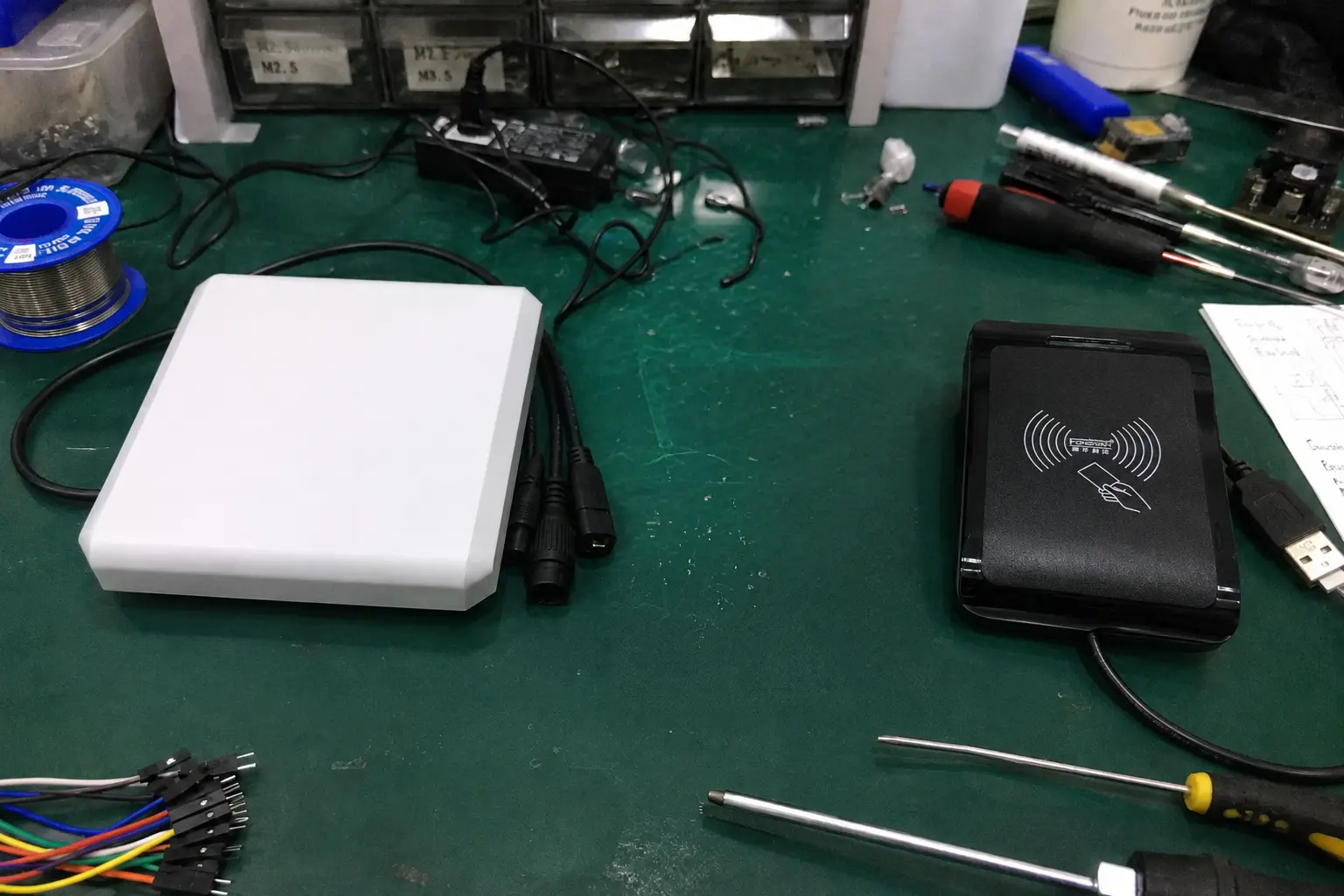
Fixed Readers, Handheld Readers, and USB Desktops
Three shapes cover almost every warehouse job. A fixed reader bolts over a dock door or conveyor and catches everything that rolls past. A handheld lets a worker walk an aisle and read as they go. A desktop USB unit sits at a packing bench and reads whatever carton you drop on it. Same job in all three cases: you're just picking where the reading happens.
RFID Reader vs Barcode Scanner
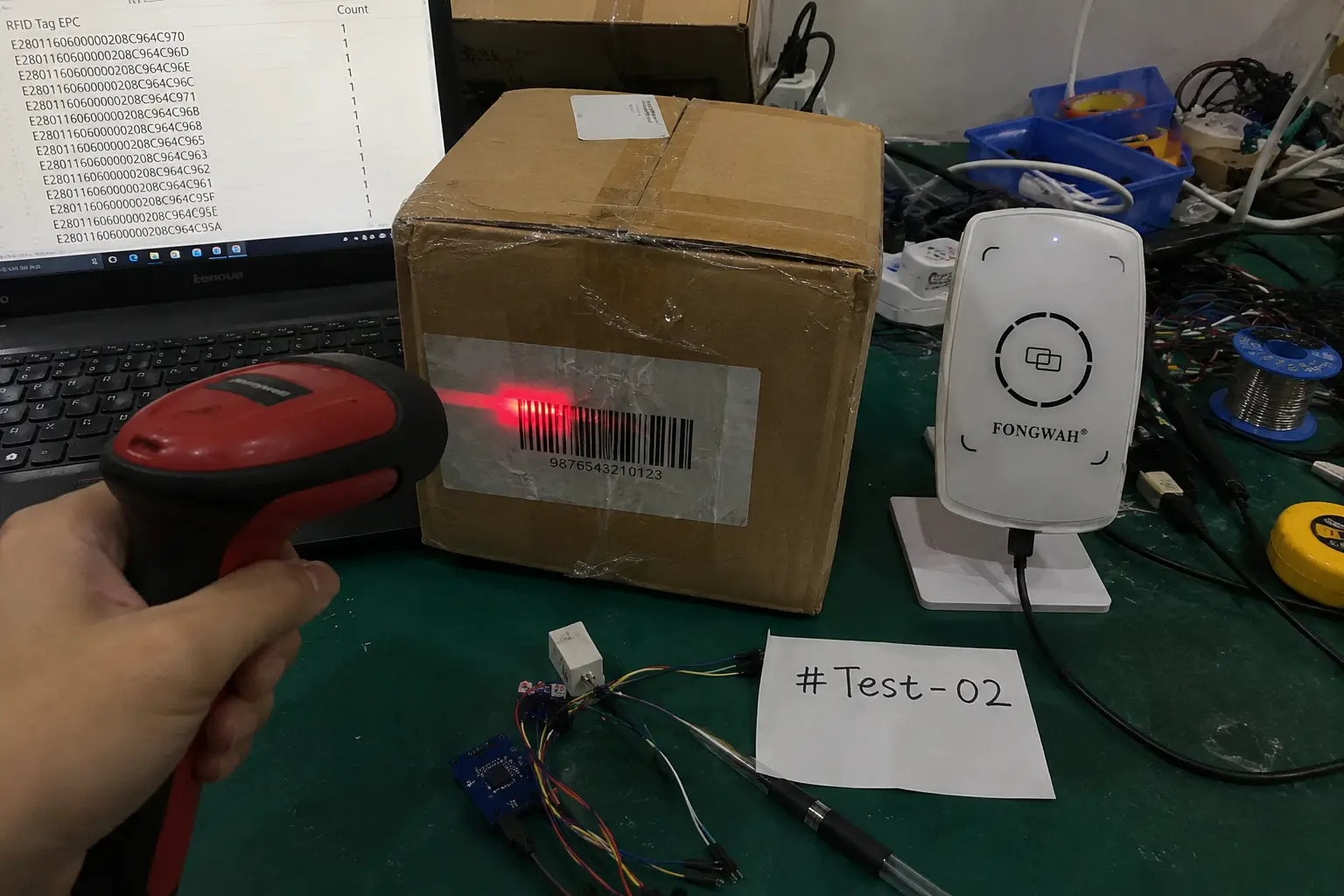
The two differ in physics: a barcode scanner is optical and needs a clear view of a printed pattern, while an RFID reader uses radio to read through packaging. The split between the two is really a split in physics. A barcode scanner is an optical device: it has to see and decode a printed pattern. An RFID reader runs on radio and reads straight through packaging. That one difference decides how fast and how reliably a team can move.
Where Barcodes Break Down
A barcode is only as good as its surface. Crease it, smudge it, or cover it, and it won't scan, and bad lighting makes it worse. Every failure sends a worker back to handle the item again and retry. At volume, those little stalls eat real hours.
What Radio Changes
RFID doesn't care if the tag is hidden. The signal walks through cardboard, plastic, and shrink wrap to reach the chip inside. A mixed box reads as a unit, with no opening it and no twisting each product toward a beam.
| Feature | Handheld Barcode Scanner | Desktop RFID Reader |
|---|---|---|
| Technology | Optical (Light) | Radio Frequency (RF) |
| Required Action | Aim directly at one barcode | Place item(s) in range |
| Line-of-Sight | Required | Not required |
| Bulk Scanning | No, one item at a time | Yes, many items at once |
| Reliability | Fails with damaged labels | Works with hidden tags |
An RFID Reader for Warehouse Tasks
An RFID reader pays for itself in the dull, high-volume warehouse work, especially receiving inbound cartons and verifying outbound orders. Two jobs come up constantly: taking in inbound cartons and checking outbound orders before they leave.
Receiving: From Minutes to Seconds
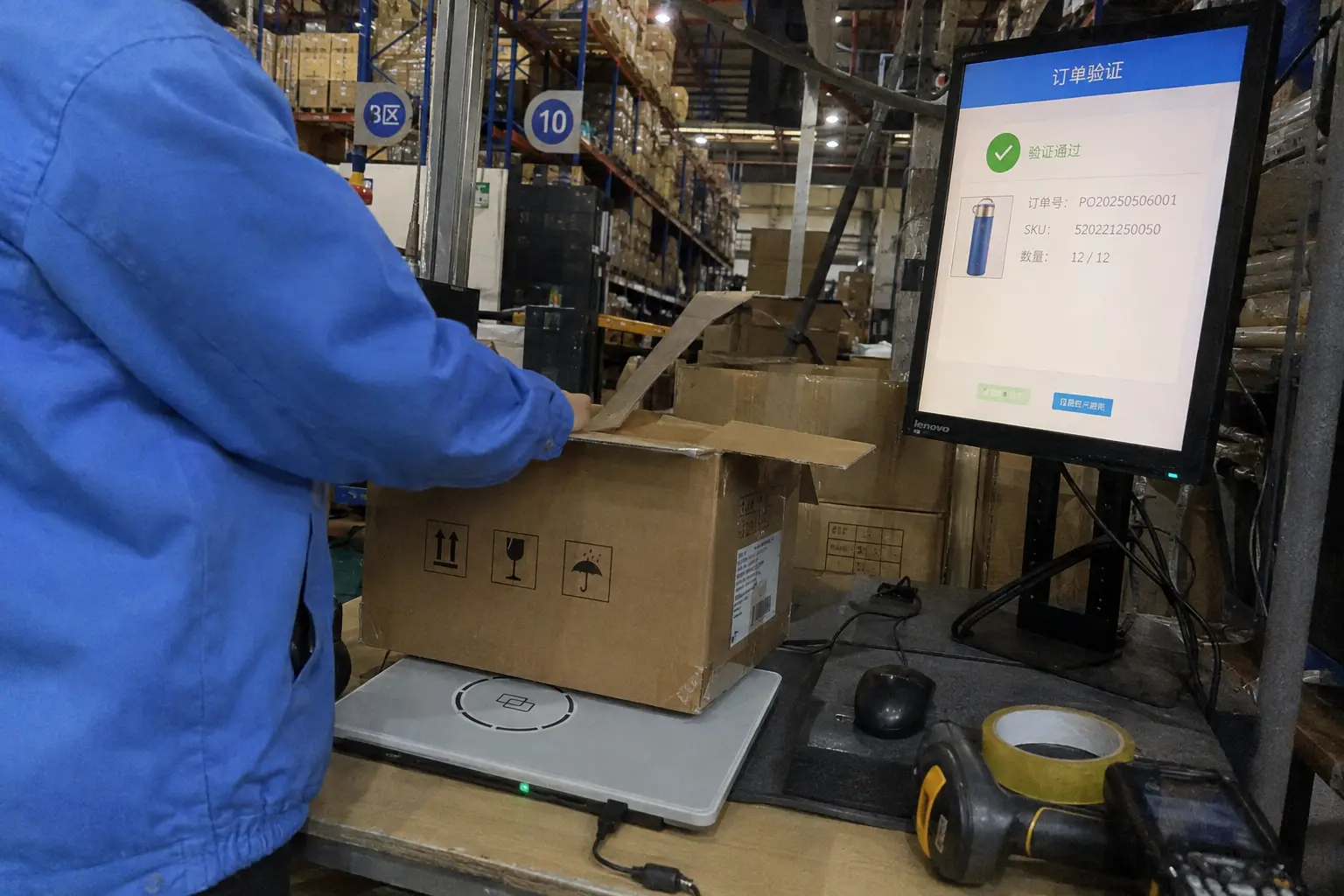
A carton with 30 small items is roughly 30 scans on a barcode gun, or several minutes of handling per box before anything hits your system. Put the same carton on an RFID pad and all 30 tags register in a few seconds. Spread that across a full day of receiving and the saved minutes turn into real headroom.
Order Packing: Toward Zero Errors
Wrong shipments bleed money and trust. Most teams answer by putting a second person on the line to eyeball every order, which doubles packing labor. An RFID reader collapses that into one scan: drop the open carton on the reader and the system checks the contents against the order in a moment. One worker runs it, one motion does it, and the error rate falls off sharply.
| Warehouse Task | Process with Barcode Scanner | Process with RFID Reader |
|---|---|---|
| Small-Batch Receiving | Scan each item one-by-one | Scan the entire box at once |
| Time per Box | Typical: 5–10 minutes | Typical: 5–10 seconds |
| Order Verification | A second person visually checks | A single person scans the box |
| Error Rate | Prone to human error | Significantly reduced |
Is an RFID Reader Hard to Set Up?
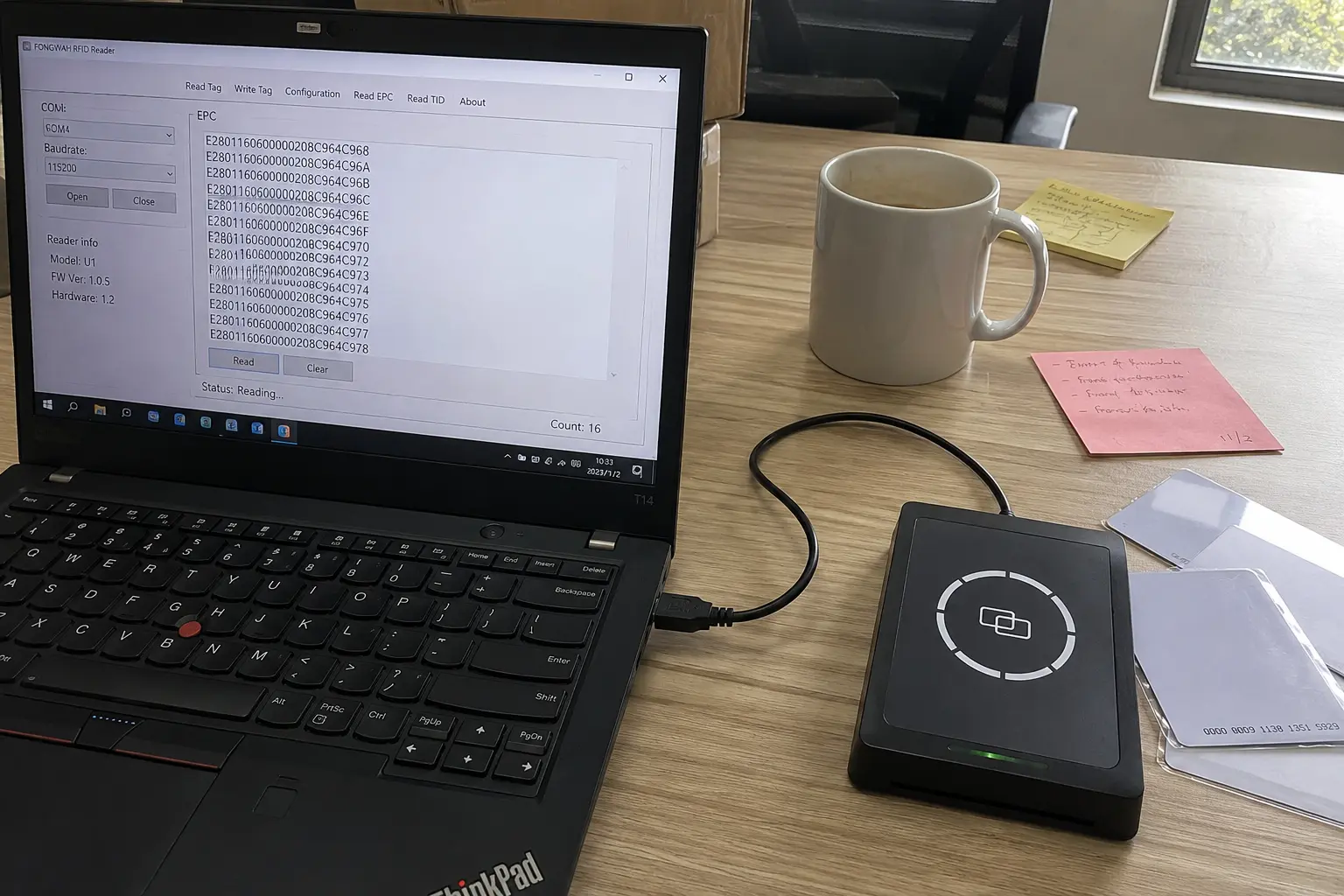
Setup is usually simple: most desktop RFID readers are plug-and-play peripherals, closer to a mouse than to a server. If you don't keep an IT person on staff, setup is usually the thing that scares teams off. In practice, you connect one USB cable and the reading software is ready within minutes.
Space and Installation
A desktop unit takes less room than a sheet of paper. Hook it up with a single USB cable; the host machine recognizes it and the basic software is live within minutes. No rack to mount, no network to configure for a standard bench setup.
Training and Daily Use
The screen is usually a handful of big buttons: read, write, check. Beyond reading, many readers also write or encode tag data. A new operator can run their first stock count the same morning the reader shows up. The hard part is the workflow, not the hardware.
| Setup Factor | Common Expectation | Typical Reality |
|---|---|---|
| Required Space | A large, dedicated station | A small corner of a desk |
| Installation Process | Complex software, drivers, IT help | A single USB plug-in |
| Training Time | Several days or a week | Under 30 minutes |
| Immediate Usefulness | Low, long setup required | High, ready in minutes |
Frequently Asked Questions
Q: What do RFID readers do in a warehouse?
A: They read tagged inventory by radio, counting many items at once through packaging. Typical uses are receiving cartons, cycle counting, and verifying order contents before shipment.
Q: How does an RFID reader work without a battery in the tag?
A: A passive tag has no battery. It collects energy from the reader's RF field, uses that brief power to switch on, and sends back its stored ID. The reader supplies both the question and the power.
Q: RFID reader vs barcode scanner: which is better?
A: For single, visible, well-printed labels, barcodes are cheap and adequate. For bulk counts, hidden tags, or fast throughput, RFID reads many items at once without line of sight, which barcode scanning cannot match.
Q: Can an RFID reader for warehouse use read a whole box at once?
A: Yes. Place a carton of tagged items on or near the reader and it logs every tag inside, through the cardboard, in one pass. Opening and orienting each item is not required.
Q: Do I need IT support to install an RFID reader?
A: For a desktop USB model, no. Connect it to a computer, let the system recognize it, and the reading software is operational in minutes. Larger fixed installations may need integrator help, but bench readers do not.
Q: How far can an RFID reader read?
A: UHF readers typically reach several metres, about 3–10 m, through packaging. HF reads much shorter, from a few centimetres up to roughly a metre. Range drops near metal or liquid, so test in the real environment.
Q: What is the difference between fixed, handheld, and USB RFID readers?
A: A fixed reader mounts at a dock door or conveyor for pass-through reads; a handheld lets a worker walk an aisle; a desktop USB unit sits at a packing bench. All three do the same read job, and the difference is just where the reading happens.
Q: Can RFID read through metal or liquid?
A: Radio passes through cardboard and plastic easily, but metal reflects UHF energy and liquid absorbs it. For metal assets, use on-metal tags; for liquid, test tag placement or consider HF, which is far less affected.
Conclusion
An RFID reader turns item identification from a manual, one-at-a-time chore into a fast radio count. It reads through packaging, handles many tags in a single pass, and drops onto a warehouse bench with almost no setup. For managers weighing the move off barcode scanning, you'll feel the difference loudest in two spots: receiving speed and order accuracy.