Frustrated by gate barriers causing traffic jams due to missed tags? You are not alone, but fixing this protects your site and sanity.
Building an automated vehicle entry system without false reads requires selecting UHF RFID readers with adjustable gain, correctly positioning linearly polarized antennas, and using windshield-specific tags. Proper testing of read zones ensures only the intended vehicle triggers the gate.
When I worked on the production line at Fongwah five years ago, I saw customers buying the wrong hardware. They blamed the technology, not the setup. Now, as a manager helping experts like you, I want to share the practical hardware adjustments and installation secrets that actually work. Getting the basics right saves time and frustration later.
Which RFID Hardware Components Are Essential for Reliable Vehicle Detection?
Generic readers often fail in outdoor environments. This leads to system downtime during rain or heat. You need specific, rugged tools.
To ensure reliability, choose a UHF RFID Integrated Reader with an IP65 rating and circular polarization. Pair this with anti-tamper windshield tags that resist UV rays. This combination guarantees consistent communication between the vehicle and the gate controller.
Understanding the Hardware Ecosystem
Many users think any card reader will work. This is incorrect. For vehicles, you need Long Range UHF (Ultra High Frequency) readers. My team at Fongwah specifically tests these for outdoor durability. You must analyze three key components.
- The Integrated Reader: This combines the antenna and the reader. It is easier to install than split systems. Look for a gain of at least 9dBi or 12dBi. This power allows detection up to 10-15 meters.
- Polarization Types: You have two choices. Linear polarization is powerful but requires the tag to be perfectly aligned. Circular polarization is better for cars. It reads the tag even if the car enters at a slight angle.
- The Tag: Do not use standard paper labels. You need UHF Gen 2 ISO 18000-6C windshield tags. These withstand sunlight and heat.
Comparison of Polarization for Vehicles
I have prepared a table to help you choose the right antenna type.
| Feature | Linear Polarization | Circular Polarization (Recommended) |
|---|---|---|
| Range | Longer (up to 20m) | Medium (up to 15m) |
| Orientation | Must be parallel to tag | Reads at various angles |
| Interference | High susceptibility | Better resistance to reflection |
| Best Use | Conveyor belts | Vehicle Access Control |
Using circular polarization ensures that a slightly crooked tag placement on a windshield does not stop the driver from entering.
How Do Antenna Angles Prevent Cross-Lane Reads and Interference?
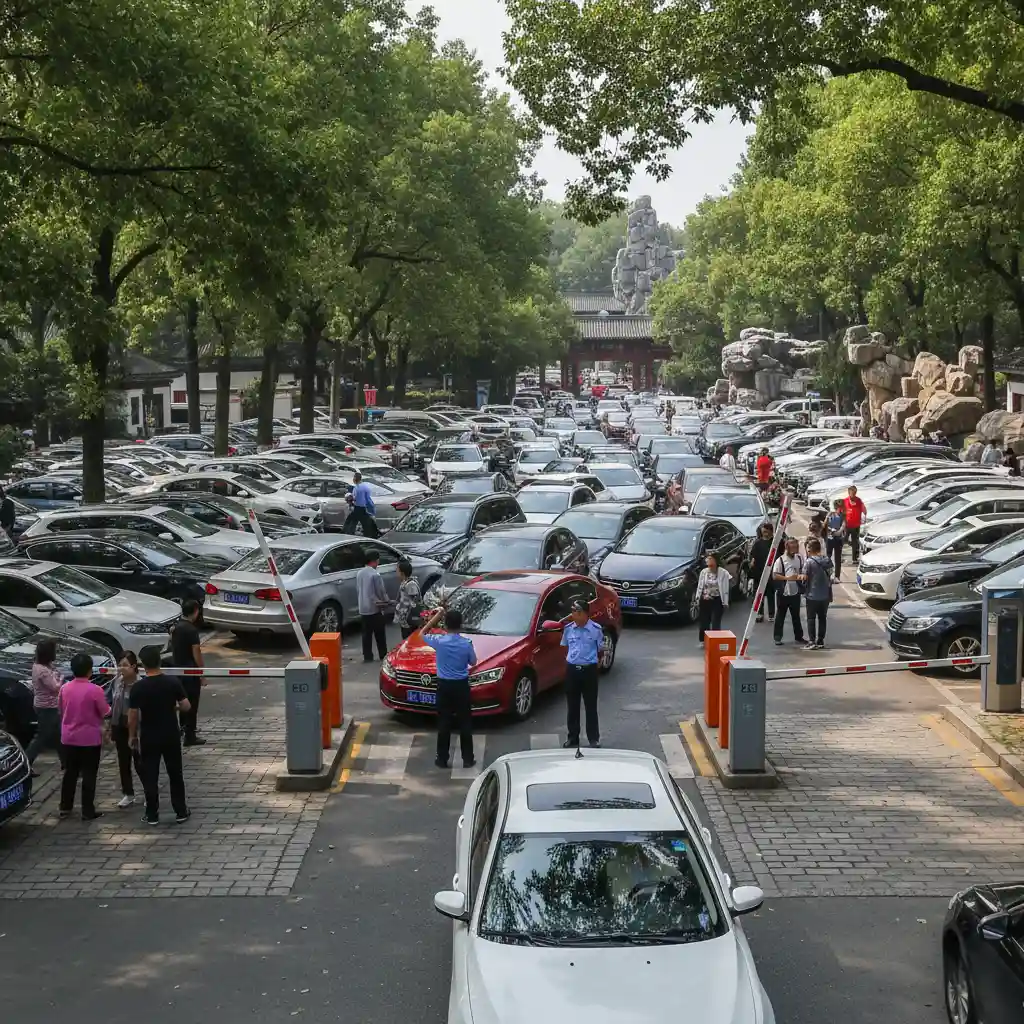
One reader opening the wrong gate is a security nightmare. It creates chaos in multi-lane parking lots. Precision tuning solves this.
Prevent cross-lane reads by angling antennas downward at 45 degrees and reducing the Read Power (RSSI) settings. This limits the read zone to a specific lane, ensuring the reader ignores vehicles in adjacent lanes or passing traffic.
The Art of Positioning
Hardware is only half the battle. In my engineering days, I fixed many systems simply by moving the reader. If the reader faces straight out, it reads everything. It might read a car passing on the street. This causes "false positives." You must create a controlled read zone.
Logic of Placement
You must mount the reader at a height of 2 to 2.5 meters. Then, tilt it down. This points the signal at the windshield, not the horizon.
- The Narrow Beam: Think of the signal as a flashlight beam. You want it to hit only the car in front of the gate.
- Power Tuning (dBm): Most readers come set to maximum power (30dBm). This is often too loud. Lower the power until it only detects the car at the loop detector.
Mounting Best Practices
Here is a breakdown of how physical setup impacts performance.
| Adjustment | Action | Result |
|---|---|---|
| Tilt Angle | 45 degrees down | Limits range to immediate area |
| Horizontal Angle | Face slightly inward | Focuses on the driver's side |
| Height | 2.0 - 2.5 meters | Avoids blockage by larger SUVs |
| Power Output | Reduce to 20-26dBm | Stops reading cars in the next lane |
By physically limiting where the RF energy goes, you solve 90% of false read issues before touching any software.
What Software Logic Best Filters Out Stray Signals?
Hardware alone cannot stop every stray signal. Random data floods your system logs. Smart filtering keeps your database clean.
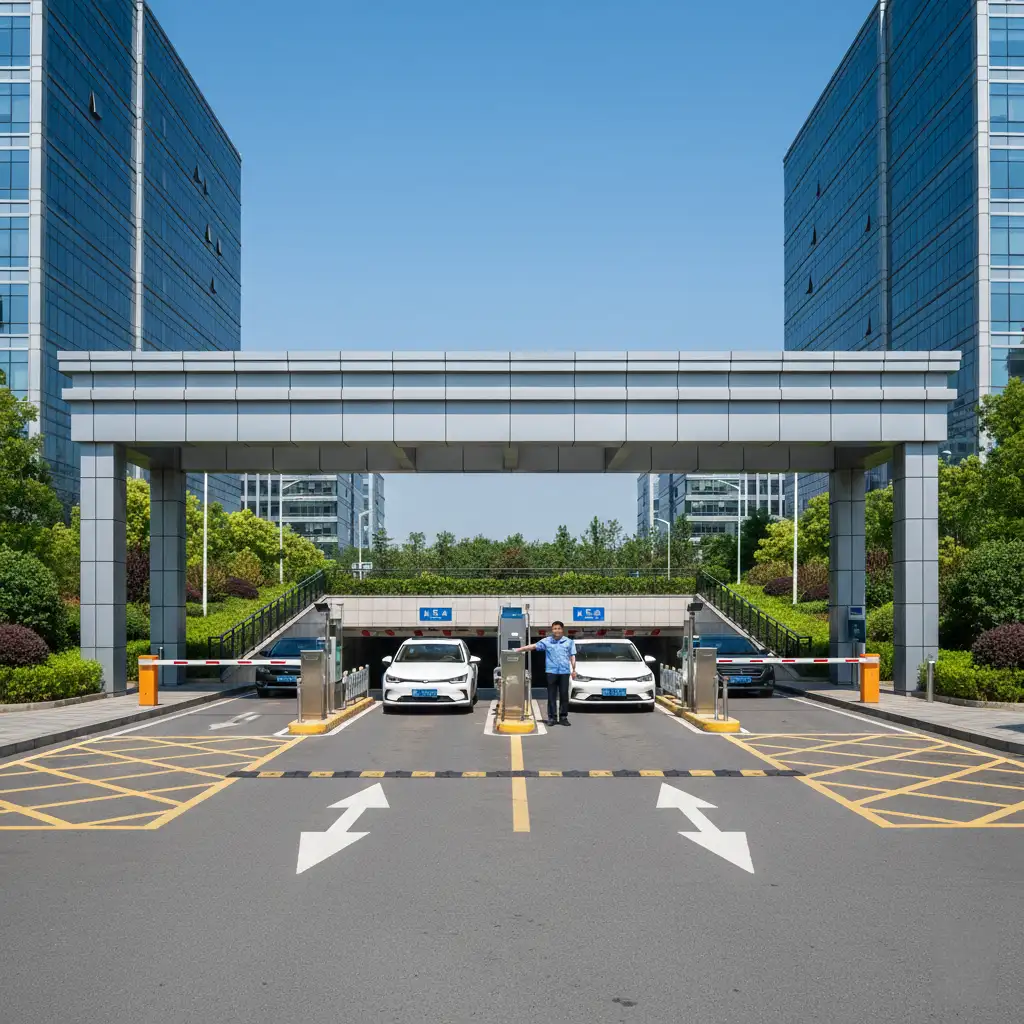
Implement a "Time-to-Live" (TTL) filter in the middleware or reader settings. This ignores repeated reads from the same tag within a set timeframe, preventing system overload and ensuring the gate opens only once per distinct arrival.
Managing Data Flow
When a reader sees a tag, it reads it hundreds of times per second. Your access controller does not need all that data. It needs one clean signal. Without filtering, the gate might open, close, and try to open again immediately. This wears out the motor.
Essential Software Filters
You need to configure the reader's firmware or your backend software.
- Read Delay (Same ID): Tell the reader to sleep on a specific ID number for 5 to 10 seconds after the first read. The car passes through, and the system is ready for the next one.
- RSSI Threshold: Set a minimum signal strength. For example, the reader ignores any signal weaker than -60dBm. This means a car far away is invisible to the system. The gate opens only when the car is close and the signal is strong.
- Wiegand Interface: Most parking systems use Wiegand 26 or 34. Ensure your RFID reader outputs in the correct format to match your barrier controller.
Logic Configuration Guide
Use this guide to set your software parameters.
| Parameter | Recommended Setting | Purpose |
|---|---|---|
| Output Interval | 100ms | Prevents data flooding |
| Same Tag Delay | 10 seconds | Prevents multiple triggers for one car |
| Trigger Mode | External / Loop | Reads only when a car is present |
| Protocol | Wiegand 26 | Standard for most access panels |
Filtering data at the source relieves pressure on your network and ensures a smooth entry experience for the driver.
Conclusion
To build a flawless system, use circularly polarized UHF readers, angle them downward, and apply software filters to block noise.
---