Is your reader dying halfway through a shift? It is frustrating when work stops because of a dead battery. You lose time and valuable data during critical inventory checks.
To extend battery life1, lower the RF output power2 and enable dynamic power saving modes. Use high-capacity extractable batteries and disable unused background connections like Wi-Fi. Proper charging cycles also maintain long-term battery health.
I have seen this issue countess times during my five years in the RFID industry. When a device dies, it stops the whole supply chain. I want to guide you through the specific technical adjustments and hardware choices that fix this.
How can adjusting software settings extend battery runtime?
High power settings drain energy fast. Ignoring configuration options leads to wasted electricity and frequent recharging breaks.
Reduce the RF output power2 to match your scanning range. Adjust the duty cycle to allow the reader to rest between scans. Enable auto-sleep modes to save power when the device is idle.

Balancing Power and Performance
In my early days as a production line operator at Fongwah, I noticed a common mistake. Users always set the read power to the maximum level, usually 30dBm or 33dBm. They believe this guarantees the best performance. However, I learned that this is the primary cause of rapid battery drain. The relationship between power consumption and read range is not linear.
When you push the power amplifier to its limit, it generates significant heat. Heat increases internal resistance, which drains the battery even faster. You must think critically about your actual needs. If you are scanning tags that are only one meter away, setting the power to 30dBm is wasteful. You should lower it to 20dBm or 25dBm. This small change can extend usage time by hours without missing tags.
The Importance of Duty Cycle
Another software setting you must check is the "Duty Cycle." This controls how long the reader transmits versus how long it rests. A continuous wave burns energy. By introducing a small pause (milliseconds) between commands, you save massive amounts of power.
| Setting Parameter | Recommended Action | Expected Benefit |
|---|---|---|
| RF Output Power | Reduce from 33dBm to 25dBm | Reduces heat and current draw significantly. |
| Duty Cycle | Set to 50% (e.g., 50ms read / 50ms idle) | Lowers average power consumption. |
| Session Modes | Use Session 1 instead of Session 0 | Prevents redundant energizing of tags. |
| Q-Value | Set dynamic Q-value | Optimizes collision handling, reducing wasted processing. |
By validating these settings, you ensure the software drives the hardware efficiently.
Is the battery capacity or the hardware design the real culprit?
Old batteries fail quickly. Using worn-out hardware causes unexpected shutdowns and delays your entire workflow significantly.
Inspect battery health regularly and replace old units. Choose readers with hot-swappable batteries to keep working. Use charging cradles that support fast charging to minimize downtime between shifts.

Analyzing Battery Specifications
During my time as an engineer, I analyzed many returned devices. Often, the device was fine, but the battery was chemically aged. Lithium-ion batteries degrade after 300 to 500 charge cycles. If your device is two years old, the battery might only hold 70% of its original charge. You need to manage your hardware lifecycle proactively.
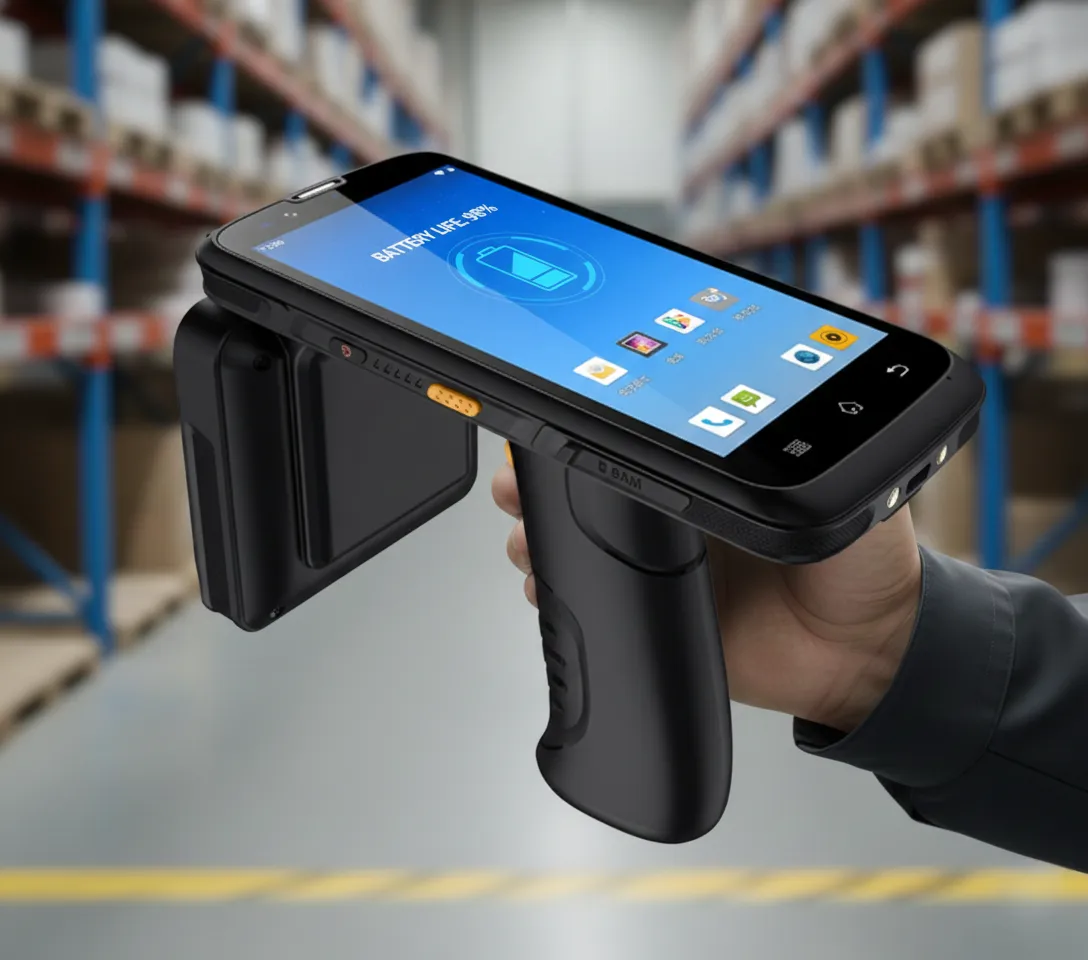
I always advise clients to look at the mAh (milliampere-hour) rating before buying. A standard handheld unit should have at least 4000mAh. However, for industrial use, I recommend devices with "Pistol Grip3" attachments. These grips often house an additional battery, doubling the total capacity to 8000mAh or more. This is a hardware solution to a physics problem.
The Hot-Swap Advantage
Critical thinking suggests that no battery lasts forever. Therefore, the design must allow for swapping. Some cheaper models have internal batteries that you cannot remove. This is a bad investment for high-volume work. You should look for "hot-swap" capabilities. This creates a bridge using a small internal capacitor or backup battery. It keeps the device running for a few minutes while you change the main battery. This prevents the operating system from rebooting.
| Hardware Feature | Why it Matters | Recommendation |
|---|---|---|
| Cell Capacity | Determines total runtime. | Look for >8000mAh total capacity. |
| Hot-Swapping | Prevents downtime during changes. | Essential for 24/7 operations. |
| Pistol Grip | Adds space for extra cells. | Highly recommended for comfort and power. |
| Charging Contacts | Affects charging speed/reliability. | Clean Pogo pins regularly to ensure fast charging. |
Investing in the right hardware inputs solves the output problem of short life.
Do efficient scanning habits4 actually save power?
Bad habits waste energy. Holding the trigger constantly drains power and heats up the device unnecessarily.
Train users to release the trigger when not scanning. Lower screen brightness5 and set short screen timeouts. Turn off Wi-Fi, Bluetooth, or GPS modules if your current task does not require real-time data transfer.
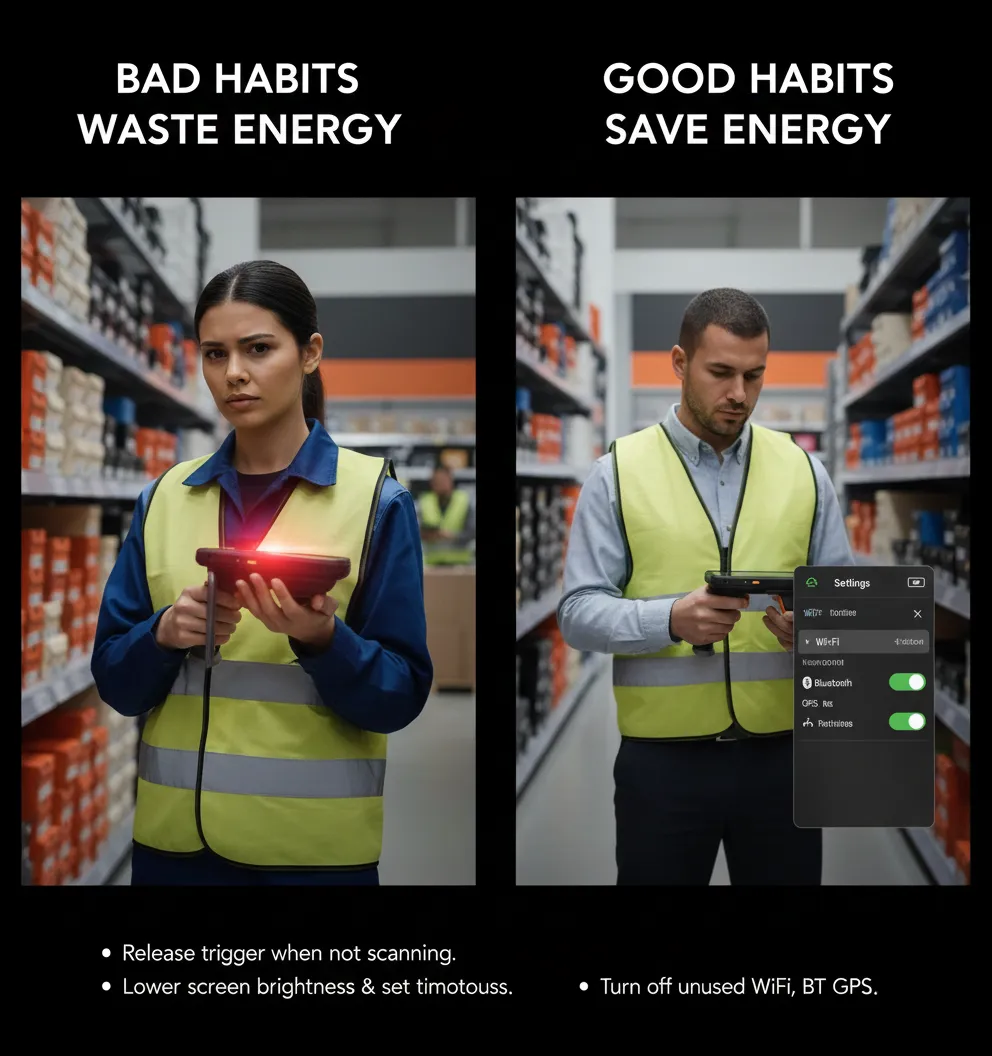
Trigger Discipline
I once visited a large warehouse client to troubleshoot their battery issues. I watched their workers. They walked through the aisles holding the trigger down continuously, like a vacuum cleaner. This is the "Continuous Read" mode. It forces the RFID module to stay active 100% of the time. This is the fastest way to kill a battery.
You must change this behavior. The user should only pull the trigger when they are aiming at tags. We call this "Trigger Discipline." Alternatively, you can use software to set a timeout. Even if the user holds the button, the reader stops transmitting after 5 seconds if no new tags are found. This simple behavioral change saves the Power Amplifier from running endlessly.
Managing Peripherals
Modern RFID handhelds are essentially Android computers. They have big screens, Wi-Fi, Bluetooth, GPS, and 4G radios. All of these consume power. If you are scanning inventory in a basement with no Wi-Fi, why is the Wi-Fi radio on? It wastes energy searching for a signal that does not exist.
Also, the screen is a major power consumer. In a bright warehouse, you might need 100% brightness. But usually, 50% is enough. Set the screen timeout to 30 seconds. If the worker puts the scanner down, the screen should turn off immediately.
| User Action | Power Impact | Correct Habit |
|---|---|---|
| Holding Trigger | Very High (Max drain) | Release trigger when not aiming. |
| High Brightness | High | Set brightness to Auto or 50%. |
| Leaving GPS On | Medium | Turn off location services indoors. |
| Background Apps | Low/Medium | Close unused apps to free up CPU. |
Combining good hardware with smart habits ensures the longest possible battery life1.
Conclusion
Optimize your software configuration, invest in high-capacity hardware, and train proper user habits. These three steps guarantee your handhand RFID reader lasts through the longest shifts.
---Explore this resource to discover effective strategies for maximizing battery life in RFID devices. ↩
Learn about the best RF output power settings to enhance performance and save battery life. ↩
Find out how the Pistol Grip can enhance comfort and battery capacity. ↩
Discover best practices for users to adopt for energy-efficient RFID scanning. ↩
Discover tips on managing screen brightness to conserve battery power. ↩