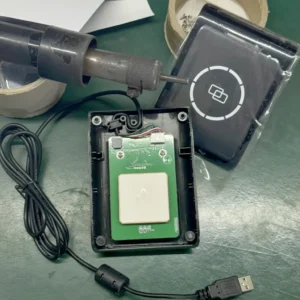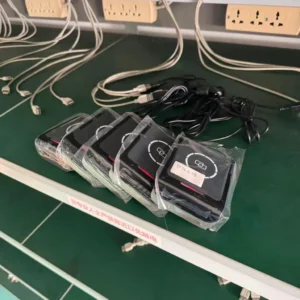

Your RFID system1 drops reads, and your Wi-Fi is slow. This conflict creates data gaps2 and operational chaos3. Simple setting changes can restore clear, stable connections for both.
To resolve interference, set your Wi-Fi to a static, non-overlapping channel4 like 1, 6, or 11. Then, configure your 2.4 GHz RFID reader to use a frequency hopping pattern that avoids the specific frequencies occupied by your chosen Wi-Fi channel. Physical separation also helps.

Before diving into the settings, it's important to understand the core of the problem. From a buyer's perspective, knowing why your new equipment might conflict with existing infrastructure is the first step toward building a robust system. Both technologies are competing for the same radio space. This shared battlefield is the source of the trouble. Let's break down exactly why this clash happens.
Why do 2.4 GHz RFID readers and Wi-Fi even interfere with each other?
Your systems are suddenly unreliable. Data from your RFID system1 is inconsistent. The cause is often invisible signal clashes. Understanding this shared frequency band is the first step to fixing it.
Both 2.4 GHz RFID and Wi-Fi operate in the same crowded ISM band5 (2.400–2.4835 GHz). They are like two people shouting in a small room. This direct frequency overlap is the reason for signal interference6, which degrades the performance of both systems.

As someone who helps customers deploy RFID solutions, this is one of the most common environmental challenges we have to solve. It's not a fault of the hardware itself, but a reality of physics. Both Wi-Fi and many active RFID system1s were designed to use the 2.4 GHz Industrial, Scientific, and Medical (ISM) band because it's unlicensed globally. This makes it a very convenient and cost-effective spectrum. However, its popularity is also its biggest weakness. Your Wi-Fi, Bluetooth devices, microwaves, and RFID readers are all trying to communicate in this narrow band. When a Wi-Fi router is transmitting data at the exact same moment and frequency as an RFID reader, one or both signals can become corrupted, leading to lost data packets. You might see this as a failed tag read or a frozen video call.
The Crowded ISM Band
The 2.4 GHz ISM band5 is an open, unlicensed radio spectrum. This means anyone can use it without a license, which encourages innovation. But it also means there are no assigned lanes. Every device must navigate the traffic on its own.
Different Technologies, Same Space
Wi-Fi typically uses a technology called Direct-Sequence Spread Spectrum (DSSS), where it transmits over a fixed, 22 MHz-wide channel. In contrast, 2.4 GHz RFID often uses Frequency-Hopping Spread Spectrum (FHSS), rapidly jumping between many narrow channels. When a Wi-Fi channel overlaps with the frequencies the RFID reader is hopping to, collisions occur.
Symptoms of Interference
The most common symptoms are a reduced read range7 for your RFID system1, a higher rate of missed tag reads8, and slower, less reliable Wi-Fi performance. Your Wi-Fi might have connection drops, and your RFID system1 may seem to work intermittently.
| Feature | Wi-Fi9 (802.11b/g/n) | 2.4 GHz Active RFID |
|---|---|---|
| Frequency Band | 2.400 – 2.4835 GHz | 2.400 – 2.4835 GHz |
| Spectrum Use | DSSS (Fixed Channel) | FHSS (Hops Channels) |
| Channel Width | 20 MHz or 40 MHz | ~1 MHz per hop |
| Common Problem | A wide Wi-Fi signal can block a large number of RFID hop channels. | RFID hopping can cause momentary data loss for Wi-Fi traffic. |
What are the best practices for configuring RFID reader channels?
You have identified interference as the problem. Now, you feel stuck on how to configure your new readers. The solution is right inside the reader's settings, which you can easily control.
The best practice is using Frequency Hopping Spread Spectrum (FHSS) intelligently. Identify your Wi-Fi channel's frequency, then disable the corresponding hopping channels in your reader's settings. Also, reduce reader power to the minimum required for your application.
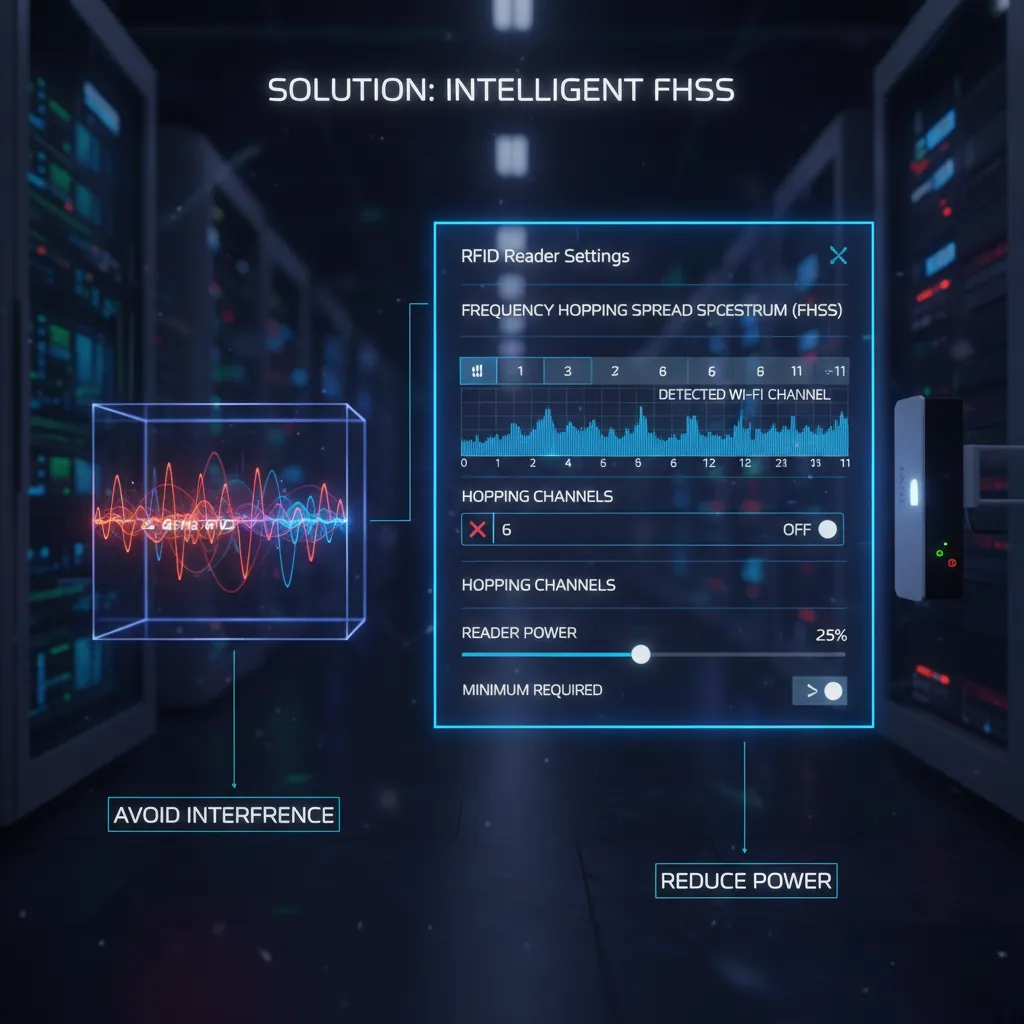
I learned the importance of this firsthand. I was helping a logistics company in Canada—a specialist much like William—who was deploying our Fongwah readers in a warehouse filled with Wi-Fi access points. Their read rates were terrible, below 70%. We found their Wi-Fi was set to auto-channel, and it had settled on channel 6. We logged into the reader's firmware and simply deselected the hopping channels between 2.426 GHz and 2.448 GHz. The read rate immediately shot back up to over 99%. This experience taught me that precise configuration, not just raw power, is the key to a successful RFID deployment in a crowded RF environment10. It's a simple fix that every buyer should know how to perform.
Mastering Frequency Hopping
Most professional-grade RFID readers, like the ones we make at Fongwah, allow you to customize the frequency hopping11 table. The process is straightforward. First, determine which channel your Wi-Fi is using. Then, consult a frequency chart to see which part of the 2.4 GHz spectrum that Wi-Fi channel occupies. Finally, go into your RFID reader’s settings and disable the channels that fall within that range. This tells the reader to "hop around" the Wi-Fi signal instead of "hopping through" it.
Adjusting Reader Power
A common mistake is to set the reader's transmission power to maximum by default. More power isn't always better; it can create more "noise" that interferes with other devices. You should set the power to the lowest level that still provides the necessary read range7 for your application. This reduces the reader's RF footprint and lowers the chance of interference.
The Importance of Antenna Placement
Positioning your RFID reader antennas strategically can also make a big difference. Try to create physical distance between the reader antennas and any Wi-Fi routers. Also, consider using directional antennas to focus the RF energy exactly where you need it, rather than broadcasting it in all directions.
| Action Step | Purpose | Impact on Interference |
|---|---|---|
| Disable Hop Channels | To prevent the reader from transmitting on Wi-Fi frequencies. | High |
| Reduce Reader Power | To shrink the reader's RF signal footprint. | Medium |
| Use Directional Antennas | To focus RF energy and avoid routers. | Medium |
| Increase Physical Distance | To weaken interfering signals through natural attenuation. | High |
How can you adjust Wi-Fi router settings to minimize conflict?
You have tuned your RFID readers, but performance is still not perfect. The signal drops and lag persist. The other half of the solution is often found in your Wi-Fi router's admin panel.
Log into your Wi-Fi router. Manually set its channel to 1, 6, or 11, as these three do not overlap with each other. Also, set the channel bandwidth12 to 20 MHz instead of 40 MHz. This creates a narrower, more predictable signal.
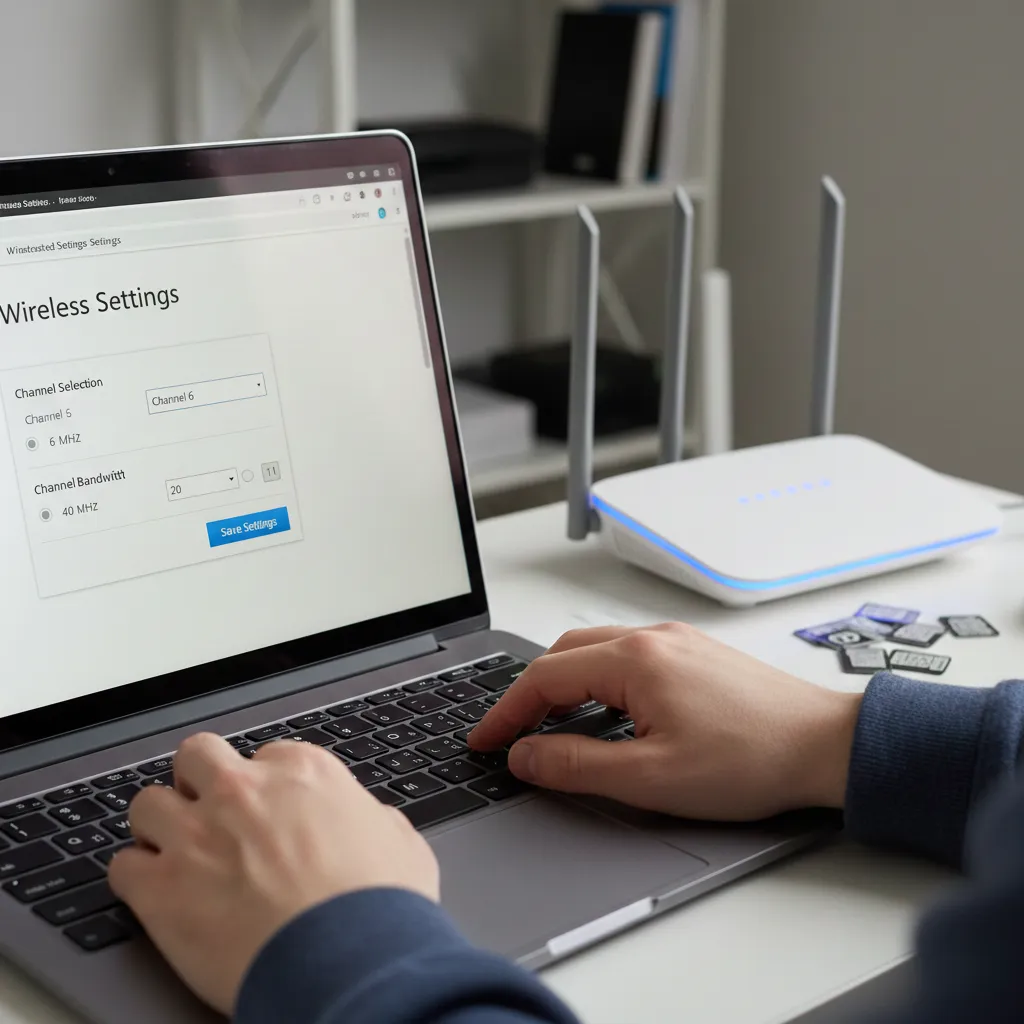
This is the other side of the coin. As a buyer of RFID equipment, you have to manage your entire RF environment10, not just our product. Many IT departments set their Wi-Fi routers to "auto" channel selection. This sounds smart, but it can be a problem. The router might switch channels periodically, undoing all the careful work you did programming your RFID reader's hopping pattern. Locking the Wi-Fi channel down is crucial for a stable, predictable environment. I always advise my clients to work with their IT teams to fix the Wi-Fi channel first. Once that foundation is stable, we can easily configure the RFID system1 to coexist peacefully. It's a two-part solution, and you can't ignore the Wi-Fi side.
Choosing a Non-Overlapping Channel
In the 2.4 GHz band, there are 11 to 14 available Wi-Fi channels, but only channels 1, 6, and 11 are truly non-overlapping. Using any of these three channels ensures that your Wi-Fi signal has clear space from other Wi-Fi signals on the same scheme. More importantly, it creates a fixed, known frequency block that you can then program your RFID reader to avoid. Setting the channel to a fixed value prevents it from jumping into a frequency that your RFID system1 is using.
Narrowing Your Channel Bandwidth
Modern routers often offer a 40 MHz channel bandwidth12 option to increase speed. However, this wider signal occupies a much larger portion of the spectrum, doubling the chances of it interfering with your RFID reader's hopping frequencies. Unless you absolutely need the max speed, it is always better to manually set the channel bandwidth12 to 20 MHz in a mixed-device environment.
Physical Separation is Key
Just like with your RFID antennas, make sure your Wi-Fi routers are not placed right next to RFID readers or critical read zones. Every meter of distance significantly weakens the interfering signal. A simple relocation of a router can sometimes solve a complex interference problem.
| Wi-Fi Channel | Center Frequency | Frequency Range (20 MHz Width) | Overlaps With |
|---|---|---|---|
| 1 | 2.412 GHz | 2.401 - 2.423 GHz | Channels 2-5 |
| 6 | 2.437 GHz | 2.426 - 2.448 GHz | Channels 2-10 |
| 11 | 2.462 GHz | 2.451 - 2.473 GHz | Channels 7-11 |
Conclusion
By carefully configuring RFID and Wi-Fi channels and managing their power and placement, you create a stable environment. This ensures both systems perform at their absolute best.
---Understanding RFID systems can help you optimize their performance and integration with other technologies. ↩
Learning about data gaps can help you troubleshoot and improve your RFID system's reliability. ↩
Discover strategies to maintain order and efficiency in your RFID operations. ↩
Understanding non-overlapping channels can help you configure your Wi-Fi for optimal performance. ↩
Understanding the ISM band is crucial for managing devices that operate in this crowded spectrum. ↩
Explore the causes of signal interference to better manage your wireless technologies. ↩
Discover the factors influencing read range to enhance your RFID deployment. ↩
Learn effective strategies to minimize missed tag reads and improve system accuracy. ↩
Exploring Wi-Fi technology will enhance your knowledge of network configurations and performance. ↩
Managing your RF environment is key to ensuring smooth operation of all wireless devices. ↩
Learn about frequency hopping to enhance your RFID system's performance and reduce interference. ↩
Understanding channel bandwidth can help you make informed decisions for network performance. ↩