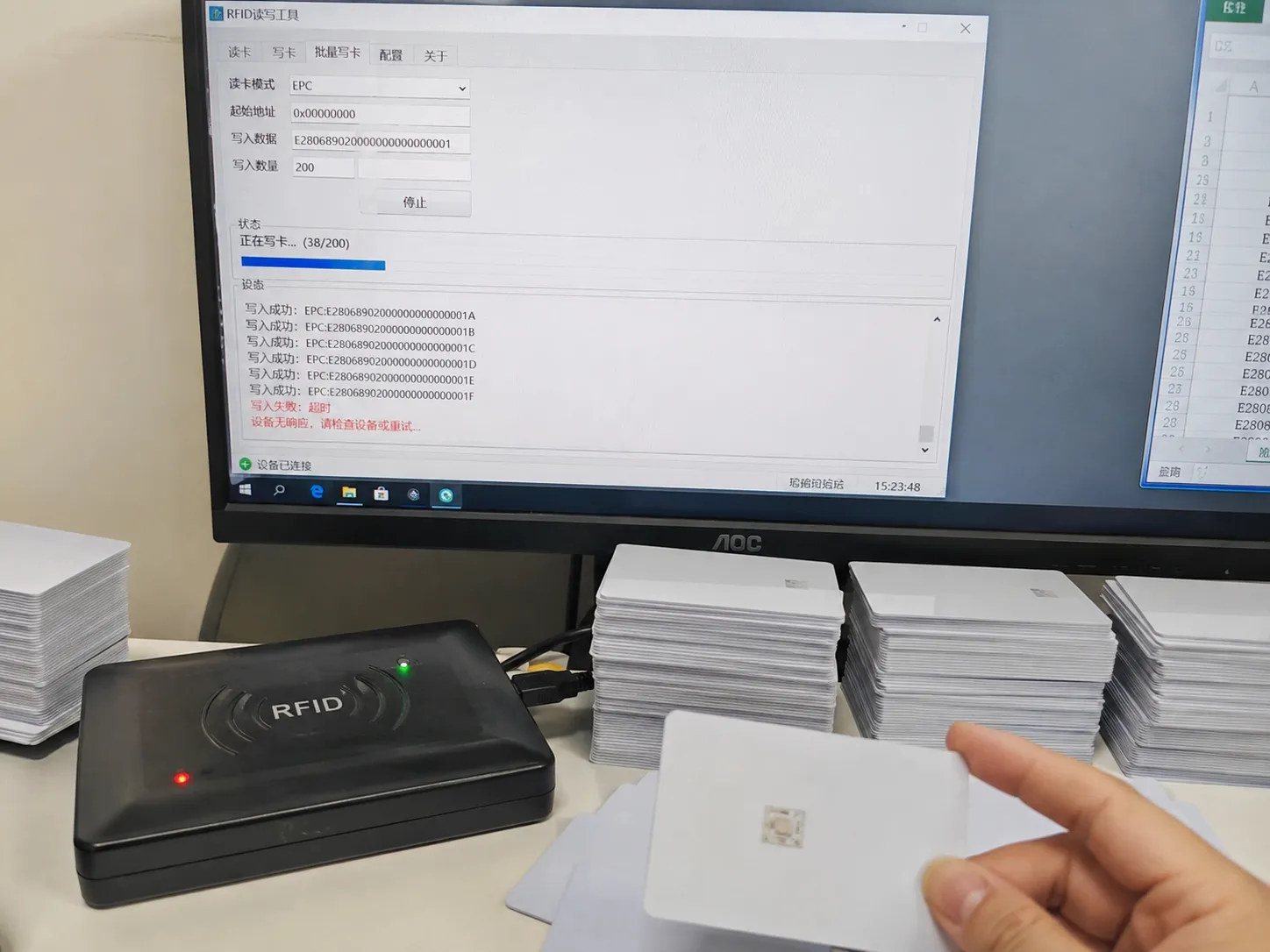
The project is 99% complete. All that's left is provisioning 500 new employee ID cards. You run the script, the progress bar crawls to card #37, and the application freezes. You restart. This time, it dies on card #52. Now you're facing a delayed launch and explaining to your boss why a "simple" card reader has become the single point of failure for the entire project.
> A desktop RFID reader that freezes during batch writing is a classic sign of hardware failure, not a software bug. The root cause is almost always a combination of a cheap main controller chip that lacks a data buffer, and a poorly designed USB interface that fails to provide stable power and shield against electrical noise.
Make no mistake: the root cause is rarely your code—it is the physical limitation of the hardware layer. You are trying to fight a hardware problem with software resets. The freezes and data loss you're experiencing stem from three specific cost-cutting decisions made at the factory: 1) using a cheap microcontroller with no data cache, 2) poor USB power supply and shielding design, and 3) an RF circuit that lacks true power stability features.
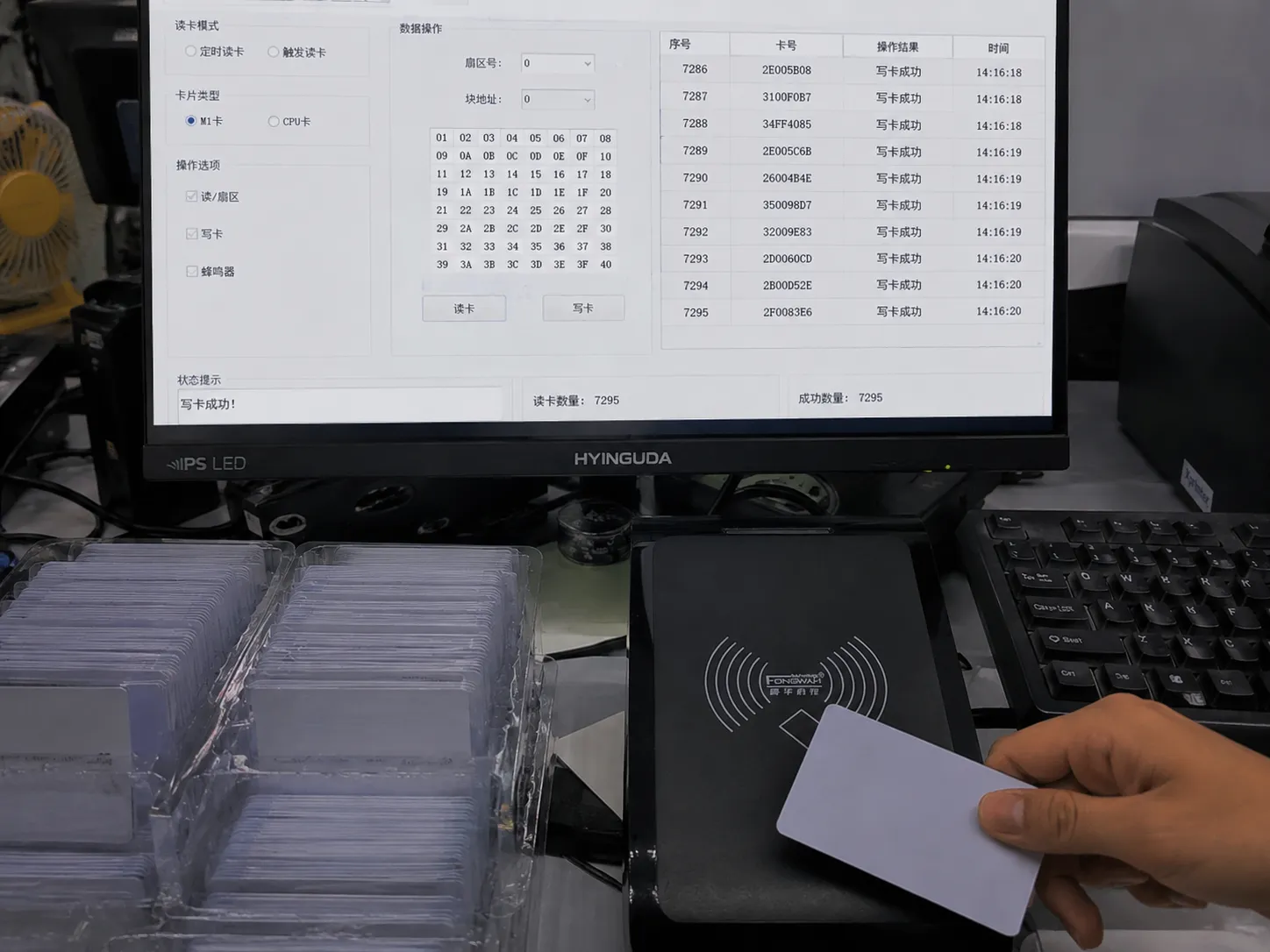
Let's tear down the hardware and see exactly how these "savings" are costing you hours of overtime.
The Core Technical Trap: "Can Read" Doesn't Mean "Can Write Reliably"
Many system integrators fall into the trap of thinking any reader that can successfully read a single card is fit for purpose. This is a critical and costly misunderstanding.
Reading a tag is a simple, low-demand task. Batch writing is a high-intensity data marathon. When you initiate a batch write, your PC floods the reader with thousands of commands per second. A cheap reader is instantly overwhelmed.
The solution is to choose a reader with a brain designed for the workload. This means a high-performance main processor with sufficient onboard RAM to act as a command buffer, not a basic microcontroller (MCU) designed for single tasks.
| Feature | Low-Cost Generic Reader | Fongwah Technology Professional Reader |
|---|---|---|
| Main Chip | 8-bit/16-bit generic MCU | 32-bit ARM Core High-Performance CPU |
| Data Cache | None, or a few dozen bytes | Onboard SRAM for thousands of commands |
| Instruction Handling | Sequential, easily blocked | Asynchronous command queuing |
| End Result | Command loss, freezes under load | Flawless execution of 10,000+ writes |
Hardware Teardown: Behind the Datasheet
I've spent years on the factory floor, and I've torn down countless failed readers sent back for repair. When you pop the plastic shell off a $15 reader, you often find a main chip that costs less than a dollar—typically an 8-bit MCU designed to control a rice cooker. It might have a few dozen bytes of RAM, if you're lucky.
Ask it to handle one command at a time? No problem. But when your script hammers it with a high-speed sequence of "Find Tag -> Select Tag -> Authenticate -> Write Block 0 -> Write Block 1...", its tiny buffer overflows instantly. The commands that follow simply vanish—that's your data loss. Or, the chip's logic locks up completely. That's your freeze.
At Fongwah, we design our desktop readers assuming they'll be used in the most demanding scenarios. The processors we use are frankly overkill for single reads. They have enough memory to create a command "reservoir." Your PC can throw commands at it as fast as it wants; the reader will neatly queue them, execute them flawlessly, and report the results back. Want to check your current device? Ask your supplier for the model of the main chip. If they can't tell you, you have your answer.
Integration & Environment Realities: USB Ports and "Invisible" Interference
"It's just a USB port, what could go wrong?" This is the second-deadliest assumption. A USB port is not just a data pipe; it's the power source for the entire RF circuit.
When an RFID reader writes to a card, its power consumption spikes. If the USB port's power delivery is weak, the voltage might dip from 5V to 4.8V. This momentary drop is enough to destabilize the RF field and cause a write failure. Worse, electromagnetic noise from the PC's motherboard or other devices can travel down an unshielded USB cable and corrupt the data stream.
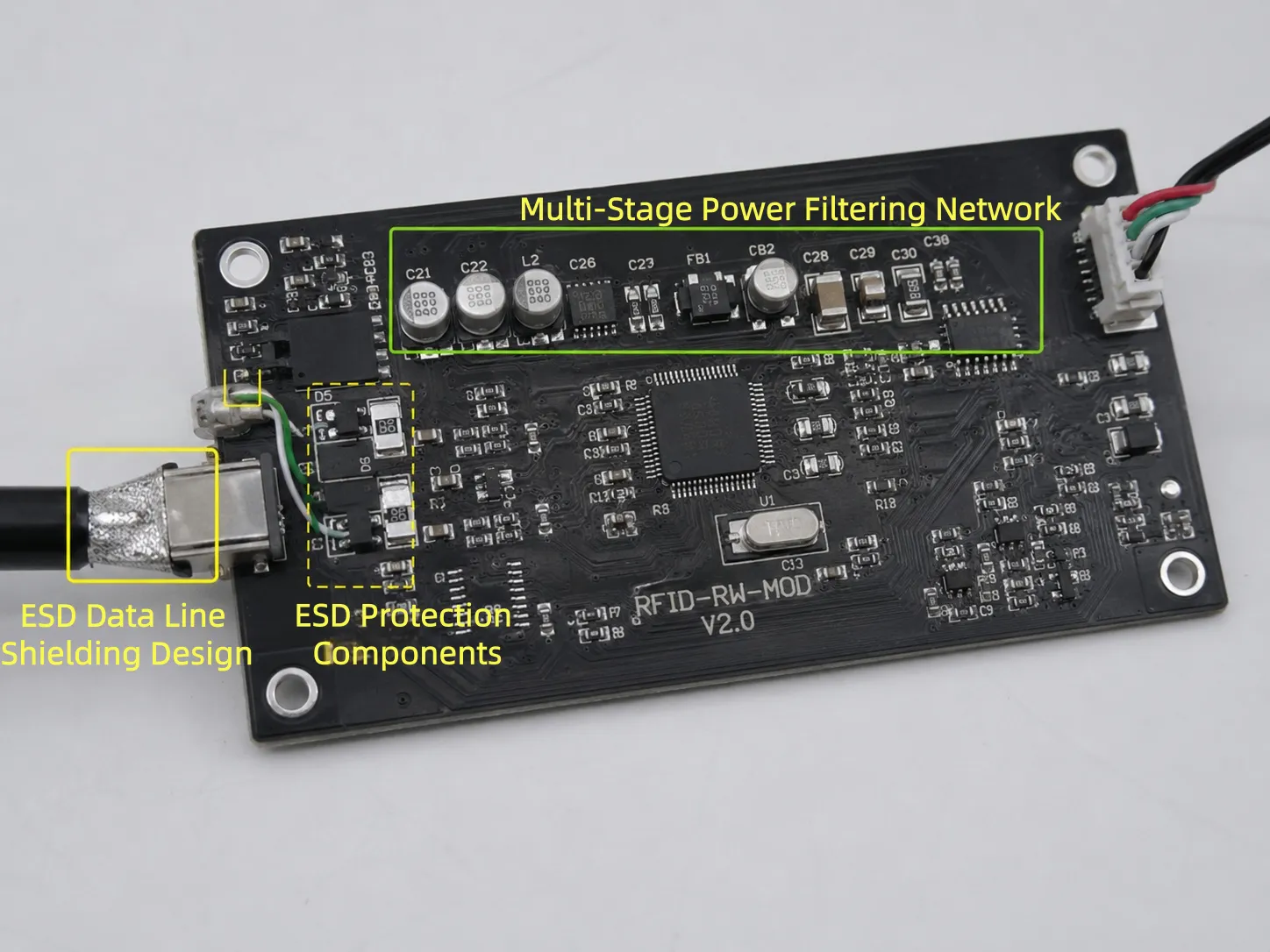
The solution is to insist on hardware with multi-stage power filtering and data line shielding built into the PCB. These are non-negotiable features for professional tools.
Hardware Teardown: Behind the Datasheet
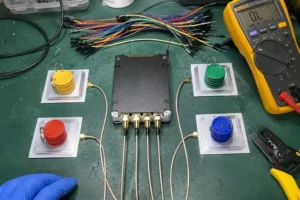
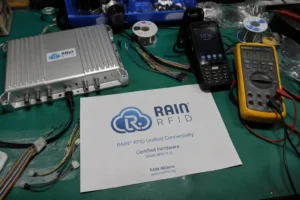
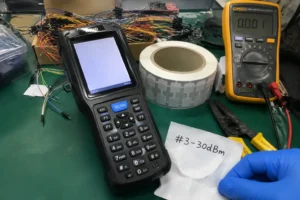
In our quality assurance lab, we have a station for what we call the "Dirty Power Test." We use a specialized instrument to simulate the noisy, fluctuating power from an old industrial PC's USB hub. We plug our readers in and run a 24-hour stress test of continuous batch writing. If a single error occurs, the entire PCB design goes back to the drawing board.
Why this obsession? Because I've seen integrators lose their minds at a client's site. Their application runs perfectly on their modern laptop but fails constantly on the customer's industrial machine. The culprit is always the hostile electromagnetic environment and unstable USB power.
If you look at the PCB of a Fongwah reader, you'll see more components around the USB connector—capacitors, inductors, ferrite beads. They form a filtering network that ensures the RF chip gets clean, stable power. The data lines have their own ESD protection to block outside interference. This adds a few dollars to the cost, but it buys you the confidence that your deployment will work, first time, in any environment.
Sourcing, Compliance & Risk Mitigation: The SDK Nightmare
Bad hardware is one thing, but a bad Software Development Kit (SDK) can cost you ten times the price of the reader in wasted engineering hours.
The solution is to treat the quality of the SDK and technical support as sourcing criteria just as important as the hardware specs.
| Feature | Generic Supplier | Fongwah Technology |
|---|---|---|
| SDK & Docs | Basic demo, no source code | Detailed API manuals, full source code samples |
| Error Handling | Generic codes (e.g., -1, 0) | Specific codes (e.g., Tag Not Found, Block Locked) |
| Code Samples | Single old language (e.g., VB6) | C#, Java, C++, Python, etc. |
| Tech Support | Salesperson, non-technical | Direct access to experienced hardware engineers |
Engineer's Insight: What the Specs Don't Tell You
I get calls every week from frantic developers who aren't even our customers. They're at their wit's end with their current supplier. They're told to "reboot the reader" or "try a different USB port." It's an insult to an engineer's intelligence.
The value of a professional SDK is "diagnostics." When our reader fails to write to a specific memory block, it returns a precise error code, like 0x16, which the manual tells you means "Write verification error." Your application can then intelligently decide to retry or alert the operator. A generic "-1" error forces you into a cycle of guessing.
Our SDKs are developed by the same engineers who design the hardware. We provide complete, well-commented source code, not a black box. When you call us for support, you're talking to someone who might have been debugging that exact function in the firmware yesterday. That's the difference between a product and a solution.
Conclusion: Choosing Reliability Over Risk
Choosing a desktop reader is not a decision about price; it's a decision about risk. The $20 you save on a cheap reader can easily cost you thousands in delayed projects, wasted man-hours, and damage to your professional reputation. A professional-grade reader is project insurance. It ensures the most fundamental step in your RFID deployment is solid, reliable, and predictable.
Pre-Order Verification FAQs
Can your desktop reader seamlessly integrate with our existing multi-threaded C# card provisioning application without causing command collisions?
Yes. Unlike generic readers using sequential instruction handling, Fongwah readers utilize a 32-bit ARM CPU with onboard SRAM for asynchronous command queuing. Our C# SDK fully supports multi-threaded environments, automatically managing thread-safe communication and buffer mapping to completely eliminate command collisions and write verification errors during concurrent batch processes.
How does Fongwah hardware perform in harsh industrial environments with significant host PC power fluctuations and high ambient EMI?
Every Fongwah desktop reader passes rigorous "Dirty Power" and continuous batch-write stress tests simulating aged industrial PC ports. The hardware incorporates dedicated onboard voltage stabilization, highly engineered LC filtering circuits, and strict ESD line shielding. This guarantees ultra-stable RF field output and zero byte corruption even under persistent power dips and intense electromagnetic interference.
Stop Debugging Hardware with Software
Still struggling with batch card writing? Stop trying to debug a hardware problem with software fixes. Send me your project requirements or the issues you're facing. Ask us for our C# SDK and take a look at the code yourself—see what clean API design and proper error handling look like. At Fongwah Technology, we deliver more than hardware; we deliver certainty for your project. Find out more at https://fongwahrfid.net/ or contact our team directly.