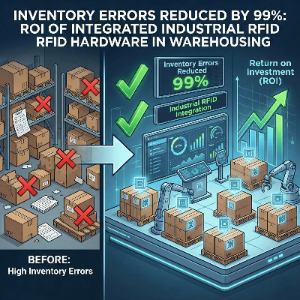
Is your "high-tech" warehouse actually just a guy with a handheld computer, hunched over a pallet, manually typing serial numbers? You are bottlenecking your entire operation before it even starts. Reliance on manual entry or handheld encoding leads to "fat-finger" errors, duplicated EPCs, and severe back pain for your operators.
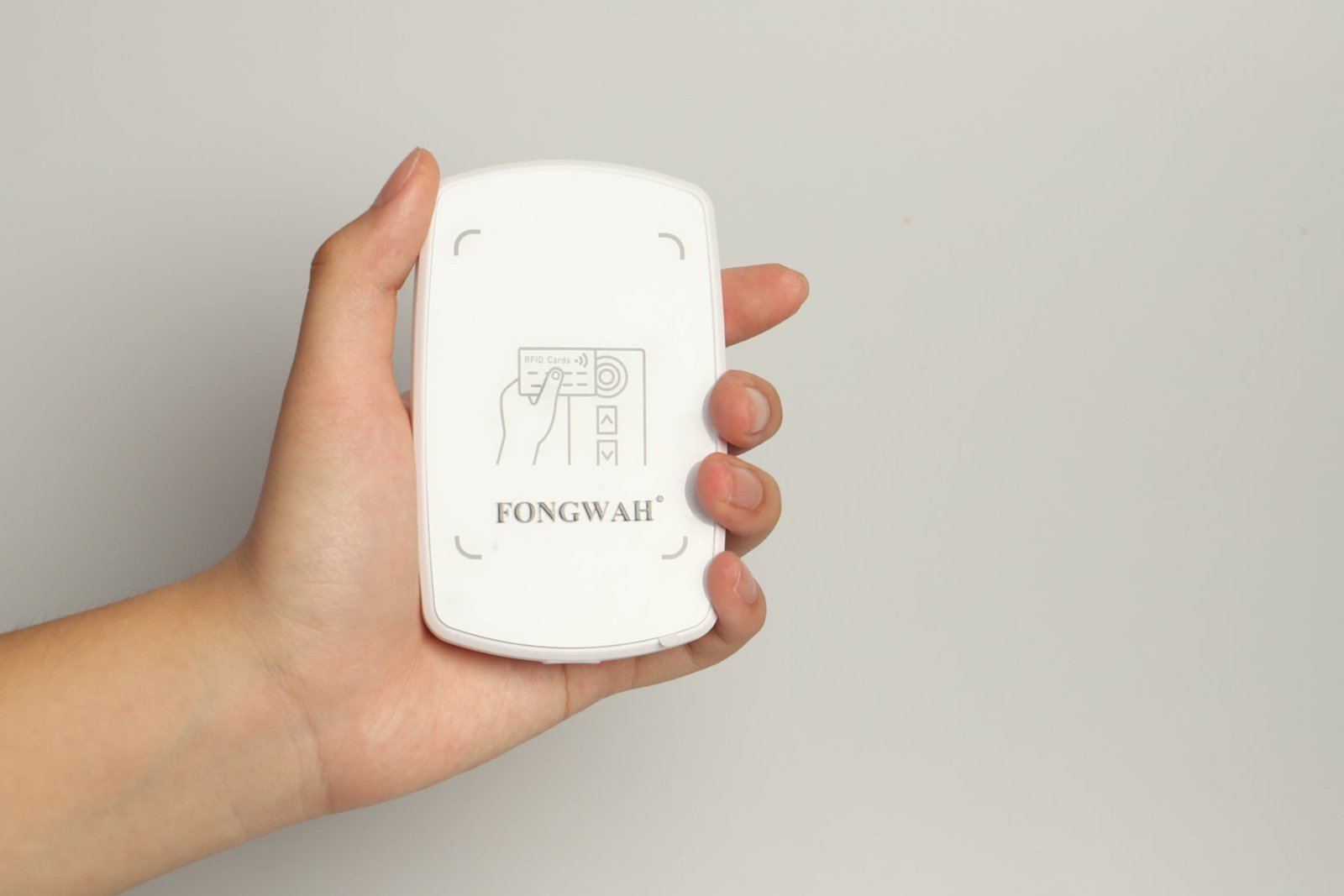
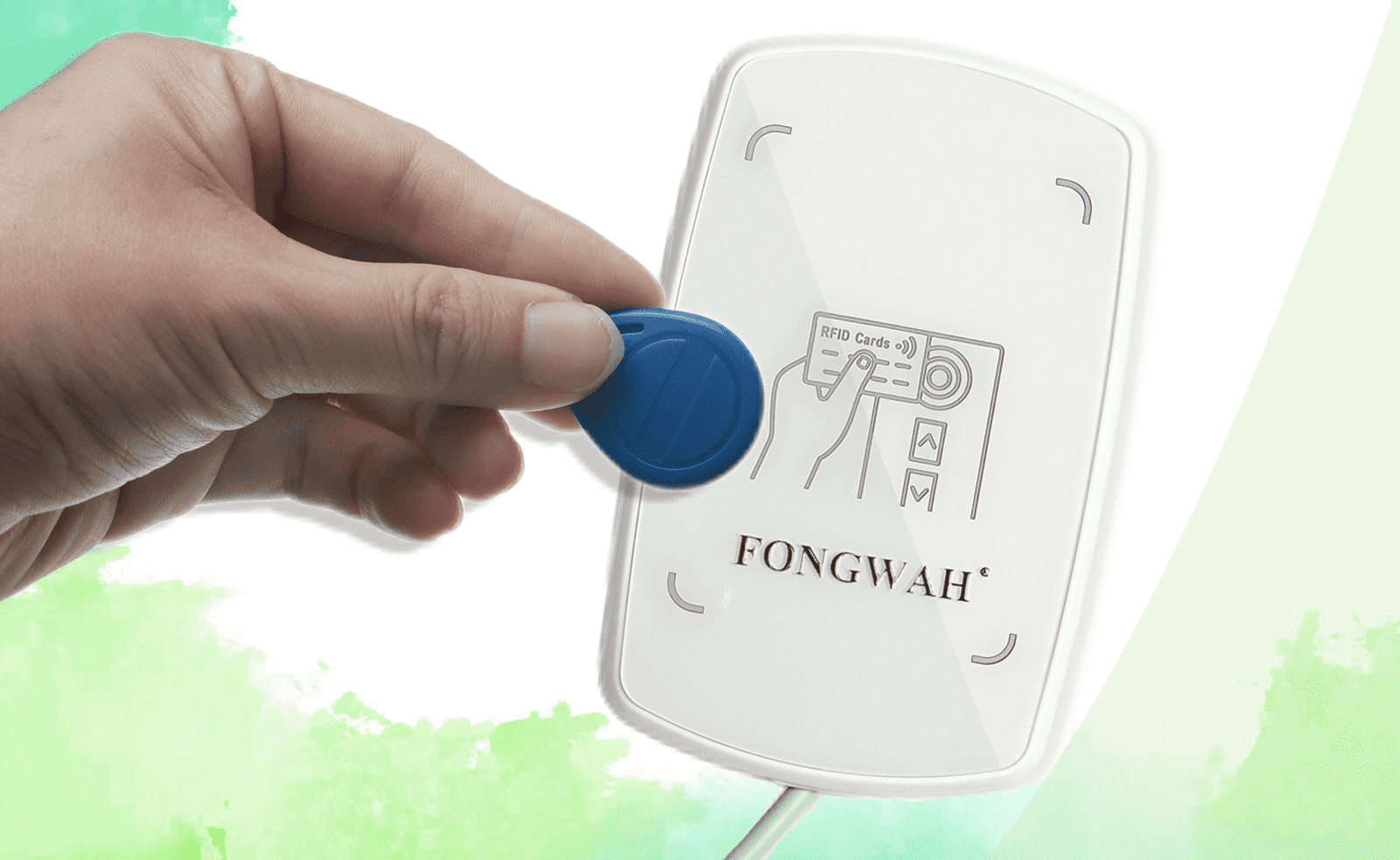
The most efficient method for RFID data initialization is a dedicated Desktop UHF Reader like the Fongwah U6-CU-91. Unlike handhelds or portals, a desktop reader provides a stable, near-field environment for mass encoding. It supports both Keyboard Emulation (HID) for instant Excel entry and a robust SDK for direct ERP integration, ensuring 100% data accuracy before tags ever hit the warehouse floor.
Let’s stop treating data initialization as an afterthought and start treating it as the foundation of your system's integrity.
Are Handheld Computers Secretly Corrupting Your Database?
Many IT managers assume a mobile computer is a "do-it-all" tool. They try to use it for receiving, auditing, and encoding. This is a workflow suicide mission.
Handheld readers are designed for mobility and burst-reading, not the sustained precision required for encoding unique EPCs. Using them for initialization results in a high "write failure" rate due to unstable antenna positioning and operator fatigue.

William, let's talk about the physics of RF "Writing" versus "Reading." Reading a tag is easy; it requires very little energy. Writing to a tag's memory bank (changing the EPC or User Memory) requires significantly higher power and a stable connection time—usually 10x to 50x longer than a read cycle.
If you ask your operator to walk around a pallet encoding tags with a handheld:
- The Stability Issue: The operator's hand shakes. The distance fluctuates. If the connection breaks mid-write, you get a "corrupt tag" or a partial write.
- The "Phantom" Tag: In a crowded warehouse, a handheld set to high power might accidentally write to a stray tag on the shelf behind the pallet. Now you have two items with the same ID. That is a database nightmare waiting to happen.
- The Ergonomics: An industrial handheld weighs 600g+. Holding that at arm's length for 4 hours to initialize 2,000 tags? Your staff will hate you, and their efficiency will tank after hour one.
You need a Stationary Write Point. You need the tag to be brought to the reader, processed, and verified instantly.
Why Can't I Just Write Tags at the Dock Door?
"We'll just encode them automatically as they pass through the dock door portal." I hear this constantly. It is the single most expensive mistake in RFID architecture.
Dock doors are "Read Points," not "Write Points." The velocity of moving assets and the wide read zone create a chaotic RF environment. Attempting to write data to moving tags results in cross-writes and missed encodes.

I’ve seen integrators try to set up "Auto-Encoding Portals." Here is why it fails:
When a forklift drives through a portal, you have milliseconds of contact time. Writing data takes time. If the pallet is moving at 5mph, the tag leaves the RF field before the Write_EPC command completes.
The Fongwah Workflow: You need to move the initialization process upstream to a desk. This is where the U6-CU-91 shines.
- Controlled Range: It has a 1dBi ceramic antenna. It doesn't blast 10 meters; it focuses energy on the 0-50cm zone (adjustable).
- The Benefit: You can have a stack of 100 tags on the desk. You pick one up, scan it over the U6-CU-91, and it beeps. Done. You place it on the item.
- Zero Interference: Because the range is tight, you aren't accidentally rewriting the tags on the pallet next to the desk. This is what I mean by "Clean Data."
Keyboard Emulation vs. SDK: Which One Do You Actually Need?
Developers often over-complicate integration, building complex apps when they just need a cursor input. Conversely, IT admins try to use basic inputs for complex logic and hit a wall.
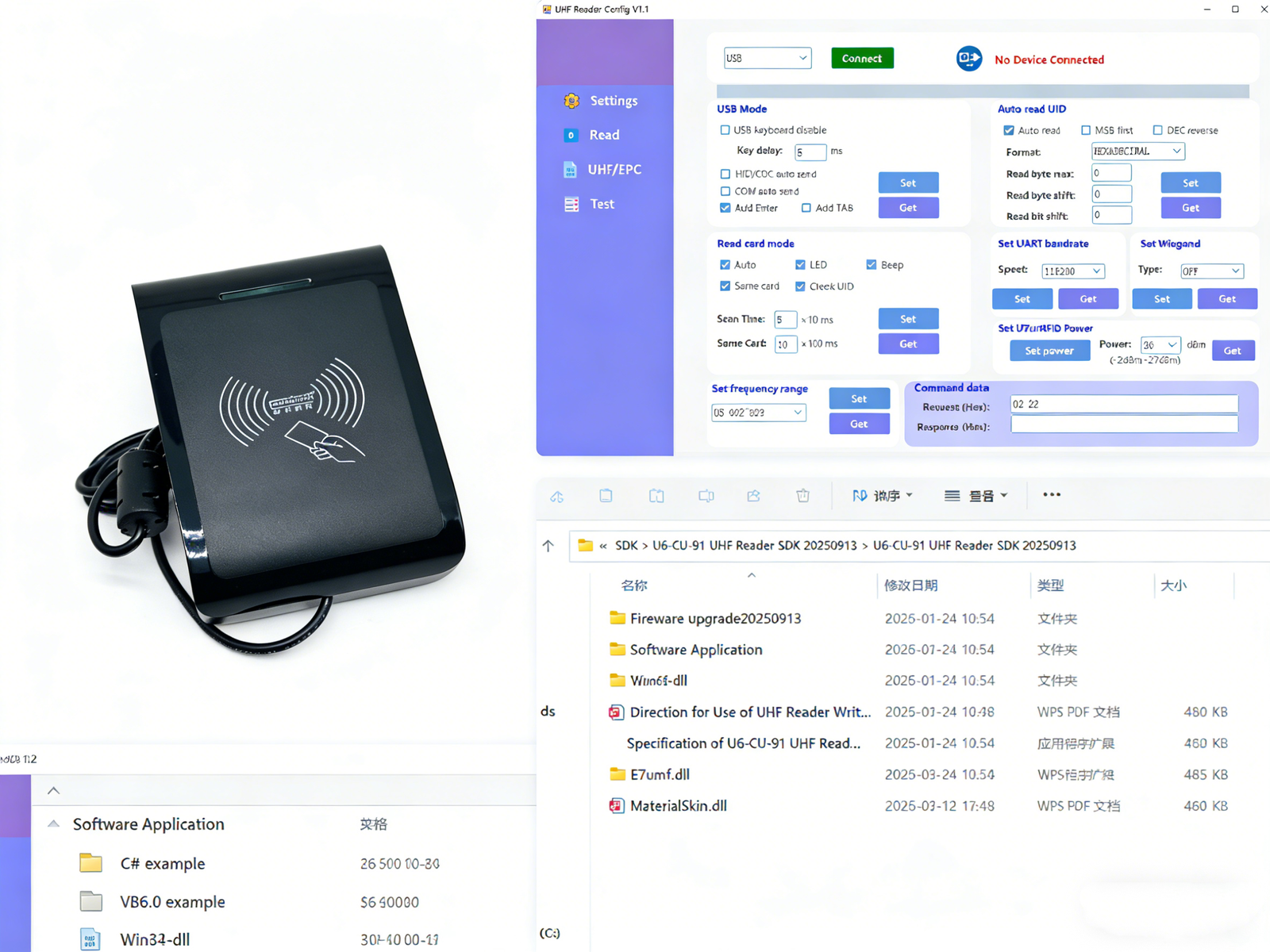
Keyboard Emulation allows the reader to act like a barcode scanner (outputting text to Excel/Web browsers). SDK Integration allows for logic-based operations: checking the database before writing, locking memory banks, and encryption. The U6-CU-91 supports both.
This is the "Sales vs. Engineering" bridge. William, you need to decide right now: Do you want to Fill Forms or Build Systems?
Scenario A: The "Excel" User (Keyboard Emulation) You just want the tag ID to appear in a spreadsheet or a web-based WMS login screen.
- The Fongwah Edge: The U6-CU-91 supports HID Mode out of the box. Plug in the USB. Open Notepad. Scan a tag. The number appears. No drivers, no coding. It’s perfect for simple "Check-in/Check-out" stations.
Scenario B: The "System Integrator" (The Real Money) You are building a custom app. You need to:
- Read the Tag's unique TID (Manufacturer ID).
- Query your SQL database to match that TID to a Product SKU.
- Write that SKU into the Tag's EPC memory.
- Lock the tag so nobody else can change it.
You cannot do this with Keyboard Emulation. You need our SDK.
- The Pain Point: Most cheap readers give you a DLL and say "Good luck."
- The Fongwah Difference: We provide the Function Manual and Sample Code.
- C# / .NET: Copy-paste our
WriteEPC()function. - Java: Full JAR libraries included.
- Hex Commands: If you are hardcore and want to communicate via raw Serial commands, we provide the protocol documentation (e.g.,
AA 55...).
The U6-CU-91 isn't just a reader; it's a developer's sandbox. It handles the heavy lifting of the air interface protocol (ISO 18000-6C) so your software just has to send the data.
Technical Spec Breakdown for Developers
| Feature | Fongwah U6-CU-91 | Generic Desktop Reader |
|---|---|---|
| Antenna | Ceramic 1dBi (Focused) | PCB Trace (Unstable) |
| Write Speed | < 30ms per Word | > 100ms (Laggy) |
| Integration | HID + SDK (Switchable) | Usually only one |
| Power | USB Bus Powered (No brick) | Often requires 12V DC adapter |
Frequently Asked Questions: RFID Data Initialization & The Fongwah U1-CU-71
Q: How does a desktop RFID reader prevent accidental tag overwriting?
A: It limits the RF energy to a confined space. The Fongwah U1-CU-71 desktop reader uses a highly focused 1dBi ceramic antenna. By adjusting the RF power between 0-20dBm , operators can strictly limit the read/write range to 0-50cm. This ensures you only encode the tag resting on the desk, preventing cross-talk with nearby inventory.
Q: Do I need to write custom software to use the Fongwah U1-CU-71?
A: No, custom coding is optional. The U1-CU-71 natively supports keyboard emulation mode. Once connected via its USB Type A interface, it acts like a standard barcode scanner, allowing you to output EPC data directly into Excel spreadsheets or web-based WMS platforms without installing drivers.
Q: What is included in the Fongwah SDK for custom RFID integration?
A: For system integrators requiring advanced read/write integration, Fongwah provides a comprehensive SDK. It includes configuration tools, development examples, and embeddable dll files, allowing your developers to quickly build custom logic for memory bank locking or database verification.
Q: Does this UHF desktop reader require a bulky external power adapter?
A: No. The U1-CU-71 operates entirely on DC 5V and draws power directly through its USB connection. Weighing only 160g with an ultra-compact footprint of 110 x 67 x 17 mm, it eliminates cable clutter on industrial workstations.
A: Yes. While designed for precise single-tag encoding, the reader supports small batch multi-tag reading with a peak read speed of 30 times per second.
Q: Is the Fongwah U1-CU-71 compliant with global RFID standards?
A: Yes. It operates on the global 860-960MHz UHF frequency band and is fully compliant with standard EPC C1 Gen 2 and ISO 18000-6C protocols, ensuring compatibility with major global supply chain requirements.
Conclusion & CTA (Call to Action): Stop bleeding engineering hours on cheap hardware. The true cost of an RFID reader is integration time. Prioritize robust SDKs and industrial stability to protect your actual project margins. Stuck on integration or sick of buggy DLLs? Ping me on WhatsApp. I'll send you a working C# sample code snippet right now.
---