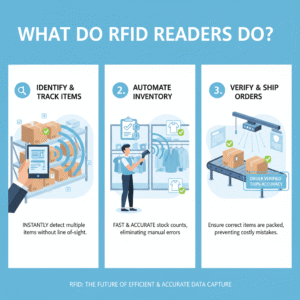

Manual inventory counting kills your warehouse efficiency. Errors pile up daily, and you lose money on missing stock. You need a fix now.
To deploy quickly, you must first assess your site environment, select the correct UHF hardware1 (readers and tags) based on material types, and use middleware2 to bridge the data to your WMS system. This streamlined process ensures accuracy and reduces implementation time.
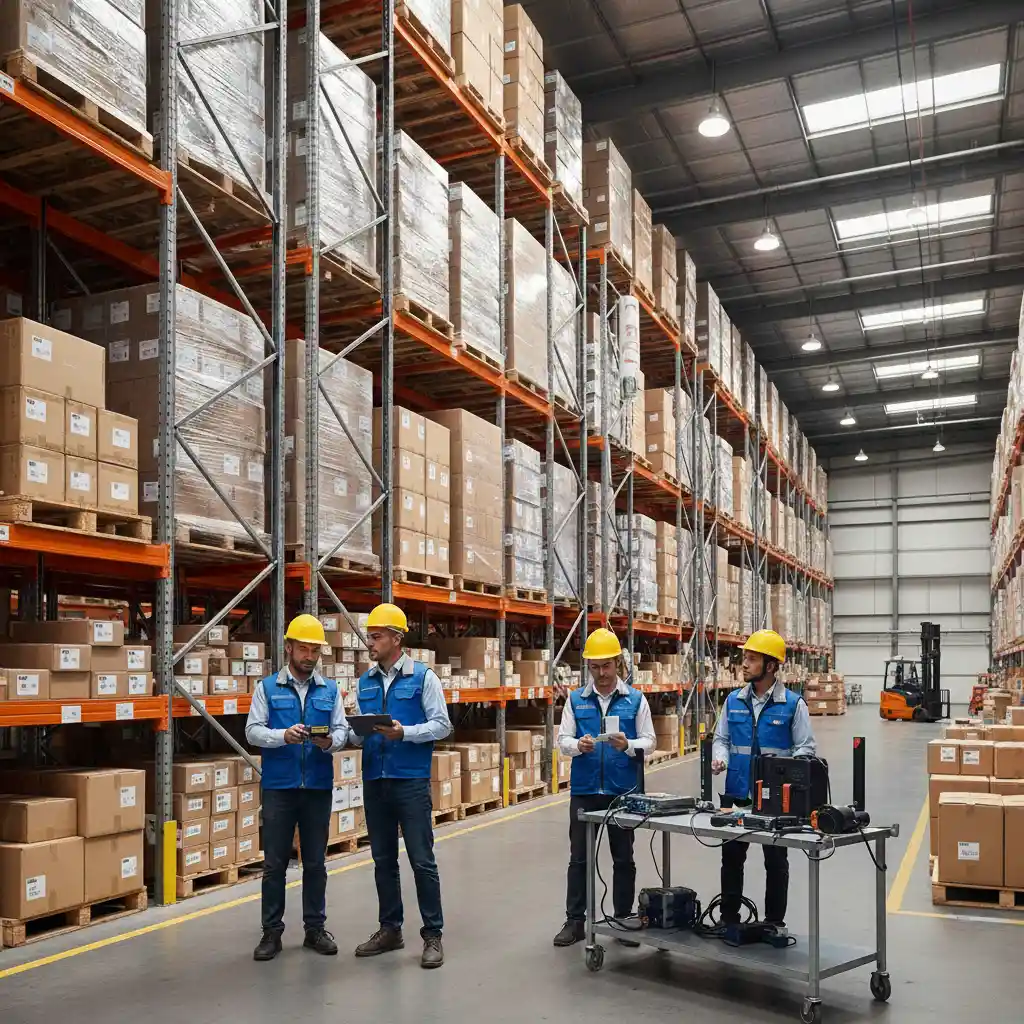
Many managers fail because they buy hardware before understanding the workflow. They rush the process and end up with expensive equipment that sits unused. Do not let this happen to you. Following a structured path is the only way to succeed. Let us look at the critical hardware decisions you must face first.
What essential hardware components do you need for a stable setup?
Buying the wrong gear costs thousands in budget waste. It delays projects and frustrates your staff. You must avoid this pain.
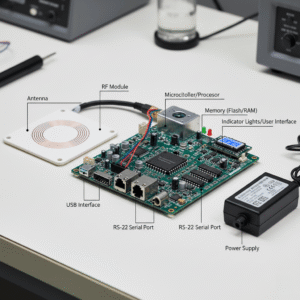
You need three core components: UHF Fixed Readers for dock doors, UHF Handheld Readers for mobile inventory checks, and specific RFID tags designed for your inventory's material.
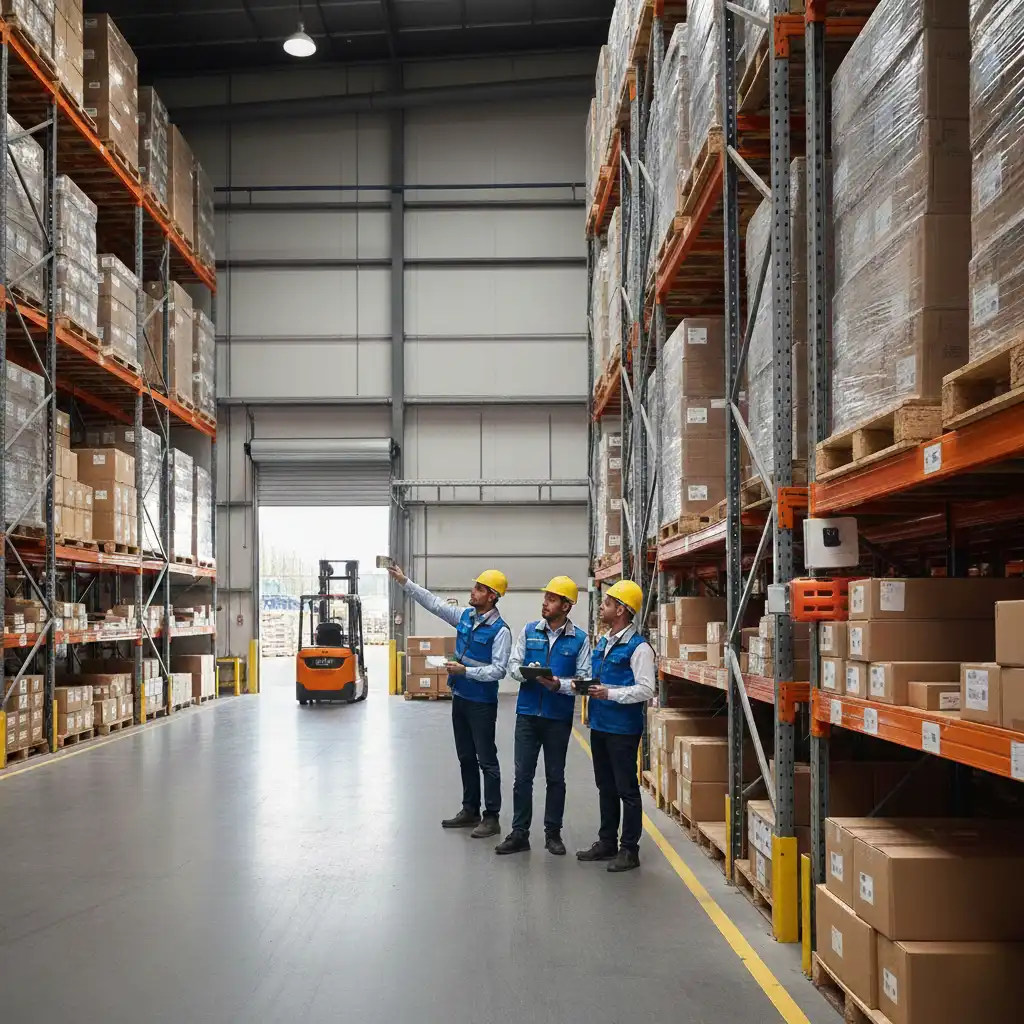
The hardware foundation is the most critical part of your deployment. I know this from experience. In recent years ago, I started as a production line operator. I saw how cheap equipment failed in harsh environments. My team and I at Fongwah now prioritize durability because of those early lessons. When you build your solution, you must think about the physical reality of your warehouse.
Choosing the Right Reader
You have two main choices for readers. You can use Fixed Readers or Handheld Readers. Fixed readers go on walls or portals. They scan items automatically as they pass. Handheld readers are for workers walking through aisles.
| Reader Type | Best Application | Power Requirement | Mobility |
|---|---|---|---|
| Fixed Integrated Reader | Conveyor belts, Dock doors | AC Power / PoE | Low |
| Handheld Mobile Computer | Stock taking, Search & Find | Battery | High |
| Desktop USB Reader | Tag encoding station | USB | Medium |
Selecting the Correct Tag
Tags are not universal. This is a common mistake. I once saw a project fail because the client put paper labels on metal pipes. Metal reflects radio waves and makes the tag unreadable. You must choose "On-metal" tags for metallic assets. You can use standard paper inlays for cardboard boxes.
Frequency Matters
UHF RFID operates between 860 MHz and 960 MHz. However, different regions use specific bands. Europe uses ETSI (865-868 MHz). The US and China use FCC (902-928 MHz). You must ensure your hardware matches your local regulations. At Fongwah, we ensure our global clients get the correct frequency settings to avoid legal issues and interference.
How do you integrate the data into your existing system?
Hardware without software is just expensive junk. Integration headaches can stall your operation for weeks. You cannot afford this downtime.
You must use middleware or an SDK to filter raw tag data and send clean, actionable information to your Warehouse Management System (WMS) via an API.

Data integration scares many people. It does not have to be hard. I remember when I moved from engineering to management. I realized that customers do not care about radio waves. They care about data. The goal is to move the tag ID (EPC) into your database seamlessly.
The Role of Middleware
A reader scans hundreds of tags per second. It reads the same tag multiple times. You do not want 500 records for one box. This is where middleware helps. It filters the data. It tells your system: "I saw Box A one time." It prevents your server from crashing.
Connecting to WMS
Most modern readers, including the ones we develop, provide an SDK (Software Development Kit). Your IT team uses this to talk to the reader.
- Step 1: The reader scans the tag.
- Step 2: The software validates the tag ID.
- Step 3: The software sends an API request to your WMS.
- Step 4: The WMS updates the inventory count.
Data Logic Table
Here is how the system should think. This simple logic saves computing power.
| Input Event | Condition | Action | Result |
|---|---|---|---|
| Tag Read | Tag ID is new | Log to Database | Inventory +1 |
| Tag Read | Tag ID viewed < 2 sec ago | Ignore | No Action |
| No Read | Tag ID missing > 1 hour | Alert Manager | Assets Lost |
You should test this logic on a small scale first. Do not deploy to the whole warehouse immediately. I always tell my clients to start with one loading dock. Perfect the software handshake there. Then, expand to the rest of the floor.
Where should you place antennas to eliminate dead zones?
Dead zones ruin your inventory tracking accuracy3. Missed tags mean missing profit and angry customers. You cannot rely on guessing.
Place circular polarized antennas4 at dock doors to read tags in any orientation, and use linear antennas5 on conveyors to create focused, tight read zones.

Placement is an art and a science. I learned this the hard way during my time as a site engineer. We had a gate that missed 10% of the pallets. I spent days aiming the antennas. Finally, I realized the forklift mast was blocking the signal. We moved the antenna up two feet, and the problem vanished.
Understanding Polarization
You must choose the right antenna type. This choice defines your success.
- Circular Polarization: The radio wave spins. It looks like a corkscrew. It can read a tag regardless of how the tag is facing. This is best for dock doors where boxes might be crooked.
- Linear Polarization: The wave is a flat line. It travels further but the tag must align perfectly. This is best for conveyor belts where every box faces the same way.
Controlling the Read Zone
You do not want to read tags in the next room. This is called "cross-reading." It corrupts your data. You can control this by adjusting the power level of the reader.
- Angle: Angle your antennas inward at a 45-degree angle at portals. This keeps the signal inside the gate.
- Shielding: Use RF-shielding curtains if your dock doors are close together.
- Testing: Use a test tag. Walk the perimeter of your desired zone. If the reader beeps outside the zone, turn the power down.
Environmental Interference
Water absorbs UHF energy. Metal reflects it. If your warehouse stores liquids or metal parts, your antenna placement changes. You may need more antennas to hit the tags from different angles. It is about checking the physics of your specific goods. We often advise clients to setup a "tunnel" of four antennas for difficult pallets. This ensures 100% coverage.
Conclusion
Plan your hardware carefully, filter your data with middleware, and test your antenna placement to build a reliable, high-speed RFID warehouse solution today.
---Understanding UHF hardware is crucial for optimizing your warehouse operations and reducing errors. ↩
Middleware is essential for data integration; find out how it streamlines operations. ↩
Explore effective strategies to enhance your inventory tracking accuracy and reduce losses. ↩
Learn how circular polarized antennas can improve tag reading accuracy in various orientations. ↩
Discover the benefits of linear antennas for focused read zones in your warehouse. ↩